任意照片都有景深
深度模型在浏览器中运行,判断画面的远近。不需要特殊相机,无需上传,不消耗积分。
Motion 在你的电脑上判断照片中每个部分有多远,然后让摄影机穿过它:近处的东西比远处的移动更多、放大更多,静态图片因此有了真实的景深。
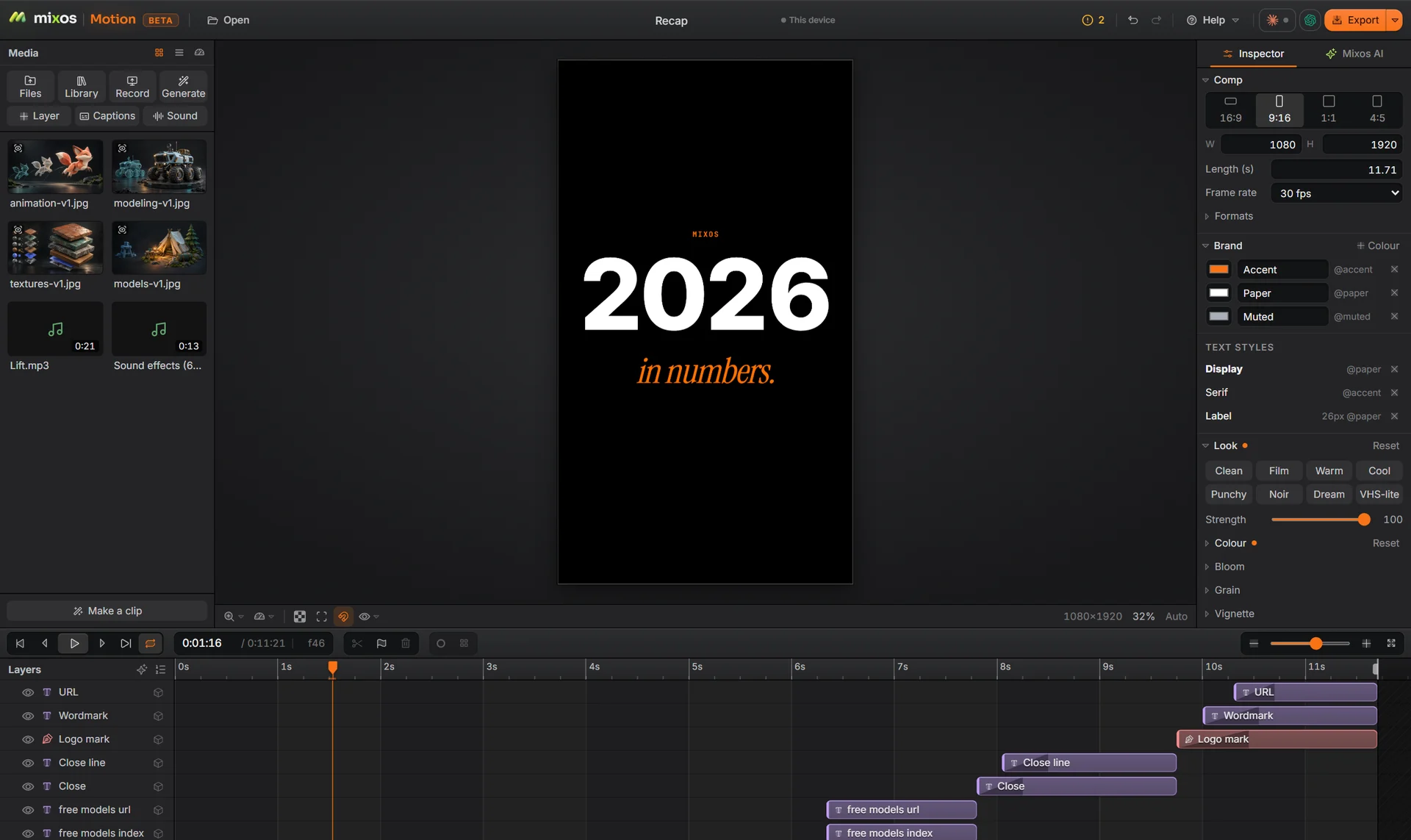
深度模型在浏览器中运行,判断画面的远近。不需要特殊相机,无需上传,不消耗积分。
用关键帧制作运镜,或在「Inspector」里选一个现成的 2.5D 运镜。
选定保持清晰的部分,其余的按远近自然虚化,就像真实镜头那样。
加入随距离变浓的雾,把主体和背景分开。
Every clip here is a template Motion rendered itself. Pick one in the start window and swap the words, the pictures and the brand colours.
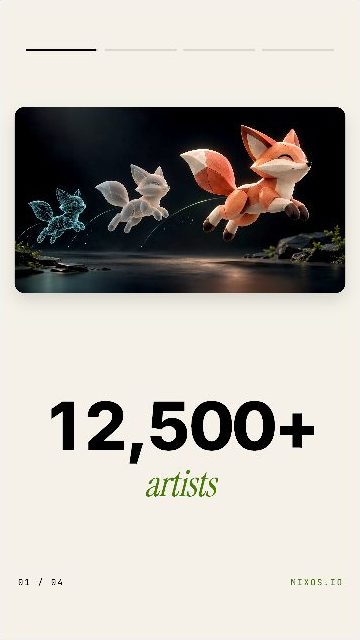
The year in numbers, vertical: one number per shot with a crisp render, cut on the beat.

A product drop as one loud poster: yellow, black capitals, a red price burst, and a camera that snaps from crop to crop on the beat.
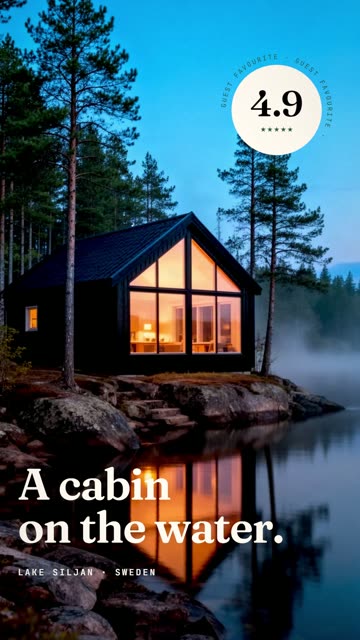
A place to stay in five photographs, each cut its own way (zoom, whip, clock, colour swipe, light leak), with a rating badge and sign-off built as precomps.
Mixos AI
Type the ask under the viewer. Mixos AI works in your comp with the same tools as the buttons, so what it makes is normal layers you can move, retime or delete, and each request is one undo step.
Open MotionGive this photo a slow 3D push in with the background slightly blurred.
为什么选择 Mixos
添加一张照片,在「Inspector」中打开「Depth」,Motion 第一次会在你的电脑上生成它的深度图。此后,2.5D 运镜会移动视角:画面中近的部分移动更多、放大更多,远的部分则较少,看起来就像摄影机穿过场景。
画面会画得稍大一些,所以运镜不会露出边缘。幅度小而缓慢的运镜最逼真;大幅摆动会暴露照片没有背面。
可用于旅行短片、房源展示、纪念幻灯片或专辑封面。如果需要画面本身动起来,比如人在走、水在流,下一步就是 AI 图生视频。
有免费账号即可免费搭建、制作动画和预览,免费导出为 540 px 并带水印。导出最高 4K 且无水印,包含在 Pro(每月 $10.00)或一次性 $129 的授权中。
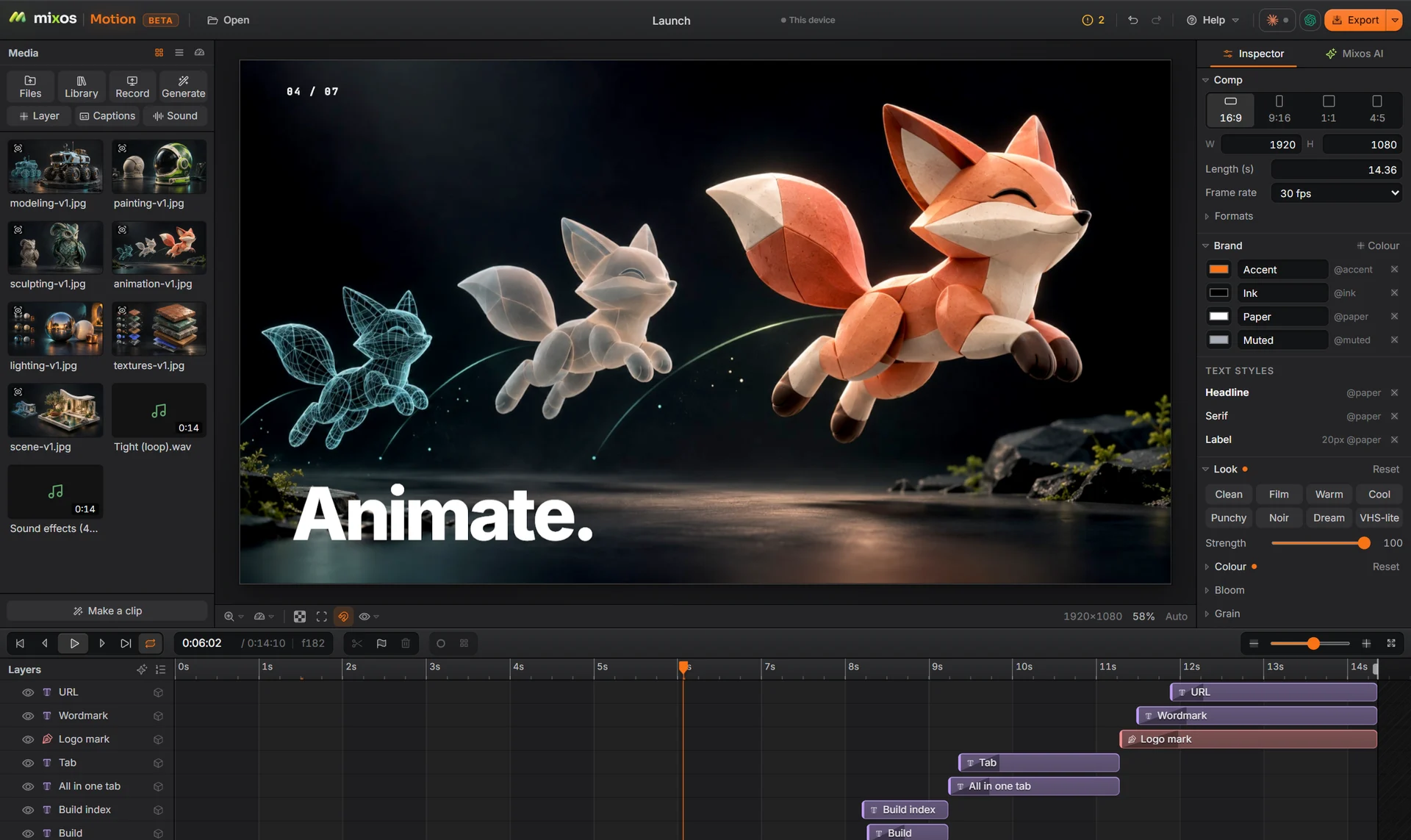
前景和背景分明的照片,比如风景前的人物,或向远处延伸的街道。墙面或文件这类平面场景,几乎没有可穿行的景深。
不会。深度模型只需下载到浏览器一次,在你的电脑上运行。
可以。可制作任意尺寸,包括 9:16,并导出 MP4。
搭建和预览免费。免费账号导出视频时长边为 540 px 并带水印;Pro 和一次性授权可导出最高 4K,且无水印。
一台装有最新版 Chrome 或 Edge 的台式机或笔记本电脑,系统为 Windows、macOS、Linux 或 ChromeOS。Motion 通过 WebGPU 调用你的显卡,因此无需安装任何东西,打开它需要一个免费账号。