From the last frame shown
If you trimmed the clip, it continues from where your trim ends, not from the end of the file.
Motion takes the last frame a clip shows and asks a video model to carry on: the same camera move, the same light, the same subject. The new seconds land as their own layer where the clip stops.
Maps that drop into
If you trimmed the clip, it continues from where your trim ends, not from the end of the file.
The extension sits right after the clip on the timeline, so you can trim it, keep part of it or delete it without touching the original.
Leave it to carry on as it was, or add a few words: the camera keeps rising, the car drives out of frame.
Pick a model and the cost in credits shows first. Nothing is spent until you start it.
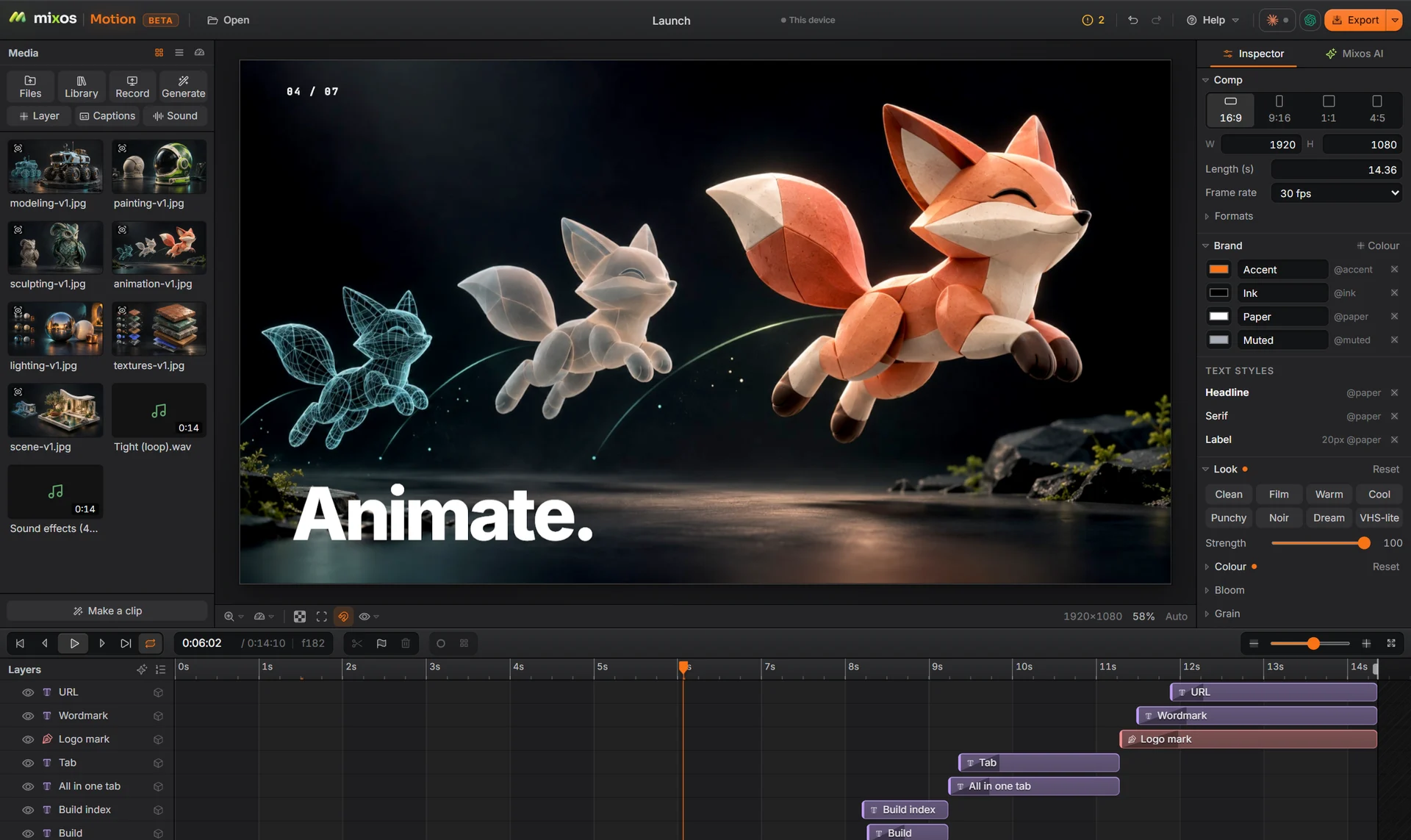
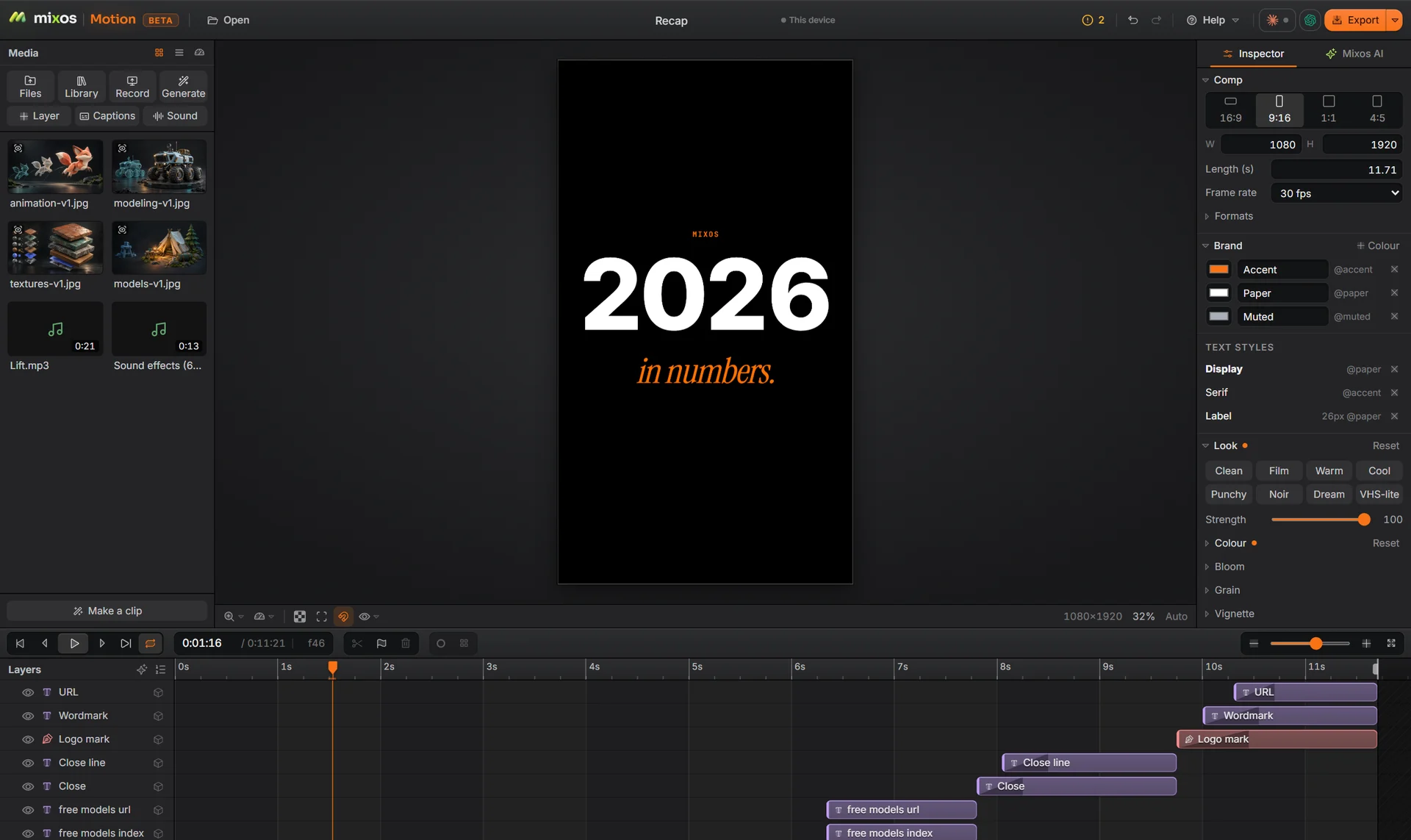
Every clip here is a template Motion rendered itself. Pick one in the start window and swap the words, the pictures and the brand colours.

A showreel from video: a word cut from footage, beat cuts, a speed ramp, a freeze frame.

Product sizzle: seven crisp renders cut on the beat, one word each, a clean end card.

One clip, made into a launch: the name stands behind the car, slow motion, a tracked label, a duotone freeze and a spec panel.
Mixos AI
Type the ask under the viewer. Mixos AI works in your comp with the same tools as the buttons, so what it makes is normal layers you can move, retime or delete, and each request is one undo step.
Open MotionExtend the last clip by a few seconds so it ends with the music.
Why Mixos
Every editor knows the problem: the shot is right, but it is a second short of the beat, the voice-over or the title. Extending it means continuing the shot rather than slowing it down or freezing the last frame.
In Motion, right-click a video layer and choose Extend clip, or ask Mixos AI to. It reads the last visible frame and uses an image-to-video model to continue from it for a few seconds. The original clip is never changed.
It works best on steady, simple shots: a slow pan, a landscape, a product turning. A fast cut or a crowded scene is harder to carry on convincingly, and a second try often helps.
Extending spends AI credits, which come with Pro: 500 a month at $10.00. The one-time $129 license includes no AI credits.
Building, animating and previewing are free with a free account, and a free export is 540 px with a watermark. Exporting up to 4K without the watermark is part of Pro at $10.00 a month or the one-time $129 license.
A few seconds per extension, the shortest clip the chosen model makes. Extend the extension if you need more.
Any video layer in your project, whether you filmed it or generated it. Calm, continuous shots extend best.
For a held moment, a freeze frame or a slower speed with smooth in-between frames costs nothing and runs on your device.
Building and previewing are free. A free account exports video at 540 px on the long edge with a watermark; Pro and the one-time license export up to 4K without one.
A desktop or laptop with current Chrome or Edge, on Windows, macOS, Linux or ChromeOS. Motion draws on your graphics card through WebGPU, so nothing installs, and a free account is needed to open it.
Read next
Key, retime and ease a move, step by step.
Keys, in-betweens, and the interpolation that joins them.
Bones, skin weights, IK, and why auto-riggers want a T-pose.
What carries over to an engine, and what to bake first.
Keep exploring
More in Animation & rendering
Open Motion, add the clip, and extend it from its last frame.