Smooth in-between frames
Smooth follows the motion in the picture to build each new frame. Blend mixes neighbouring frames for a softer look.
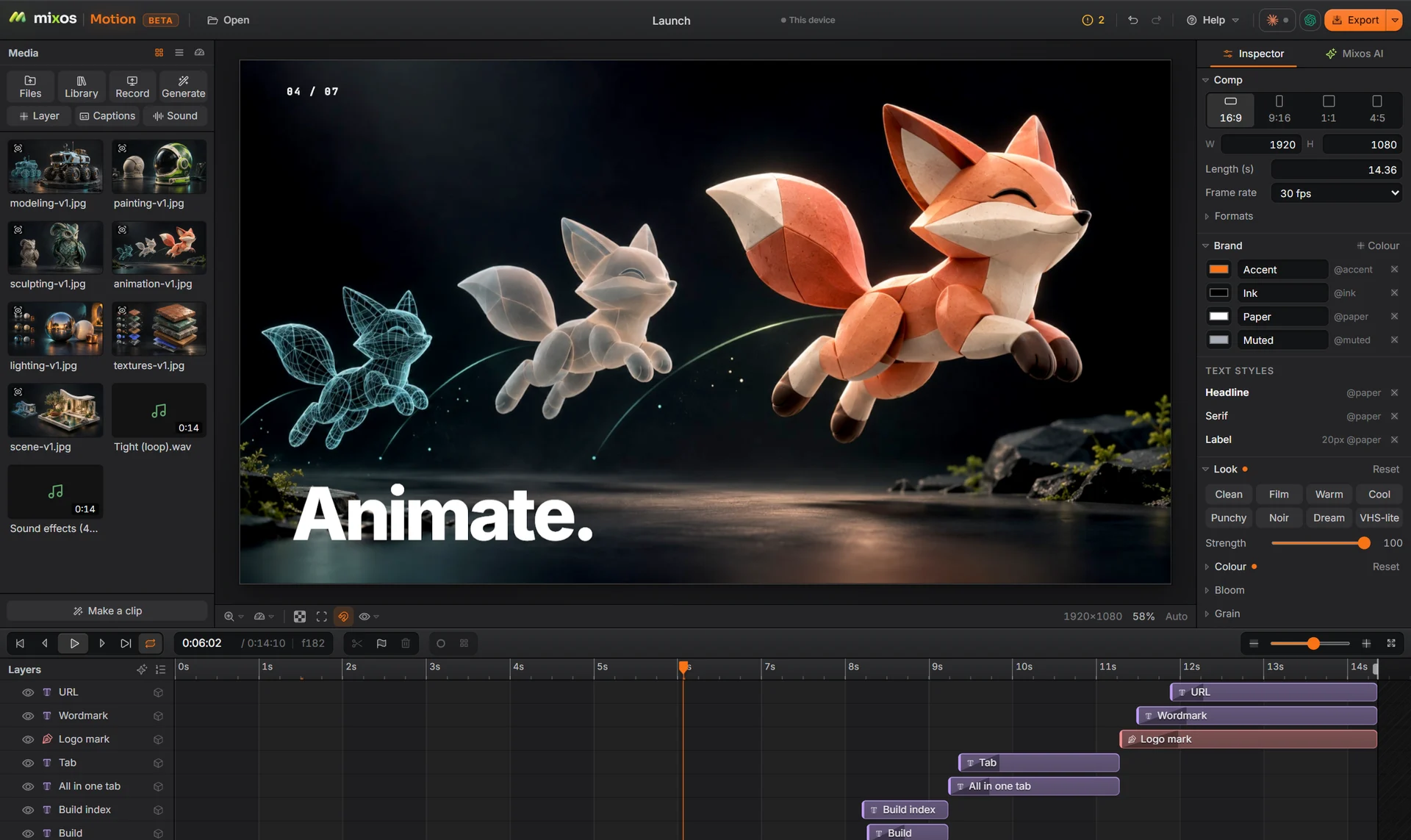
Slow a clip to half, a quarter or less, and Motion makes the frames in between from the way things move, so the shot glides instead of jumping. Ramp in and out of it, or freeze on the moment.
Maps that drop into
Smooth follows the motion in the picture to build each new frame. Blend mixes neighbouring frames for a softer look.
Run at full speed, sink into slow motion on the jump, and come back out, with keys you can drag on the timeline.
Hold any frame for as long as you like, then carry on, with a title or a flash on the hold.
Beat markers on the music show exactly where the slow part should start and end.
Every clip here is a template Motion rendered itself. Pick one in the start window and swap the words, the pictures and the brand colours.

A showreel from video: a word cut from footage, beat cuts, a speed ramp, a freeze frame.

A season opener drawn by hand: marker lettering that boils, players inside orbit rings, sparkles and spray on twos, cut on the beat.

A football broadcast open in graphite, steel and one ember red: the day slams in, a 3D steel crest turns into the light, a hero over giant type, slab wipes, a matchup with live score bug, and a 3D lockup, cut to its own broadcast theme.
Mixos AI
Type the ask under the viewer. Mixos AI works in your comp with the same tools as the buttons, so what it makes is normal layers you can move, retime or delete, and each request is one undo step.
Open MotionSlow this clip to a quarter speed with smooth frames during the jump, then ramp back to normal.
Why Mixos
A clip shot at 30 frames a second, played at a quarter speed, has only about seven real frames each second. Most editors repeat each one, which is the stutter you see. Motion can make the missing frames instead.
Select the clip, lower its speed, and choose Smooth or Blend for the in-between frames. Smooth works out where each part of the picture is moving and draws it partway there; it suits steady movement best. Fast, tangled motion such as splashing water can show soft edges, where Blend is the safer pick.
Footage shot at 60 or 120 frames a second slows furthest with no help at all. Either way, the speed ramp, freeze frame and beat markers are in the same timeline, and the work runs on your device with no credits.
Building, animating and previewing are free with a free account, and a free export is 540 px with a watermark. Exporting up to 4K without the watermark is part of Pro at $10.00 a month or the one-time $129 license.
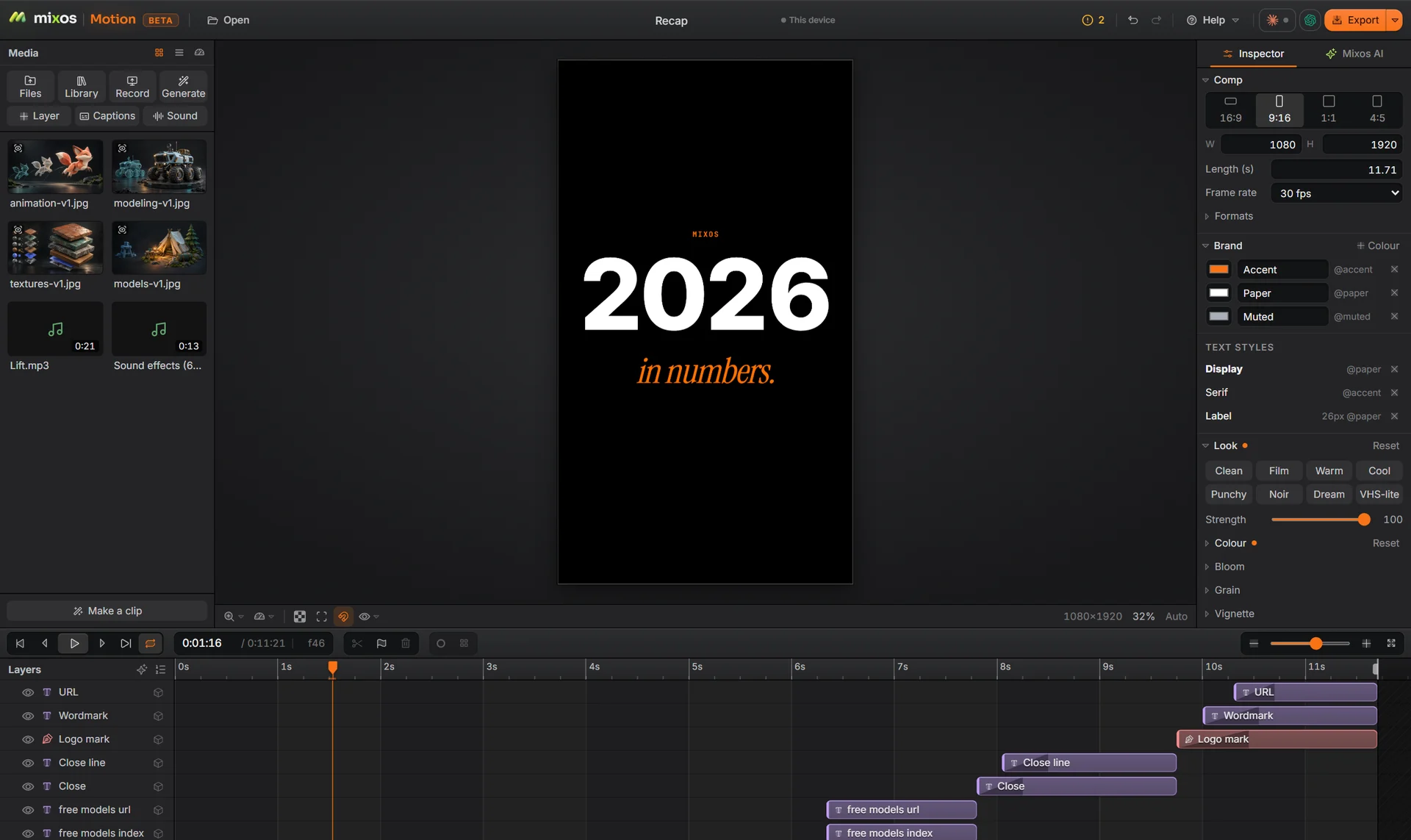
As slow as you like. With Smooth, the in-between frames are made from the movement, so a quarter speed still plays fluidly. The more the frames are invented, the more fast detail can soften.
Yes. A speed ramp changes the speed over time, so the clip can run normally, slow down for a moment and speed back up.
No. The in-between frames are made on your computer and spend nothing.
Building and previewing are free. A free account exports video at 540 px on the long edge with a watermark; Pro and the one-time license export up to 4K without one.
A desktop or laptop with current Chrome or Edge, on Windows, macOS, Linux or ChromeOS. Motion draws on your graphics card through WebGPU, so nothing installs, and a free account is needed to open it.
Read next
Key, retime and ease a move, step by step.
Keys, in-betweens, and the interpolation that joins them.
Bones, skin weights, IK, and why auto-riggers want a T-pose.
What carries over to an engine, and what to bake first.
Keep exploring
More in Animation & rendering
Open Motion, add your clip, and lower its speed.