なめらかな補間フレーム
「Smooth」は画像内の動きを追って新しいフレームを作ります。「Blend」は隣り合うフレームを混ぜて、やわらかい見た目にします。
クリップを半分、4分の1、それ以下に遅くすると、Motionが物の動き方から間のフレームを作るので、ショットはジャンプせず滑らかに進みます。スローへ出入りするランプも、その瞬間でのフリーズもできます。
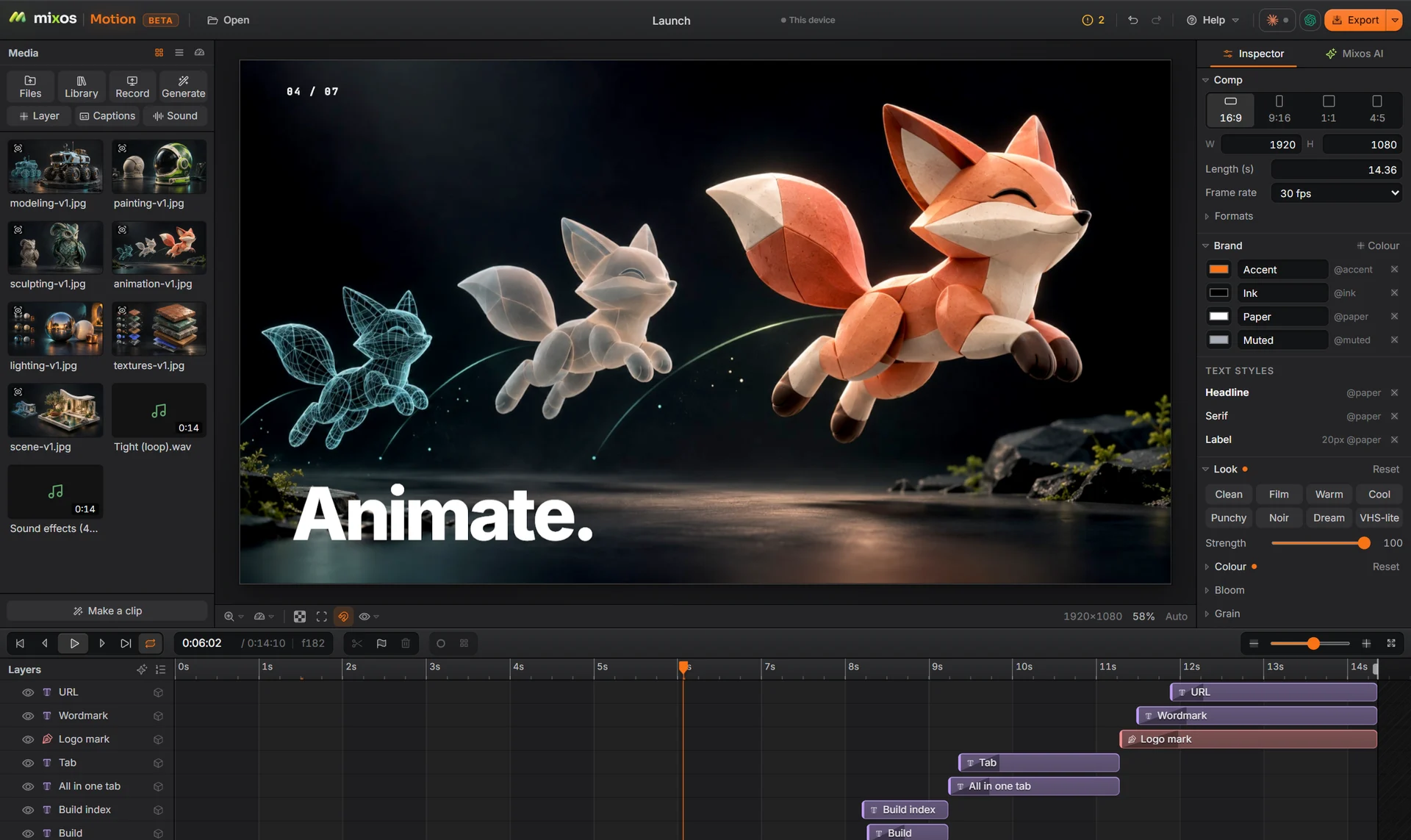
「Smooth」は画像内の動きを追って新しいフレームを作ります。「Blend」は隣り合うフレームを混ぜて、やわらかい見た目にします。
通常速度で進み、ジャンプの瞬間にスローへ沈み込み、また戻ります。キーはタイムライン上でドラッグできます。
好きなフレームを好きなだけ止めてから再開できます。止めた間にタイトルやフラッシュを入れることもできます。
音楽のビートマーカーで、スローの開始と終了をぴったりの位置に置けます。
Every clip here is a template Motion rendered itself. Pick one in the start window and swap the words, the pictures and the brand colours.
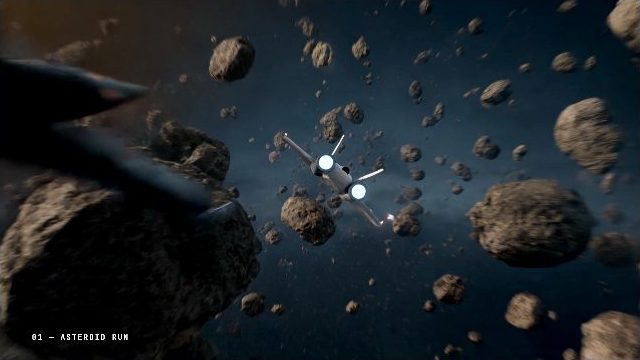
A showreel from video: a word cut from footage, beat cuts, a speed ramp, a freeze frame.
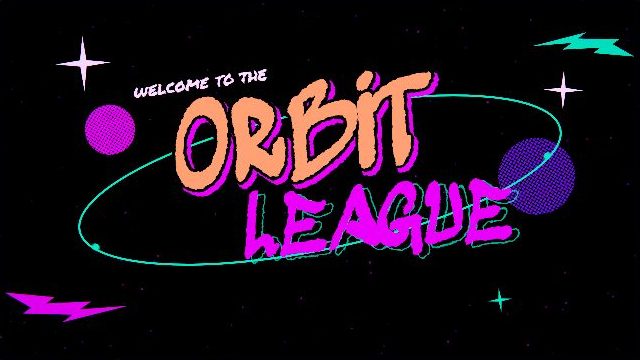
A season opener drawn by hand: marker lettering that boils, players inside orbit rings, sparkles and spray on twos, cut on the beat.
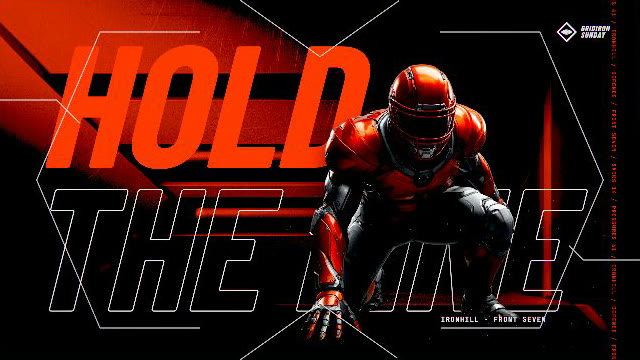
A football broadcast open in graphite, steel and one ember red: the day slams in, a 3D steel crest turns into the light, a hero over giant type, slab wipes, a matchup with live score bug, and a 3D lockup, cut to its own broadcast theme.
Mixos AI
Type the ask under the viewer. Mixos AI works in your comp with the same tools as the buttons, so what it makes is normal layers you can move, retime or delete, and each request is one undo step.
Open MotionSlow this clip to a quarter speed with smooth frames during the jump, then ramp back to normal.
Mixosが選ばれる理由
1秒30フレームで撮ったクリップを4分の1の速度で再生すると、実際のフレームは1秒あたり約7枚しかありません。多くのエディターは各フレームを繰り返すので、それがカクつきとして見えます。Motionなら、足りないフレームを作れます。
クリップを選択して速度を下げ、補間フレームに「Smooth」か「Blend」を選びます。「Smooth」は画像の各部分がどこへ動いているかを求め、その途中の位置に描きます。安定した動きに最も向いています。水しぶきのような速く入り組んだ動きでは、エッジがやわらかく見えることがあり、その場合は「Blend」のほうが無難です。
60や120フレーム/秒で撮影した映像は、補助なしでも最も遅くできます。どちらの場合も、スピードランプ、フリーズフレーム、ビートマーカーは同じタイムラインにあり、作業は端末内で、クレジットなしで動きます。
構築、アニメーション、プレビューは無料アカウントで無料です。無料のエクスポートは540 pxで、透かしが入ります。透かしなしの最大4Kエクスポートは、月額$10.00のProまたは買い切り$129のライセンスに含まれます。
好きなだけ遅くできます。「Smooth」では補間フレームが動きから作られるので、4分の1の速度でもなめらかに再生されます。フレームを作り出す割合が増えるほど、速い細部はやわらかくなりがちです。
はい。スピードランプは速度を時間とともに変えるので、クリップは通常速度で進み、一瞬スローになり、また速くなれます。
いいえ。補間フレームはお使いのコンピューター上で作られ、何も消費しません。
構築とプレビューは無料です。無料アカウントでは長辺540 pxで透かし付きのエクスポートになり、Proと買い切りライセンスでは透かしなしで最大4Kまで書き出せます。
最新のChromeまたはEdgeが動くデスクトップPCまたはノートPCで、Windows、macOS、Linux、ChromeOSに対応します。MotionはWebGPU経由でお使いのグラフィックスカードを使うため、インストールは不要です。開くには無料アカウントが必要です。