平滑的中間格
「Smooth」依畫面中的運動產生每個新影格。「Blend」混合相鄰影格,畫面更柔和。
把片段放慢到一半、四分之一或更慢,Motion 會根據物體運動的方式產生中間的影格,所以畫面是滑過去而不是跳過去。可以漸入漸出,也可以定格在那個瞬間。
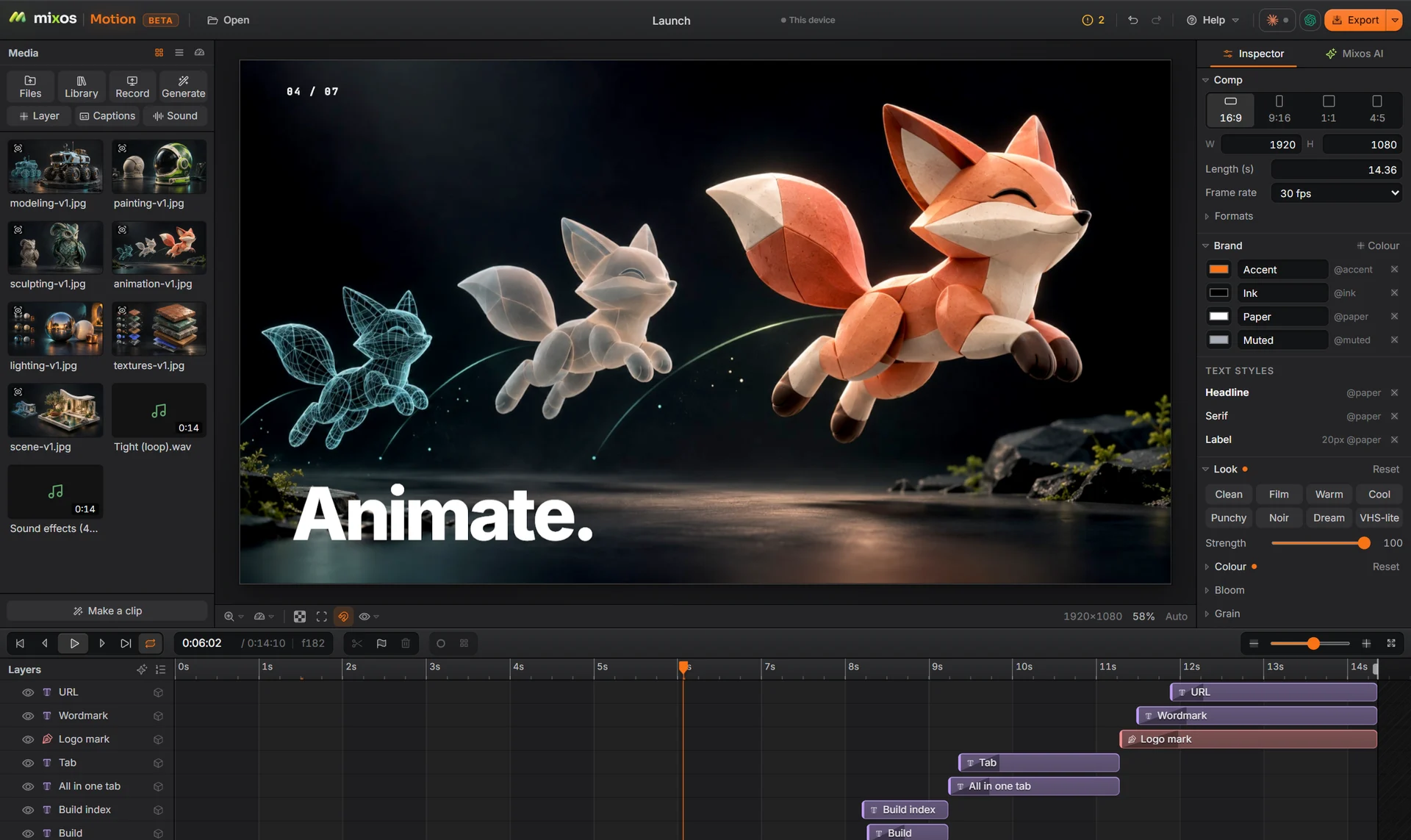
「Smooth」依畫面中的運動產生每個新影格。「Blend」混合相鄰影格,畫面更柔和。
全速播放,在跳起的瞬間沉入慢動作,再回到正常速度,關鍵影格可在時間軸上拖曳。
把任意一格停住多久都行,然後繼續,還可在定格處加標題或閃光。
音樂上的節拍標記能準確顯示慢動作該從哪裡開始、到哪裡結束。
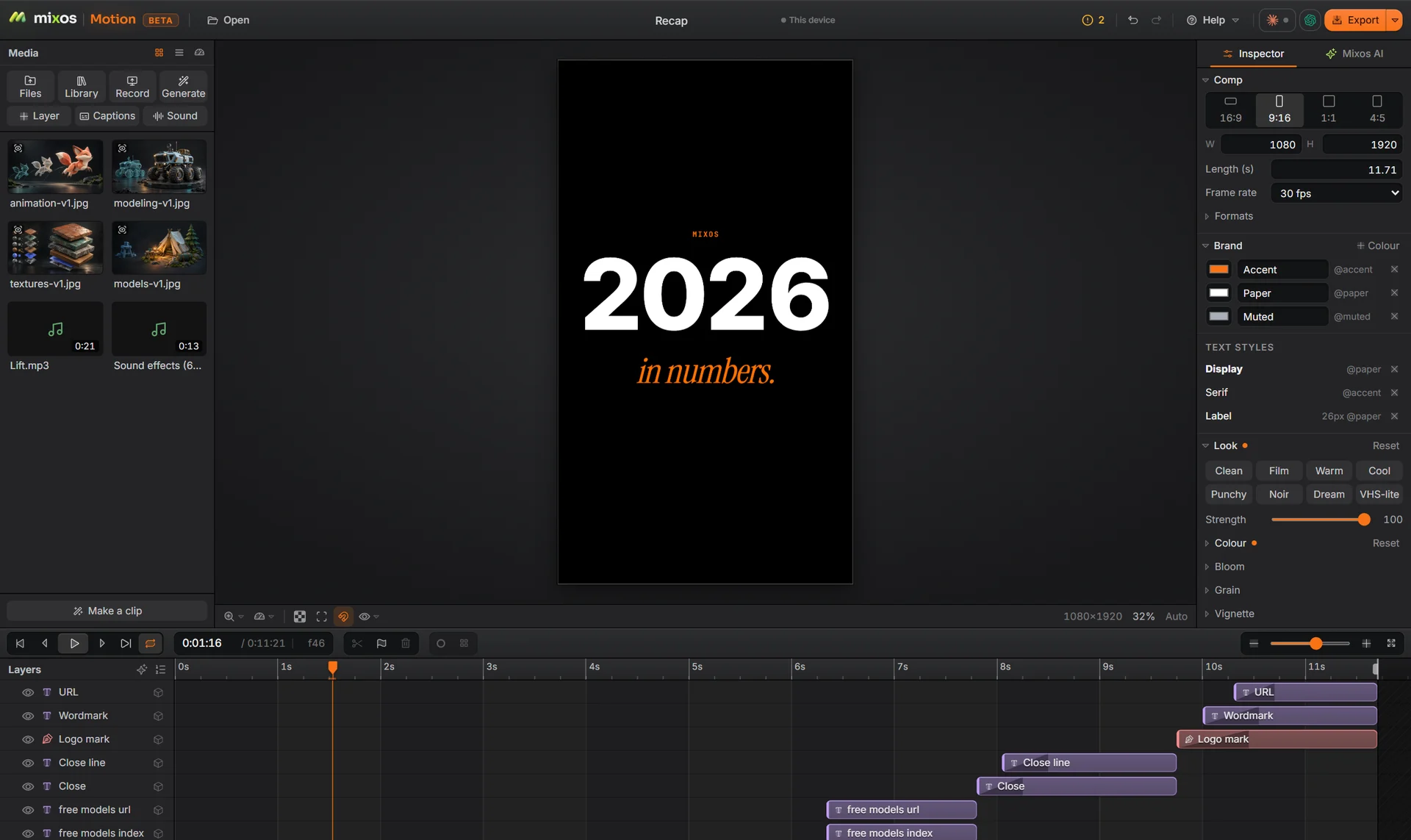
Every clip here is a template Motion rendered itself. Pick one in the start window and swap the words, the pictures and the brand colours.
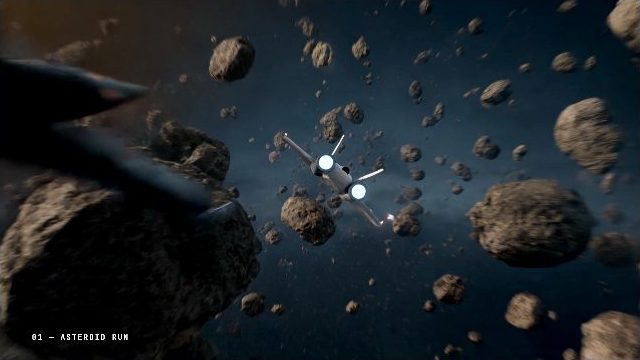
A showreel from video: a word cut from footage, beat cuts, a speed ramp, a freeze frame.

A season opener drawn by hand: marker lettering that boils, players inside orbit rings, sparkles and spray on twos, cut on the beat.

A football broadcast open in graphite, steel and one ember red: the day slams in, a 3D steel crest turns into the light, a hero over giant type, slab wipes, a matchup with live score bug, and a 3D lockup, cut to its own broadcast theme.
Mixos AI
Type the ask under the viewer. Mixos AI works in your comp with the same tools as the buttons, so what it makes is normal layers you can move, retime or delete, and each request is one undo step.
Open MotionSlow this clip to a quarter speed with smooth frames during the jump, then ramp back to normal.
為什麼選擇 Mixos
一個每秒 30 格拍攝的片段,以四分之一速度播放,每秒只有大約七個真實影格。多數剪輯軟體會重複每一格,這就是你看到的卡頓。Motion 可以改為產生缺少的影格。
選取片段,降低速度,並為中間格選擇「Smooth」或「Blend」。「Smooth」會算出畫面各部分的運動方向,並畫出走到一半的樣子;最適合平穩的運動。快速、糾纏的運動,例如濺起的水花,可能出現邊緣發軟,這時「Blend」更穩妥。
以每秒 60 或 120 格拍攝的素材,不需要任何輔助就能放得最慢。無論哪種情況,變速曲線、定格畫面和節拍標記都在同一條時間軸裡,處理在你的裝置上進行,不消耗點數。
有免費帳號即可免費建立、製作動畫與預覽,免費匯出為 540 px 並帶浮水印。匯出最高 4K 且無浮水印,包含在 Pro(每月 $10.00)或一次性 $129 的授權中。
隨你喜歡。使用「Smooth」時,中間格依據運動產生,所以四分之一速度也依然流暢。憑空產生的影格越多,快速的細節就越容易變軟。
可以。變速曲線會隨時間改變速度,所以片段可以正常播放,慢下來一會兒,再加速回來。
不會。中間格在你的電腦上產生,不花任何費用。
建立與預覽免費。免費帳號匯出影片時長邊為 540 px 並帶浮水印;Pro 與一次性授權可匯出最高 4K,且無浮水印。
一台桌上型或筆記型電腦,搭配最新版的 Chrome 或 Edge,作業系統可為 Windows、macOS、Linux 或 ChromeOS。Motion 透過 WebGPU 使用你的顯示卡,所以不需要安裝任何東西,開啟時需要有免費帳號。