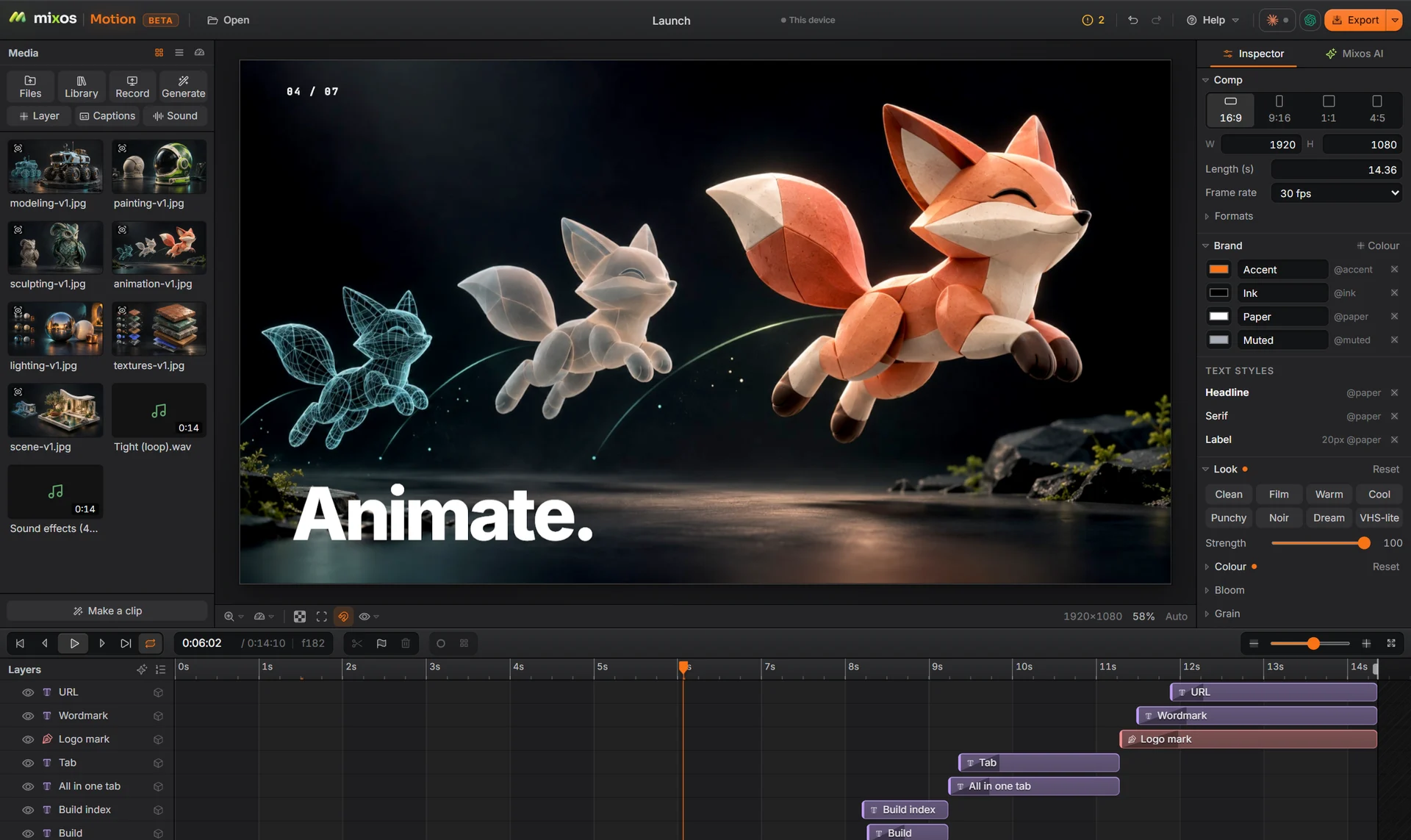
从显示的最后一帧开始
如果你修剪过片段,它会从修剪结束的位置继续,而不是从文件末尾。
延长部分紧接在片段之后的时间轴上,所以你可以修剪它、保留一部分或删除,而不会动到原片。
可以让它照原样继续,也可以补几个词:镜头继续上升,汽车驶出画面。
选好模型后会先显示积分费用。在你开始之前不会花费任何积分。
Every clip here is a template Motion rendered itself. Pick one in the start window and swap the words, the pictures and the brand colours.

A showreel from video: a word cut from footage, beat cuts, a speed ramp, a freeze frame.
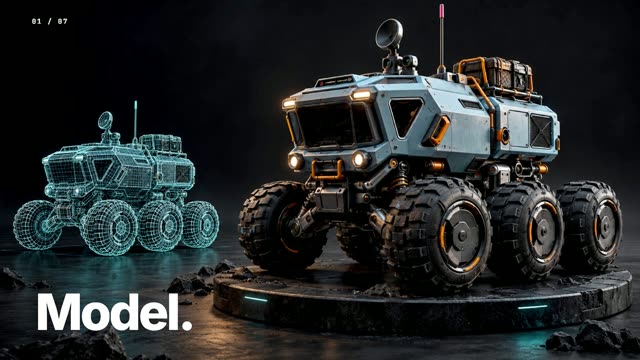
Product sizzle: seven crisp renders cut on the beat, one word each, a clean end card.
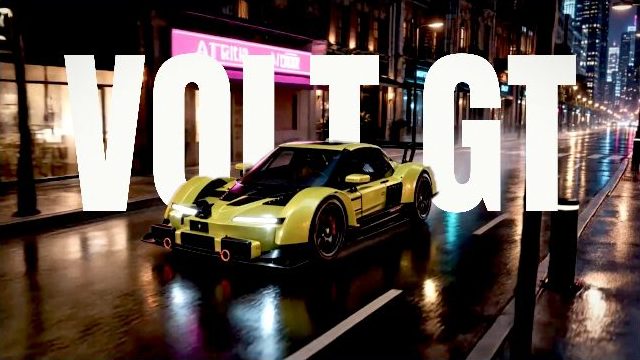
One clip, made into a launch: the name stands behind the car, slow motion, a tracked label, a duotone freeze and a spec panel.
Mixos AI
Type the ask under the viewer. Mixos AI works in your comp with the same tools as the buttons, so what it makes is normal layers you can move, retime or delete, and each request is one undo step.
Open MotionExtend the last clip by a few seconds so it ends with the music.
为什么选择 Mixos
每个剪辑师都遇到过这个问题:镜头没问题,但比节拍、旁白或标题少了一秒。延长它,是让镜头继续下去,而不是放慢或定格最后一帧。
在 Motion 中,右键点击视频图层并选择「Extend clip」,或让 Mixos AI 去做。它读取最后一个可见的画面,用图生视频模型从那里继续几秒。原片不会被改动。
它最适合平稳、简单的镜头:缓慢的摇镜、风景、旋转的产品。快速切换或拥挤的场景更难令人信服地延续,再试一次往往有帮助。
延长会消耗 AI 积分,积分包含在 Pro 中:每月 500($10.00)。一次性 $129 的授权不含 AI 积分。
有免费账号即可免费搭建、制作动画和预览,免费导出为 540 px 并带水印。导出最高 4K 且无水印,包含在 Pro(每月 $10.00)或一次性 $129 的授权中。
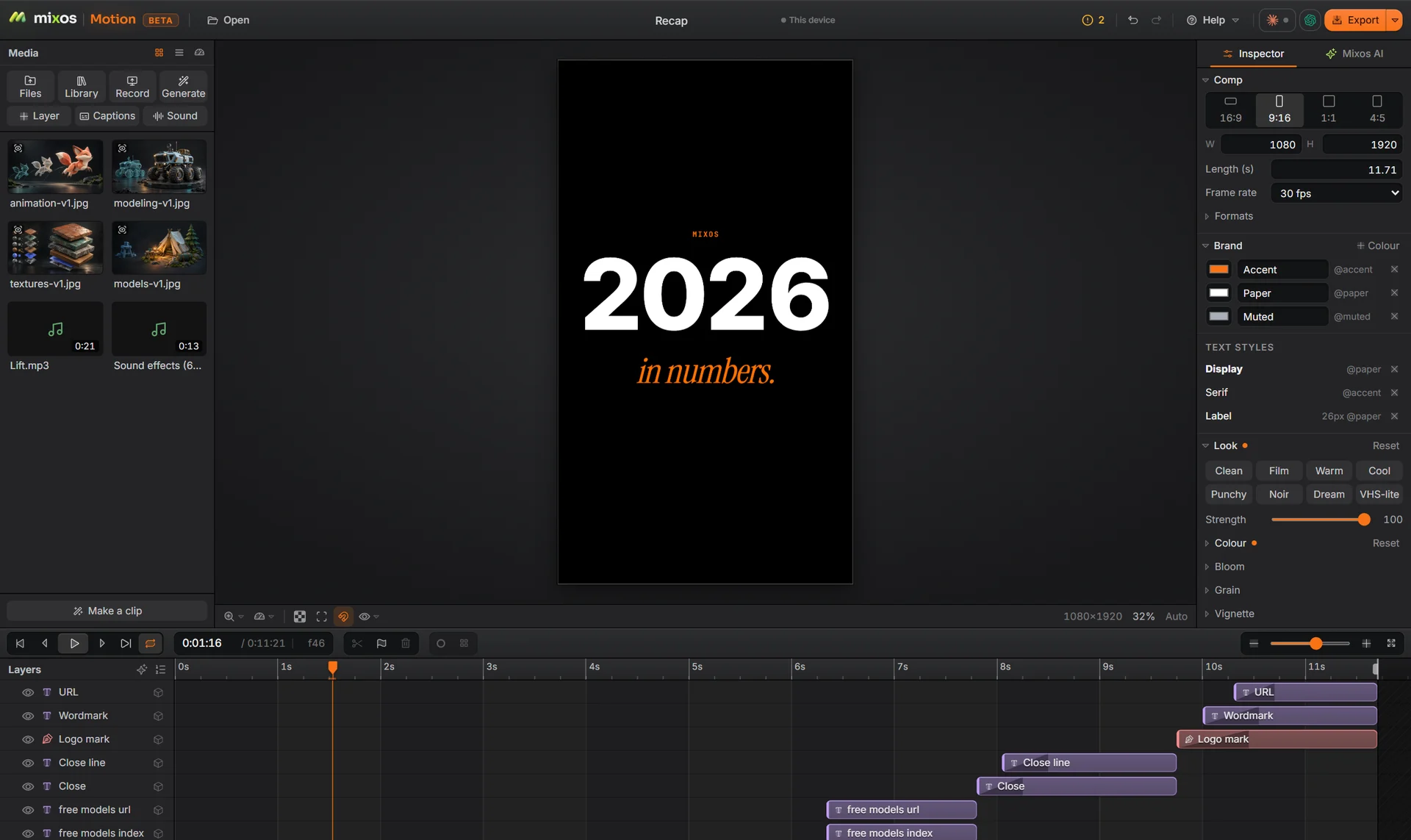
每次延长几秒,即所选模型能生成的最短片段。需要更多的话,可以再延长这一段。
项目中的任何视频图层都可以,不论是你拍的还是生成的。平稳、连续的镜头延长效果最好。
如果只是停留一个瞬间,定格画面,或用平滑的中间帧放慢速度,不花任何费用,并在你的设备上运行。
搭建和预览免费。免费账号导出视频时长边为 540 px 并带水印;Pro 和一次性授权可导出最高 4K,且无水印。
一台装有最新版 Chrome 或 Edge 的台式机或笔记本电脑,系统为 Windows、macOS、Linux 或 ChromeOS。Motion 通过 WebGPU 调用你的显卡,因此无需安装任何东西,打开它需要一个免费账号。