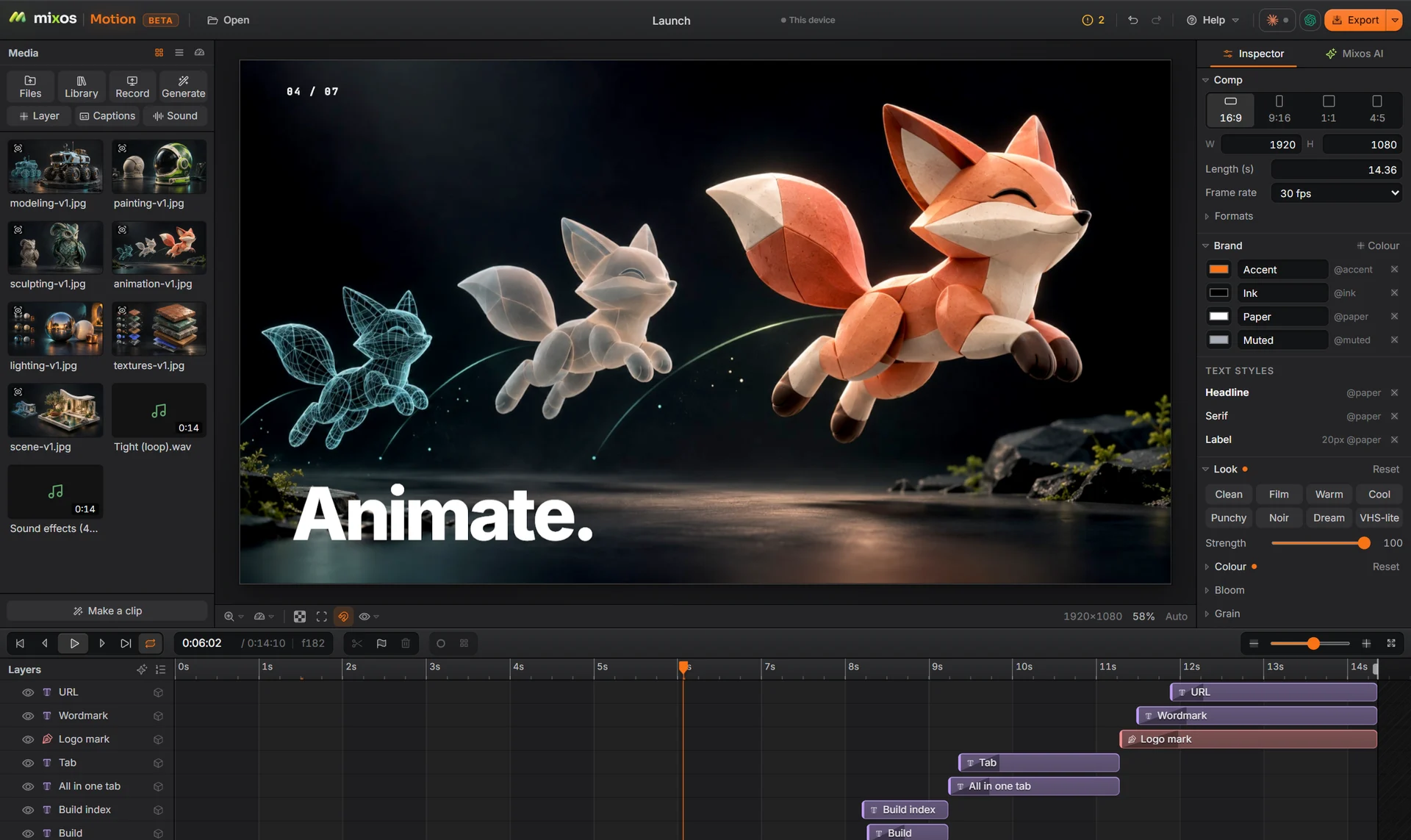
不需要綠幕
由在瀏覽器中執行的模型在每一格裡找出人物。不上傳,不消耗點數。
點一下狗、汽車或產品,它就被去背並在各影格中被追蹤,不只是人。
把去背疊在標題上,文字就位於人物和背景之間,這正是 Reel 範本的效果。
無需重新執行即可柔化或收緊邊緣;如果你確實是在綠幕前拍的,也可以改用色鍵。
Every clip here is a template Motion rendered itself. Pick one in the start window and swap the words, the pictures and the brand colours.
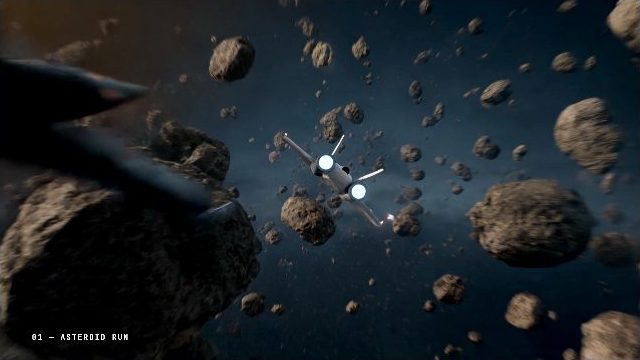
A showreel from video: a word cut from footage, beat cuts, a speed ramp, a freeze frame.
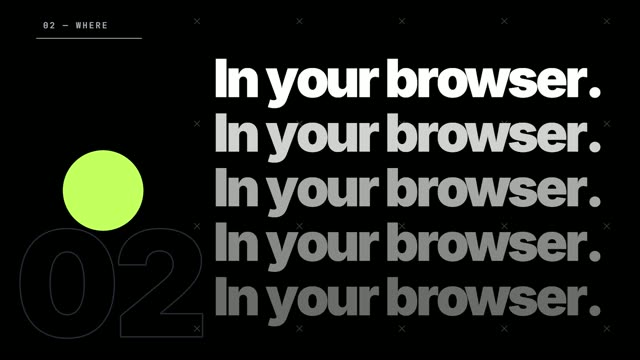
Kinetic type in one unbroken shot: the camera whips, rolls, dives into a full stop and pulls back out, with depth behind every scene.
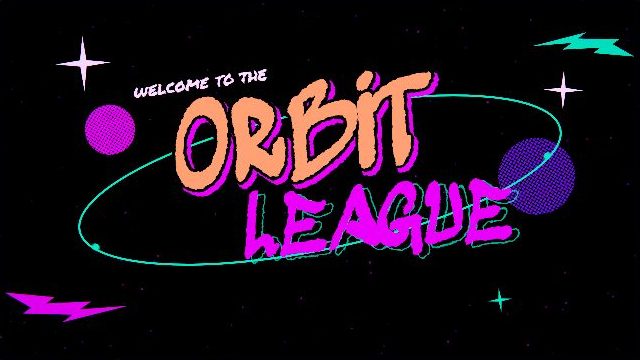
A season opener drawn by hand: marker lettering that boils, players inside orbit rings, sparkles and spray on twos, cut on the beat.
Mixos AI
Type the ask under the viewer. Mixos AI works in your comp with the same tools as the buttons, so what it makes is normal layers you can move, retime or delete, and each request is one undo step.
Open MotionCut the person out of this clip and put a big bold title behind them.
為什麼選擇 Mixos
把片段新增到 Motion,選取它,在「Inspector」裡開啟「Cut out person」。之後遮罩會在你的裝置上逐格產生,並有進度列顯示。它不確定的影格會被計數,讓你知道該看哪裡。
在去背後面放一個顏色、一張照片、另一個片段或一個產生的場景。在背景之上、去背之下放一個標題,人物看起來就站在文字前面。
由於處理在你的瀏覽器裡進行,長片段在較慢的電腦上要花一些時間,清晰、光線好的主體也比繁雜場景裡模糊的主體去得更乾淨。
有免費帳號即可免費建立、製作動畫與預覽,免費匯出為 540 px 並帶浮水印。匯出最高 4K 且無浮水印,包含在 Pro(每月 $10.00)或一次性 $129 的授權中。
不需要。Motion 能在一般素材裡找出人物,或你點選的物體。如果你確實是在綠幕或藍幕前拍攝的,色鍵能給出最乾淨的邊緣。
不會。去背模型下載到你的瀏覽器並在那裡執行,所以素材留在你的電腦上,也不消耗點數。
可以,匯出為透明 PNG 序列,用於把去背放進其他剪輯軟體。
建立與預覽免費。免費帳號匯出影片時長邊為 540 px 並帶浮水印;Pro 與一次性授權可匯出最高 4K,且無浮水印。
一台桌上型或筆記型電腦,搭配最新版的 Chrome 或 Edge,作業系統可為 Windows、macOS、Linux 或 ChromeOS。Motion 透過 WebGPU 使用你的顯示卡,所以不需要安裝任何東西,開啟時需要有免費帳號。