逐词字幕
在你的设备上根据音轨识别字幕,精确到每个词,样式可随每个词被说出而弹出、填充或高亮。
Descript 替代方案
Descript 通过编辑文字来编辑录音。Motion 承担其中短视频的那一半:字幕、停顿和更干净的人声,并加上社交媒体片段需要的标题、下三分之一字幕条和动画字幕。
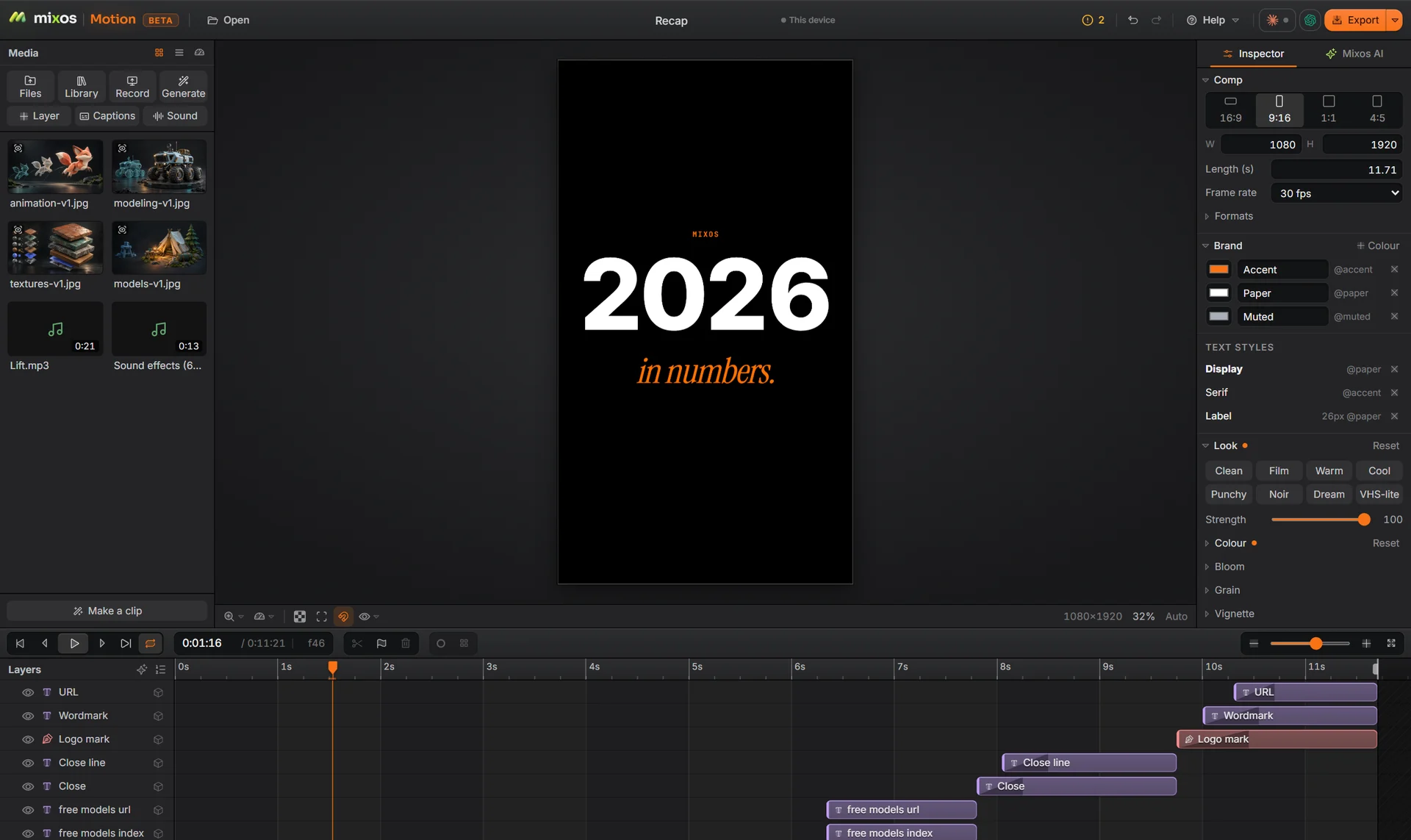
在你的设备上根据音轨识别字幕,精确到每个词,样式可随每个词被说出而弹出、填充或高亮。
在语音中找出较长的停顿和口头禅,一步剪掉,字幕和后面的图层会随之前移对齐。
一个设置即可去除人声下的噪声并让声音更均匀,全部在这台设备上完成。
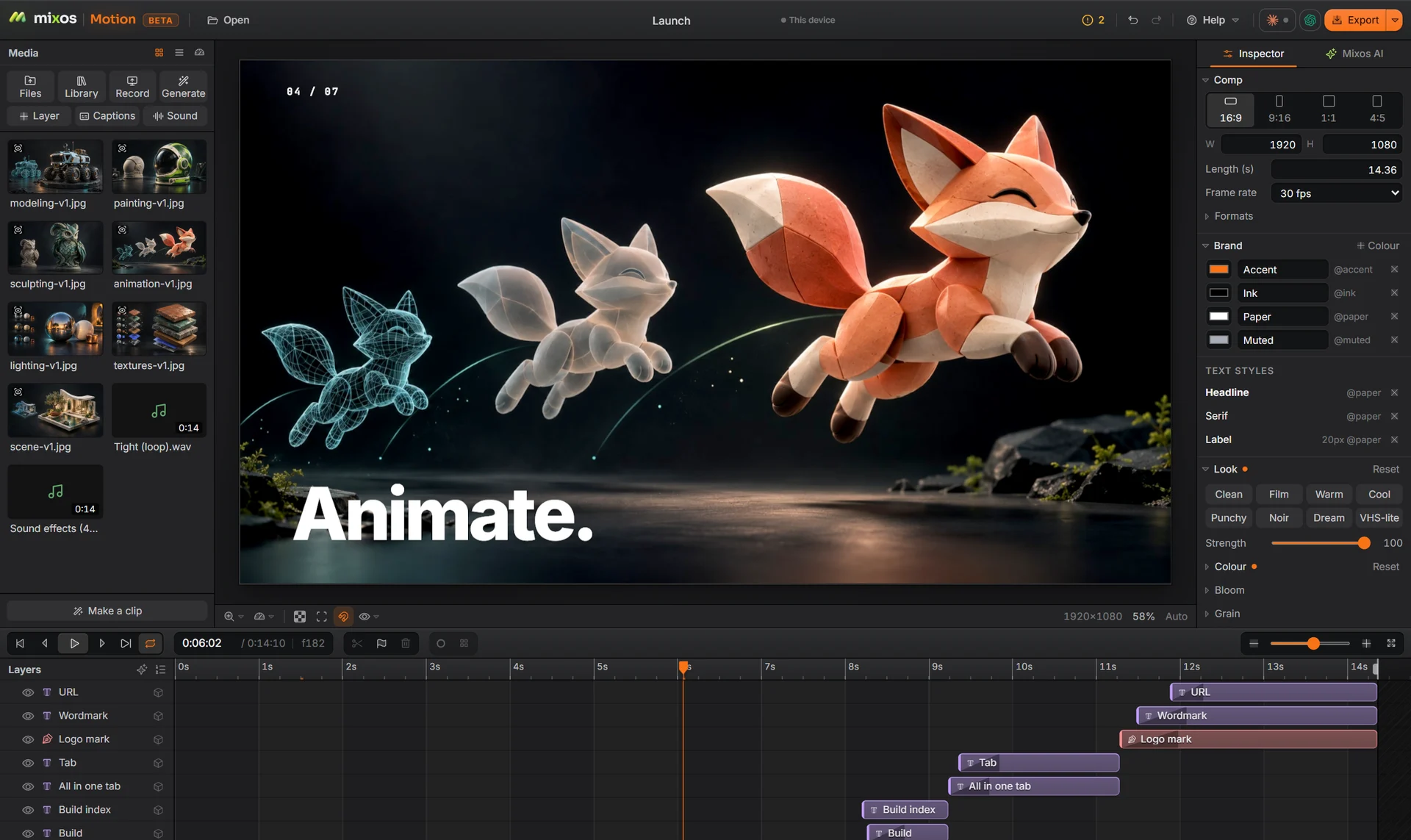
标题、名牌、标志和图表,带有行为和关键帧,一个合成即可输出 16:9、9:16、1:1 和 4:5。
Every clip here is a template Motion rendered itself. Pick one in the start window and swap the words, the pictures and the brand colours.
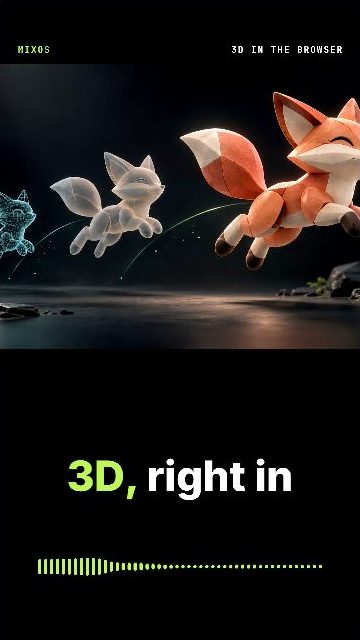
Narrated on this device, captions timed to every word, a waveform that moves with the voice.
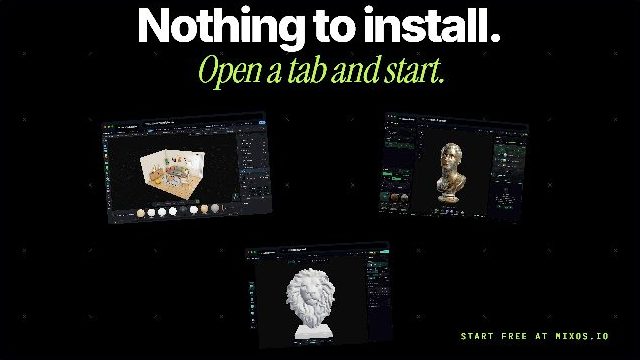
A software demo in one shot: the camera swings between tilted app windows, pushes in on each, then pulls back to all three.
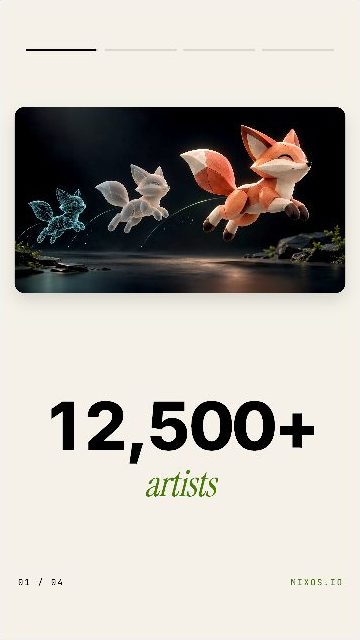
The year in numbers, vertical: one number per shot with a crisp render, cut on the beat.
Mixos AI
Type the ask under the viewer. Mixos AI works in your comp with the same tools as the buttons, so what it makes is normal layers you can move, retime or delete, and each request is one undo step.
Open MotionCaption this interview word by word, cut the long pauses, clean up the voice and add a name card.
逐项比较
它们在字幕和清晰人声上有交集。下面看看各自更适合什么情况。
| 功能 | Mixos | Descript |
|---|---|---|
| 编辑语音 | 自动剪掉停顿和口头禅;其他修剪在时间轴上进行 | 通过编辑文字稿来编辑视频 |
| 人声净化 | 净化人声,在你的设备上 | Studio Sound |
| 录制 | 无:导入你录好的内容 | 屏幕和摄像头录制 |
| 动态图形 | 行为、关键帧、遮罩、跟踪、图表和 3D | 动画预设和简单关键帧,无图表编辑器 |
| 安装 | 无需安装:Chrome 或 Edge 中的浏览器标签页 | 桌面应用,以及面向 Chromium 浏览器的网页应用 |
Descript 的描述依据其公开产品页面,截至 2026 年 11 月。Motion 一栏的每个单元格描述的都是已上线的应用。
为什么选择 Mixos
Descript 的理念是把录音当作文档:从文字稿中删掉一句话,它就会从视频里消失。对于长访谈和播客,以及录制屏幕和摄像头,它是更好的工具。
Motion 是为从那段录音里剪出的短片而做的。导入它,剪掉停顿和口头禅,净化人声并加上字幕,然后添加让它在信息流里更易读的部分:开场标题、名牌、标志,以及适合各平台的尺寸。
可以在你的设备上根据脚本生成英文旁白,音乐可以配合片段长度,整个合成都是可以重新调整时间或改写的普通图层。
使用免费账号即可免费搭建、制作动画和预览,免费导出为 540 px 且带水印。导出最高 4K 且无水印的成片包含在 Pro 中(每月 $10.00),或一次性 $129 的许可中。
不能。Motion 会替你剪掉停顿和口头禅,其他剪辑在时间轴上进行,字幕会随之调整。
在你的电脑上。语音模型只需下载一次并在浏览器中运行,因此声音不会被上传去转写。
搭建和预览免费。免费账号导出视频时长边为 540 px 并带水印;Pro 和一次性许可可导出最高 4K 且无水印。
一台装有最新版 Chrome 或 Edge 的台式机或笔记本电脑,系统为 Windows、macOS、Linux 或 ChromeOS。Motion 通过 WebGPU 调用你的显卡,因此无需安装任何东西,打开它需要一个免费账号。