Captions by the word
Captions heard from the sound track on your device, timed to every word, in styles that pop, fill or highlight as each word is said.
Descript alternative
Descript edits a recording by editing its words. Motion does the short-form half of that job, captions, pauses and a cleaner voice, and adds the titles, lower thirds and animated captions a social clip needs.
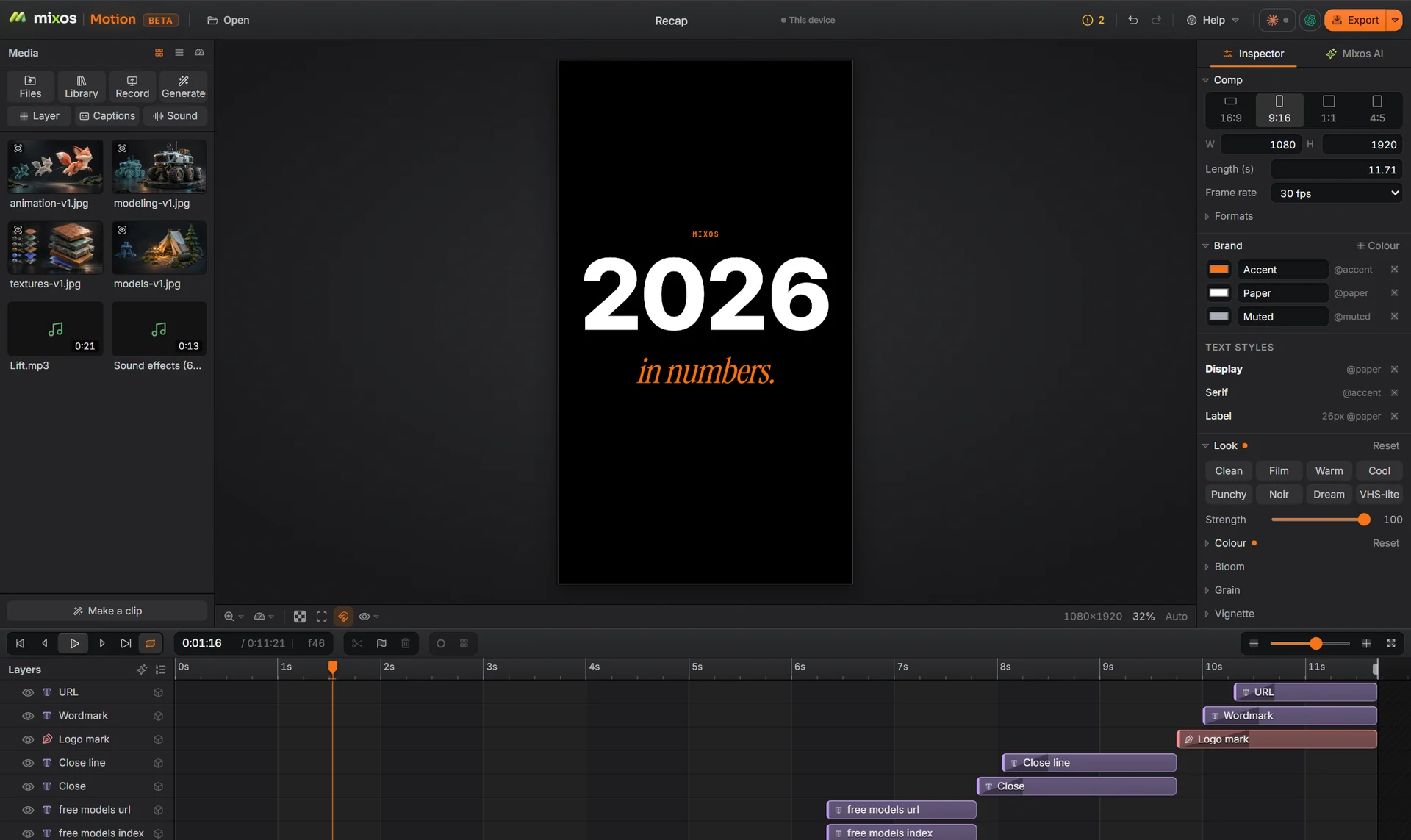
Captions heard from the sound track on your device, timed to every word, in styles that pop, fill or highlight as each word is said.
Long pauses and filler words are found in the speech and cut in one step, with the captions and later layers moved up to match.
One setting removes noise under the words and evens out the voice, done on this device.
Titles, name cards, logos and charts with behaviours and keys, in 16:9, 9:16, 1:1 and 4:5 from one comp.
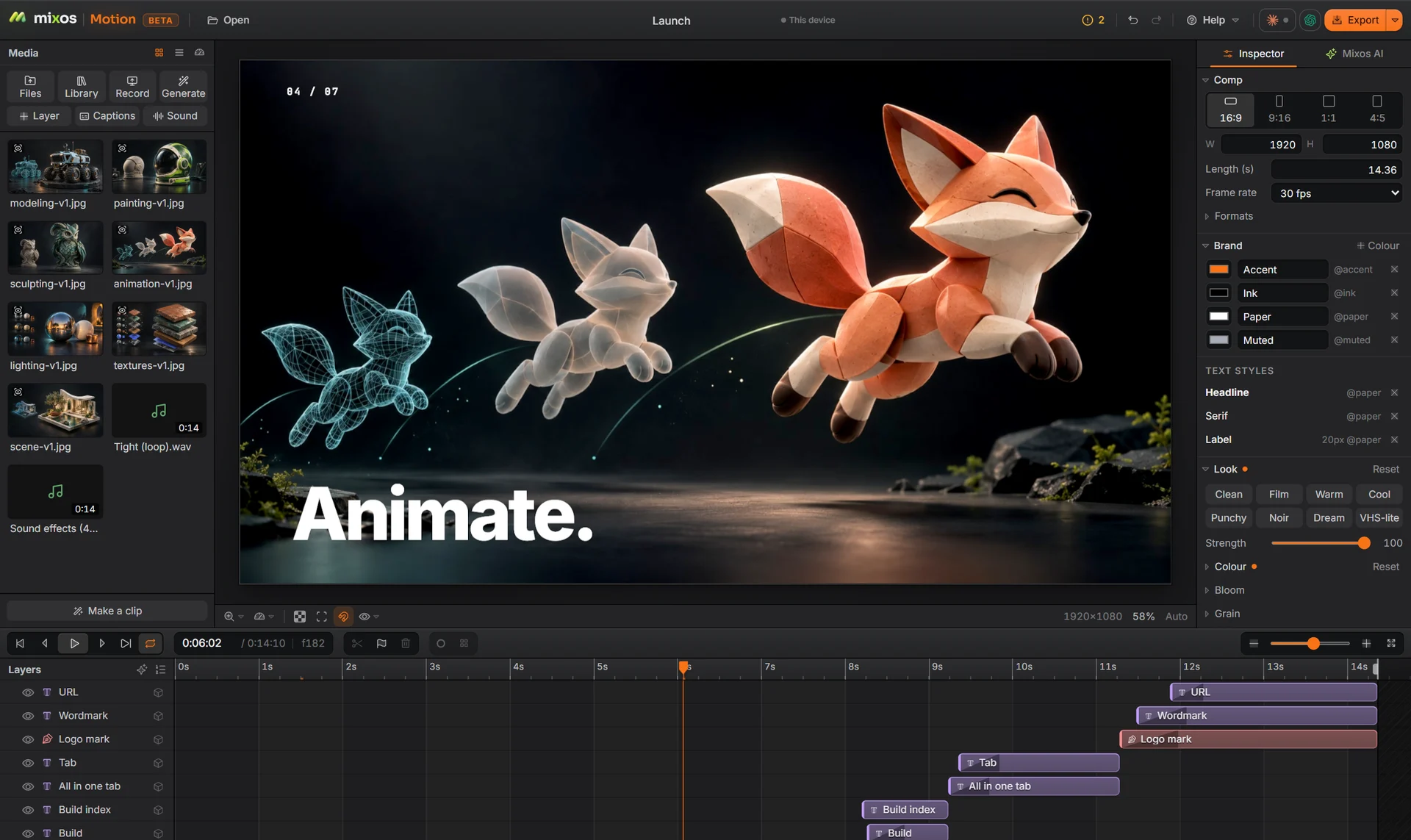
Every clip here is a template Motion rendered itself. Pick one in the start window and swap the words, the pictures and the brand colours.

Narrated on this device, captions timed to every word, a waveform that moves with the voice.
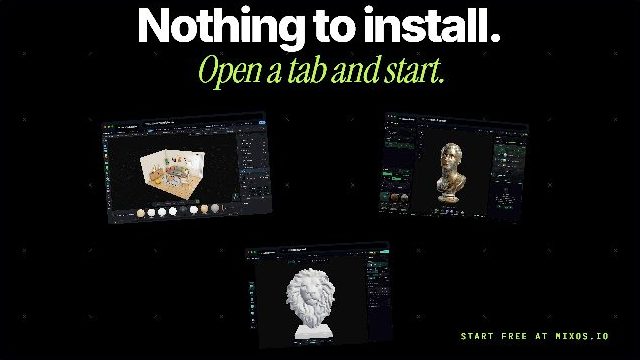
A software demo in one shot: the camera swings between tilted app windows, pushes in on each, then pulls back to all three.

The year in numbers, vertical: one number per shot with a crisp render, cut on the beat.
Mixos AI
Type the ask under the viewer. Mixos AI works in your comp with the same tools as the buttons, so what it makes is normal layers you can move, retime or delete, and each request is one undo step.
Open MotionCaption this interview word by word, cut the long pauses, clean up the voice and add a name card.
Feature by feature
They meet at captions and clean speech. Here is where each one is the better choice.
| Feature | Mixos | Descript |
|---|---|---|
| Editing speech | Pauses and filler words cut automatically; other trims on the timeline | Edit the video by editing its transcript |
| Voice clean-up | Clean up voice, on your device | Studio Sound |
| Recording | None: import what you recorded | Screen and camera recording |
| Motion graphics | Behaviours, keys, masks, tracking, charts and 3D | Animation presets and simple keyframes, without a graph editor |
| Install | None: a browser tab in Chrome or Edge | Desktop app, and a web app for Chromium browsers |
Descript described from its public product pages, November 2026. Every Motion cell describes the shipping app.
Why Mixos
Descript's idea is that a recording is a document: delete a sentence from the transcript and it is gone from the video. For long interviews and podcasts, and for recording your screen and camera, that is the better tool.
Motion is built for the short clip cut from that recording. Import it, cut the pauses and fillers, clean up the voice and caption it, then add the parts that make it read on a feed: a hook title, a name card, a logo and the right size for each platform.
An English voice-over can be made from a script on your device, music can be fitted to the clip's length, and the whole comp is ordinary layers you can retime or rewrite.
Building, animating and previewing are free with a free account, and a free export is 540 px with a watermark. Exporting up to 4K without the watermark is part of Pro at $10.00 a month or the one-time $129 license.
No. Motion cuts pauses and filler words for you, and other cuts are made on the timeline, with the captions following.
On your computer. The speech models download once and run in the browser, so the sound is not uploaded to be transcribed.
Building and previewing are free. A free account exports video at 540 px on the long edge with a watermark; Pro and the one-time license export up to 4K without one.
A desktop or laptop with current Chrome or Edge, on Windows, macOS, Linux or ChromeOS. Motion draws on your graphics card through WebGPU, so nothing installs, and a free account is needed to open it.
Read next
Key, retime and ease a move, step by step.
Keys, in-betweens, and the interpolation that joins them.
Bones, skin weights, IK, and why auto-riggers want a T-pose.
What carries over to an engine, and what to bake first.
Keep exploring
More in Alternatives