Three tightness settings
Tight keeps 0.15 s around each phrase, Natural 0.3 s and Loose 0.6 s, so the cut can feel punchy or relaxed.
Cut the pauses
Pick a talking clip and choose how tight it should feel. Motion hears the speech, cuts the silences and the ums and uhs, and leaves a tighter clip on the timeline, ready for captions.
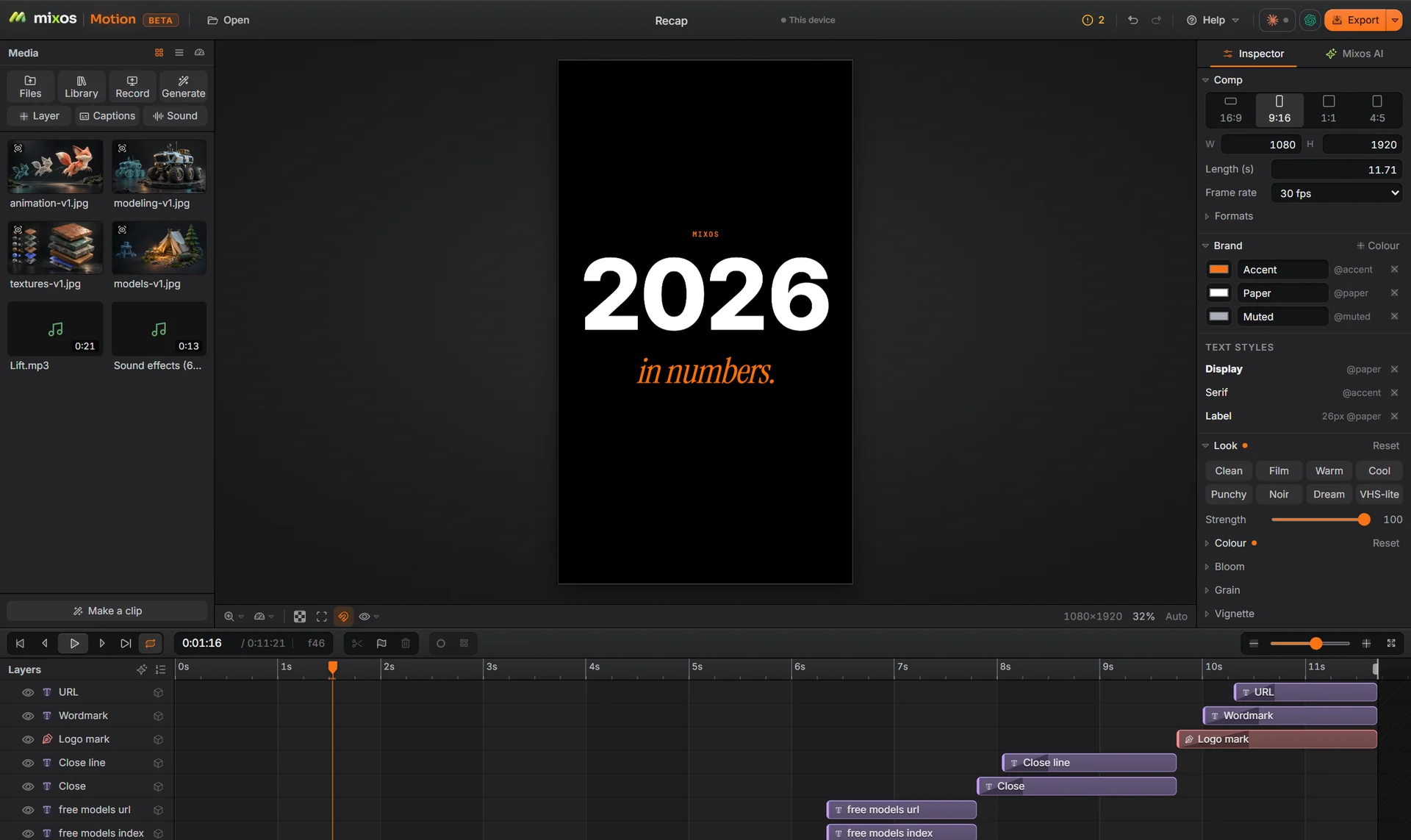
Tight keeps 0.15 s around each phrase, Natural 0.3 s and Loose 0.6 s, so the cut can feel punchy or relaxed.
Um, uh, er and short wordless sounds are found in the transcript and cut with the pauses.
The speech model runs in your browser. The recording is never uploaded and the cut spends no credits.
The tightened clip captions from the same speech, with every word timed and kept in frame in each size.
Why Mixos
Cutting the gaps out of a talking-head video by hand means scrubbing the waveform for every breath. It is the slowest part of editing a short, and the part that matters most for keeping people watching.
Motion does it from the words rather than the waveform: it transcribes the speech on your device, finds the pauses and the filler words, and cuts them, keeping the amount of air you chose around each phrase. Choose Cut pauses from the clip's menu or set the tightness in its Time section.
From there the clip is ready for the rest of the comp: captions, a title, music that ducks under the voice, and a 9:16 version for Reels, TikTok and Shorts.
Building, animating and previewing are free with a free account, and a free export is 540 px with a watermark. Exporting up to 4K without the watermark is part of Pro at $10.00 a month or the one-time $129 license.
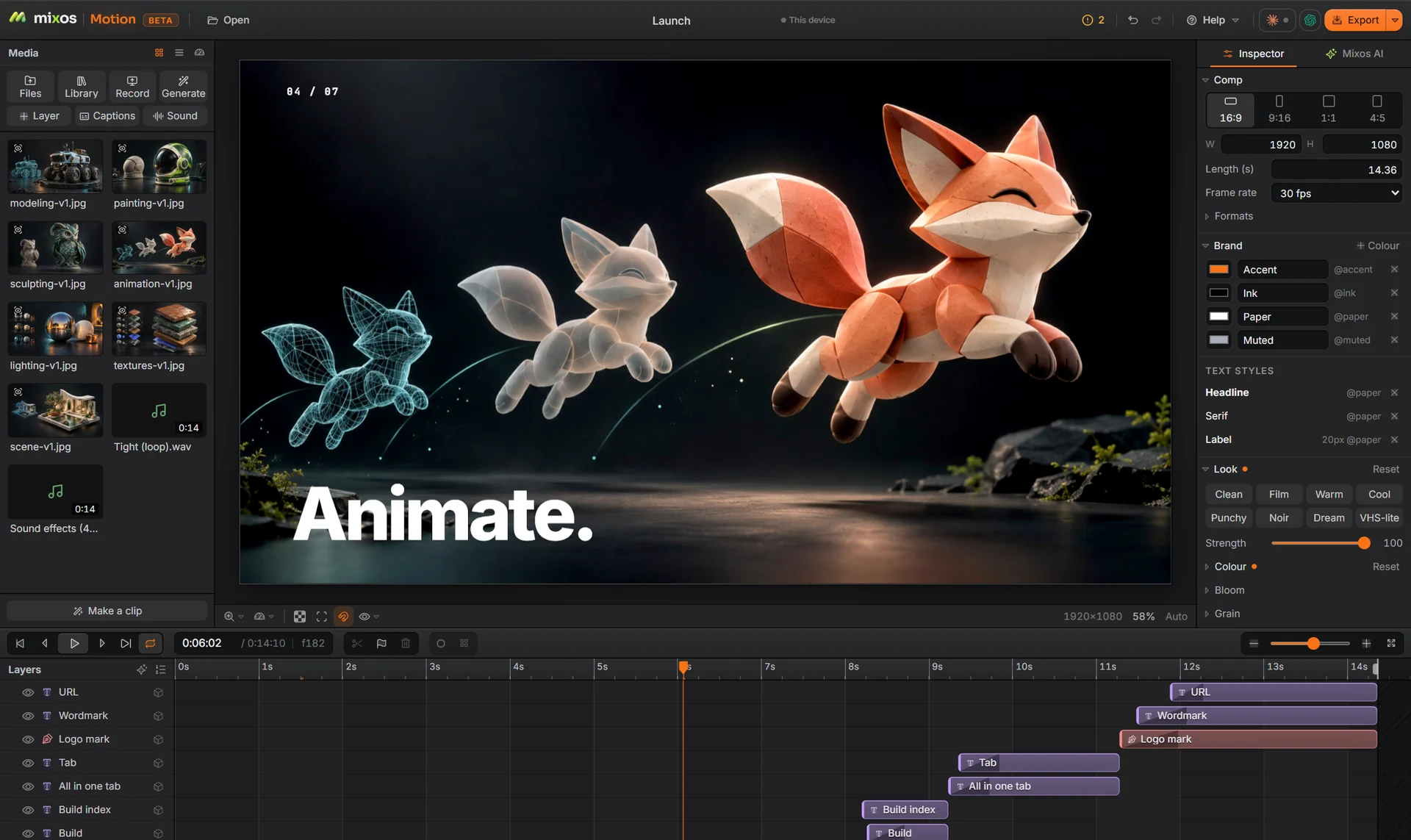
It cuts silences and filler sounds, not words. Pick Loose for a gentler edit, and any cut can be adjusted or undone on the timeline.
Um, uh, er and short wordless sounds between phrases. Ordinary words are left alone, even ones people use as filler, like so or like.
No. The speech model runs on your computer, so cutting pauses is free.
Building and previewing are free. A free account exports video at 540 px on the long edge with a watermark; Pro and the one-time license export up to 4K without one.
A desktop or laptop with current Chrome or Edge, on Windows, macOS, Linux or ChromeOS. Motion draws on your graphics card through WebGPU, so nothing installs, and a free account is needed to open it.
Read next
Key, retime and ease a move, step by step.
Keys, in-betweens, and the interpolation that joins them.
Bones, skin weights, IK, and why auto-riggers want a T-pose.
What carries over to an engine, and what to bake first.
Keep exploring
More in Animation & rendering