ビヘイビアを選ぶ
フェード、ライズ、ポップ、スライド、タイプオン、ブラー、スクランブル、ウェーブを、登場時、退場時、途中の強調に使えます。
アニメーションテキスト
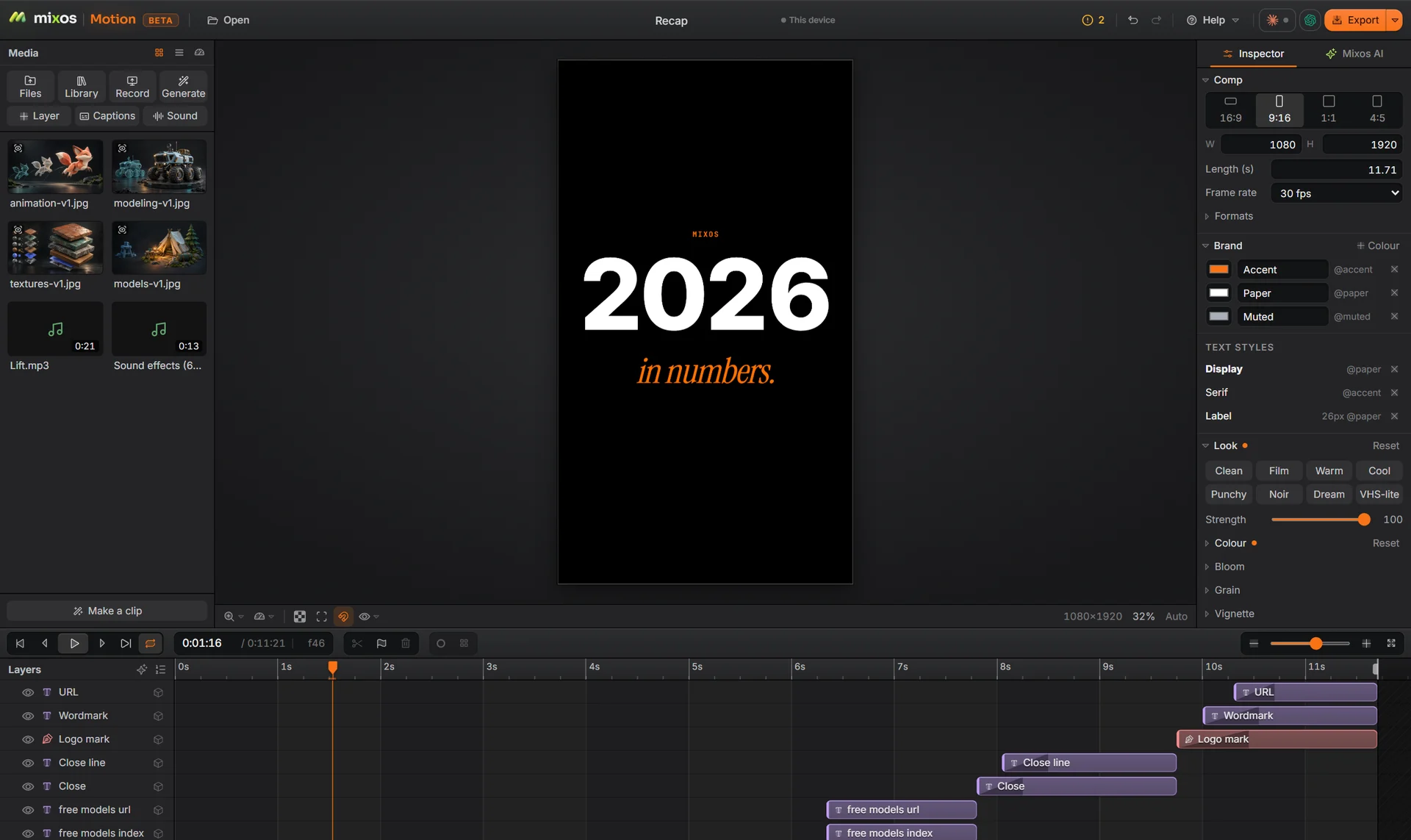
言葉を書き、登場のしかたを選び、ひとかたまりで動かすか、行ごと、単語ごと、1文字ずつにするかを決めます。スタガーとタイミングはキーフレームではなく、スライダーで調整します。
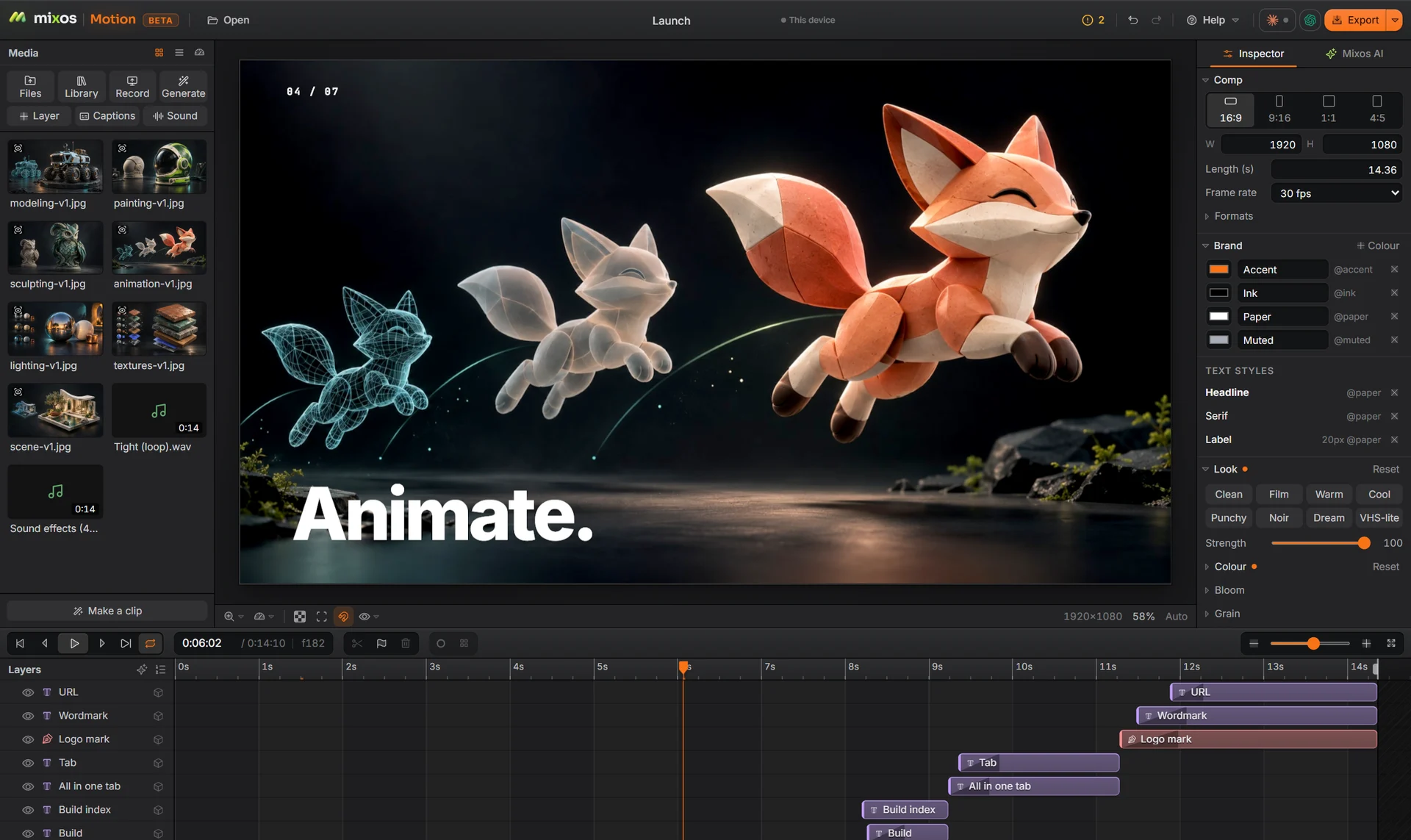
フェード、ライズ、ポップ、スライド、タイプオン、ブラー、スクランブル、ウェーブを、登場時、退場時、途中の強調に使えます。
同じビヘイビアをテキストに分割して適用しスタガーを設定すれば、見出しが1単語ずつ着地します。
フォント、ウェイト、色をコンプにスタイルとして保存できます。スタイルを変えると、それを使うすべての行が追従します。
チェックアップが、見切れているテキスト、セーフゾーンの外にあるテキスト、表示時間が短すぎて読めないテキスト、コントラストが低すぎるテキストを指摘します。
Every clip here is a template Motion rendered itself. Pick one in the start window and swap the words, the pictures and the brand colours.
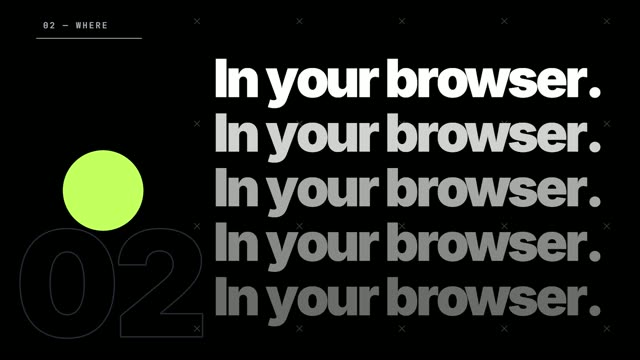
Kinetic type in one unbroken shot: the camera whips, rolls, dives into a full stop and pulls back out, with depth behind every scene.
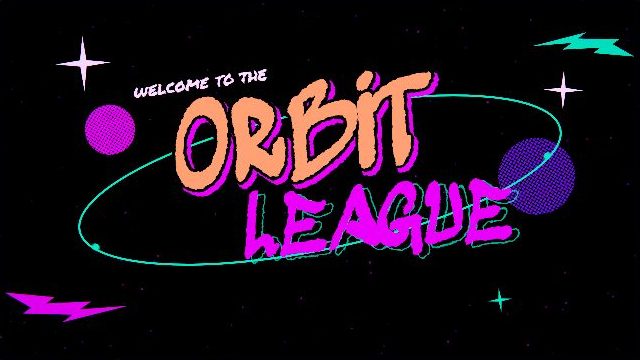
A season opener drawn by hand: marker lettering that boils, players inside orbit rings, sparkles and spray on twos, cut on the beat.
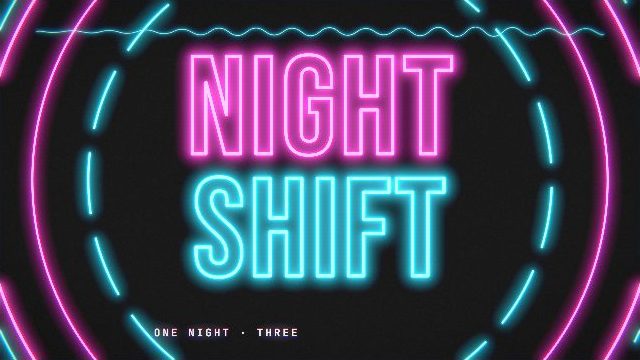
An event in neon: glowing tube lettering, a tunnel of rings at different depths, scanlines, the line-up, date and tickets.
Mixos AI
Type the ask under the viewer. Mixos AI works in your comp with the same tools as the buttons, so what it makes is normal layers you can move, retime or delete, and each request is one undo step.
Open MotionAdd a bold kinetic title that builds word by word with a weight change, then holds with a slow drift.
Mixosが選ばれる理由
キネティックタイポは、ほぼ同じ数個の動きを丁寧に繰り返すものです。行がせり上がる、言葉がビートに合わせて着地する、カーソルの後ろで文字がタイプされていく。キーフレームのツールでは、それぞれが文字ごとのキーの束になります。Motionなら、分割とスタガーを指定した1つのビヘイビアです。
テキストはアウトライン、シャドウ、グラデーションのオプションを保ち、数字はカウントアップでき、1つのレイヤーに複数のビヘイビアを持たせられるので、タイトルがタイプされ、強調で一度脈打ち、フェードアウトすることもできます。タイミングを正確に合わせたいときは、任意のプロパティにキーを打ち、グラフエディターで形を整えます。
動画、写真、3Dレンダー、単色の上に言葉を重ねられます。YouTubeなら16:9、ReelsやTikTokなら9:16で、アンカーされたテキストはどのサイズでもフレーム内に収まります。
無料アカウントなら、制作、アニメーション、プレビューは無料です。無料の書き出しは540 pxでウォーターマーク付き。ウォーターマークなしで最大4Kまで書き出せるのは、月額$10.00のProまたは買い切り$129のライセンスです。
はい。タイプオンはテキストを1文字ずつ書き出し、速さはビヘイビアの継続時間で設定します。
はい。PNG連番として、または有料プランならWeb向けのLottieファイルとして書き出せます。
はい。テキストを円弧、円、ウェーブ、ほかのレイヤーの輪郭に沿って配置し、そのパスに沿ってアニメーションさせられます。
制作とプレビューは無料です。無料アカウントでは、長辺540 pxでウォーターマーク付きの動画を書き出せます。Proまたは買い切りライセンスなら、ウォーターマークなしで最大4Kまで書き出せます。
最新のChromeまたはEdgeが動くデスクトップPCまたはノートPCで、Windows、macOS、Linux、ChromeOSに対応します。MotionはWebGPU経由でお使いのグラフィックスカードを使うため、インストールは不要です。開くには無料アカウントが必要です。