まずキャプション
音声はブラウザー内で文字起こしされ、すべての単語にタイミングが付くので、翻訳は正確な行から始まります。
Motionはお使いのコンピューター上で音声を聞き取ってキャプションを作り、ブラウザー自身の翻訳機能で翻訳します。各行はタイミングを保ち、一方のキャプショングループを表示して他方を隠すことで言語を切り替えます。
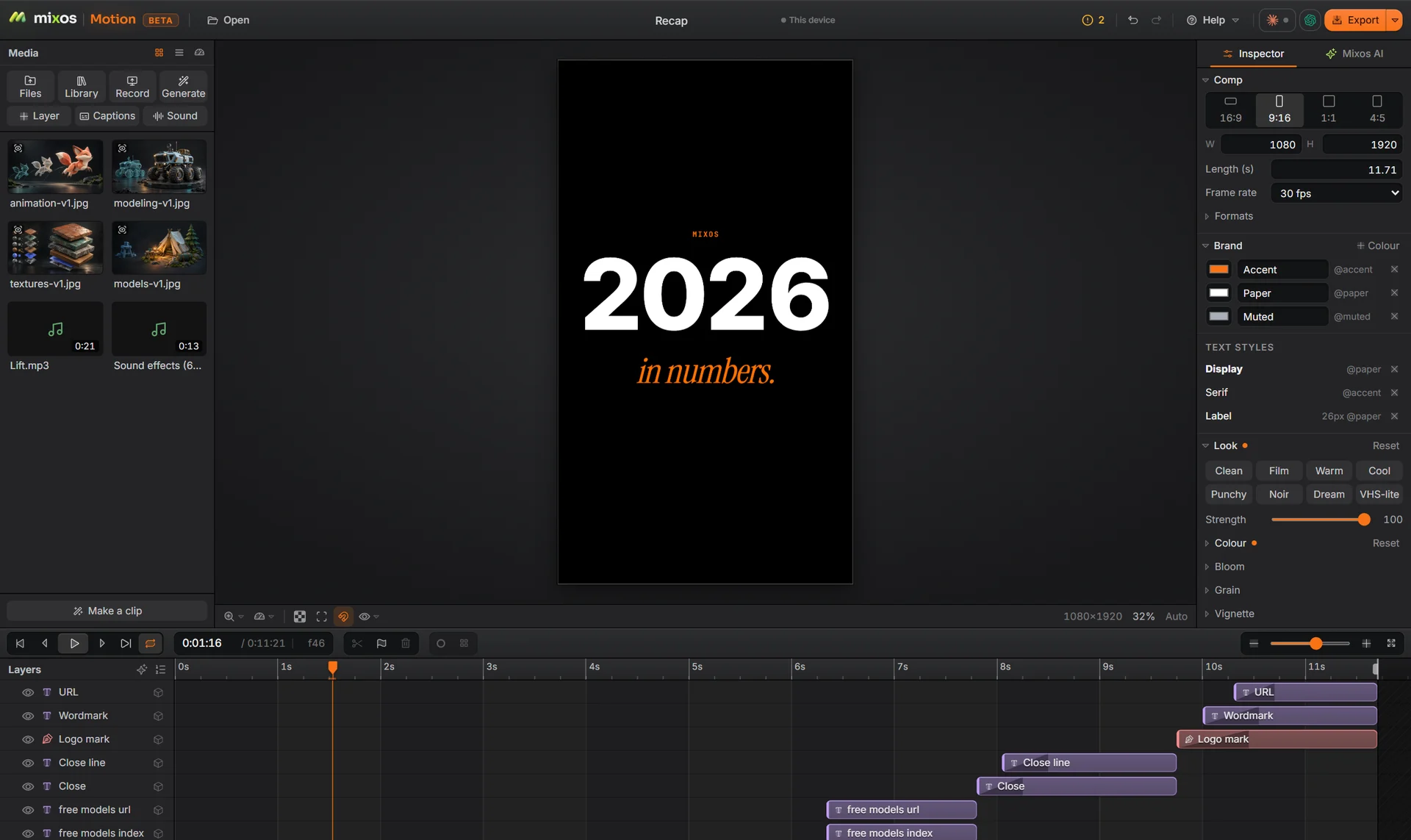
音声はブラウザー内で文字起こしされ、すべての単語にタイミングが付くので、翻訳は正確な行から始まります。
英語、スペイン語、フランス語、ドイツ語、イタリア語、ポルトガル語、オランダ語、ポーランド語、トルコ語、ロシア語、ウクライナ語、アラビア語、ヒンディー語、日本語、韓国語、中国語。
ブラウザーの端末内翻訳機能が処理するので、音声も言葉もコンピューターの外へ出ず、クレジットも使いません。
元のキャプションを残したまま、翻訳版を独立したグループとして追加し、言語ごとに1回ずつ書き出します。
Every clip here is a template Motion rendered itself. Pick one in the start window and swap the words, the pictures and the brand colours.
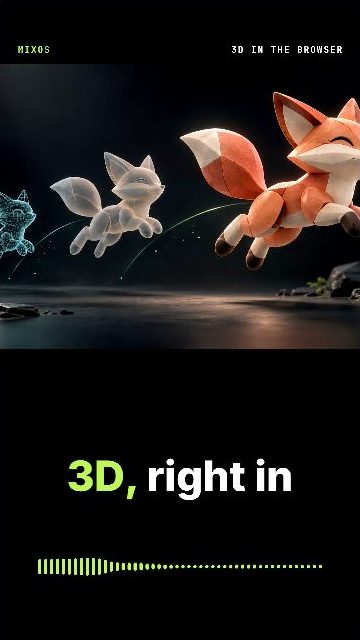
Narrated on this device, captions timed to every word, a waveform that moves with the voice.
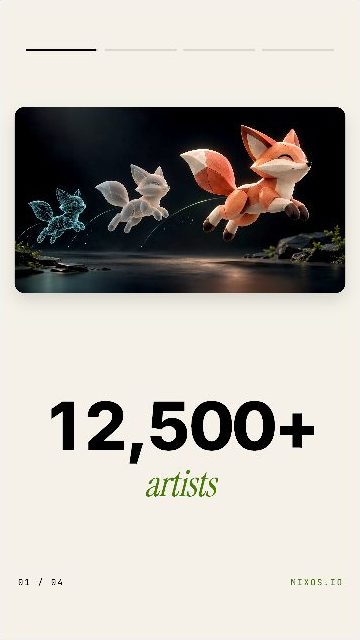
The year in numbers, vertical: one number per shot with a crisp render, cut on the beat.

A place to stay in five photographs, each cut its own way (zoom, whip, clock, colour swipe, light leak), with a rating badge and sign-off built as precomps.
Mixos AI
Type the ask under the viewer. Mixos AI works in your comp with the same tools as the buttons, so what it makes is normal layers you can move, retime or delete, and each request is one undo step.
Open MotionCaption this clip from the voice track, then add a Spanish version of the captions.
Mixosが選ばれる理由
クリップを追加して、その声のトラックからキャプションを作ります。名前や専門用語は直す必要があるかもしれないので、言葉を確認してから「Translate captions」を選び、言語を選びます。言語名が付いた新しいキャプショングループが現れ、元のグループは非表示になります。
語順は言語によって変わるため、翻訳された各行は元の行の開始位置と長さを保ち、その中の言葉は実際に収まる位置に合わせてタイミングが付きます。間は元の位置のままです。
翻訳には、最新のChromeに内蔵された翻訳機能を使います。ブラウザーに搭載されていない場合、Motionはそう伝え、言葉をサーバーに送ることはしません。キャプションはテキストレイヤーなので、書き出した動画の一部になります。
構築、アニメーション、プレビューは無料アカウントで無料です。無料のエクスポートは540 pxで、透かしが入ります。透かしなしの最大4Kエクスポートは、月額$10.00のProまたは買い切り$129のライセンスに含まれます。
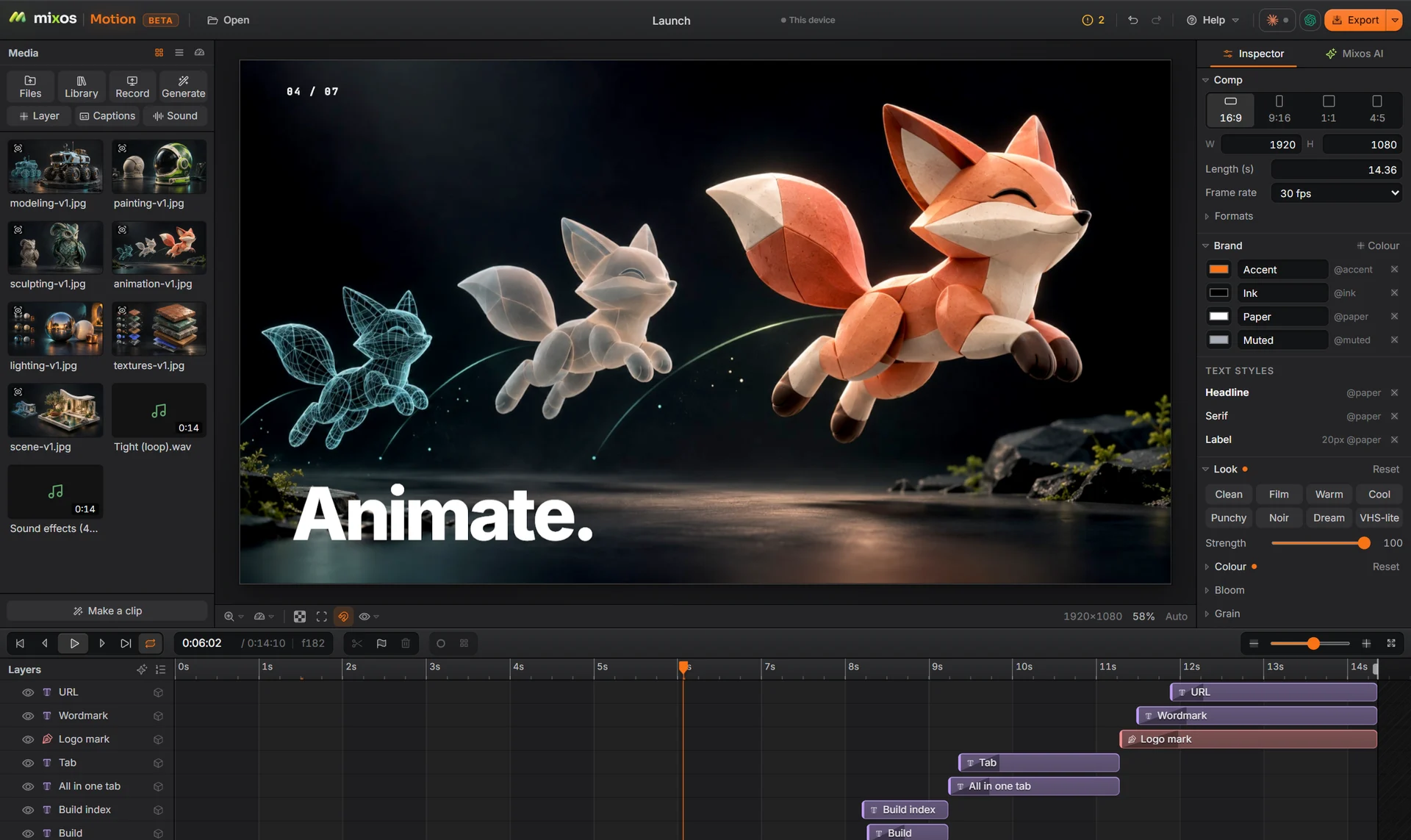
16言語です。英語、スペイン語、フランス語、ドイツ語、イタリア語、ポルトガル語、オランダ語、ポーランド語、トルコ語、ロシア語、ウクライナ語、アラビア語、ヒンディー語、日本語、韓国語、中国語。
いいえ。音声の聞き取りも翻訳も、お使いのコンピューター上で動きます。
はい。どのキャプションも、どの言語でも、タイムライン上の編集できるテキストレイヤーです。
構築とプレビューは無料です。無料アカウントでは長辺540 pxで透かし付きのエクスポートになり、Proと買い切りライセンスでは透かしなしで最大4Kまで書き出せます。
最新のChromeまたはEdgeが動くデスクトップPCまたはノートPCで、Windows、macOS、Linux、ChromeOSに対応します。MotionはWebGPU経由でお使いのグラフィックスカードを使うため、インストールは不要です。開くには無料アカウントが必要です。