Free music, made by mixos
17 instrumental tracks and 15 sound effects that are free to use in anything you export.
Pick a track from the built-in library or import your own, and Motion can fit it to the exact length of your video by cutting or repeating whole sections on the beat, so it still ends on its real ending.
Maps that drop into
17 instrumental tracks and 15 sound effects that are free to use in anything you export.
A 2-minute song becomes 30 seconds without speeding up: sections are cut or repeated at beats that sound alike.
The music dips while someone is talking and comes back up in the gaps, so the words stay clear.
Beat markers show where each cut should land, and any layer can pulse with the loudness of the music.
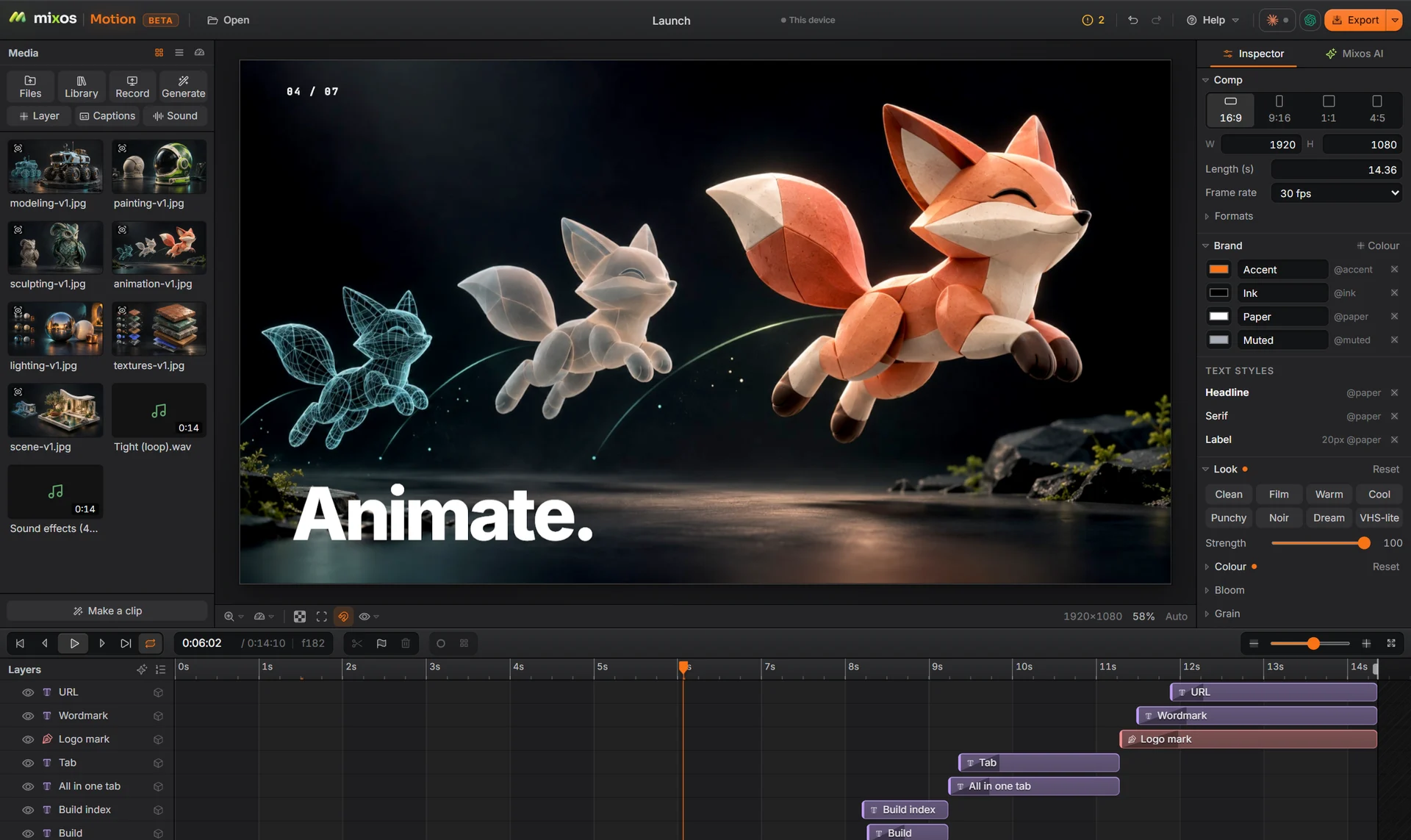
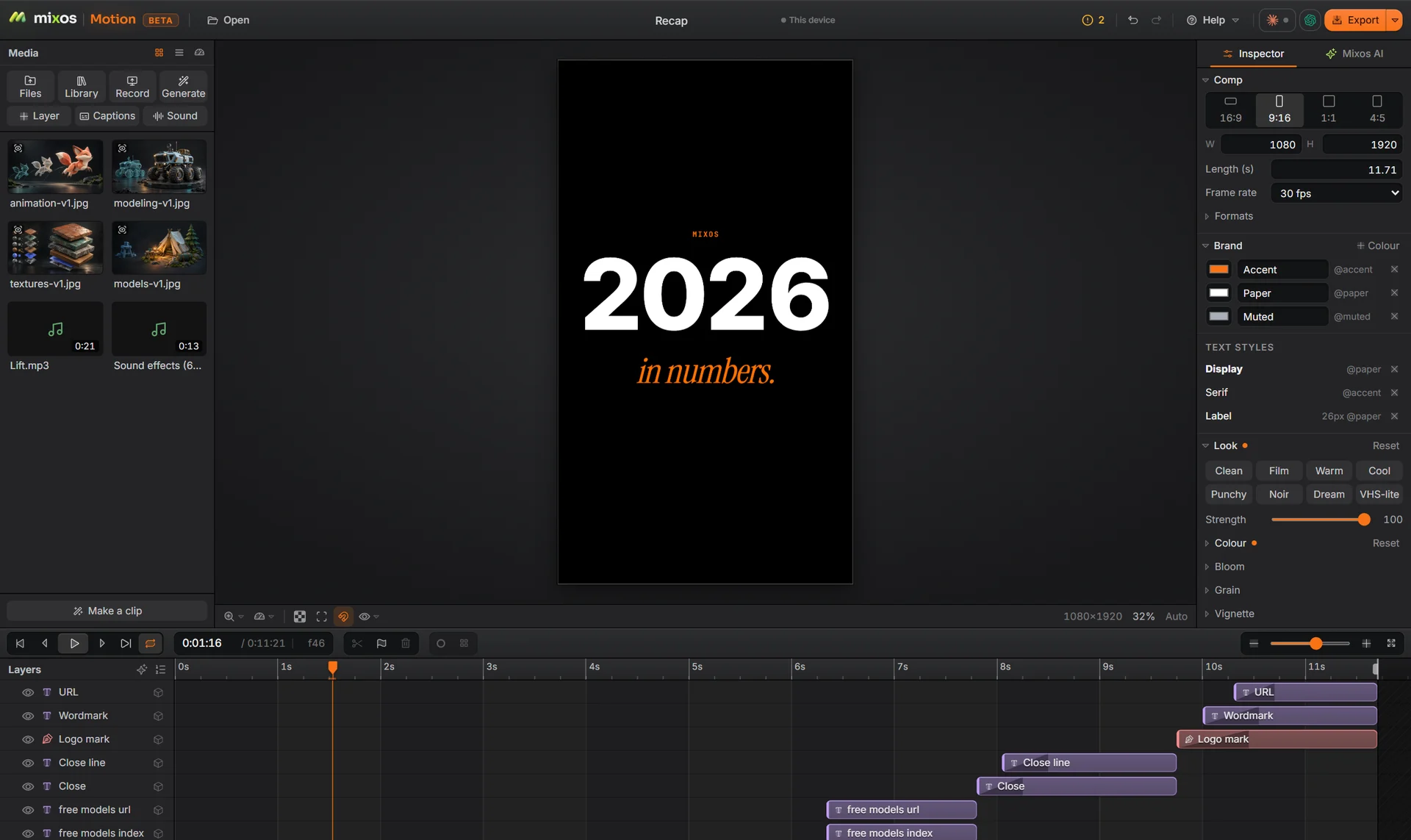
Every clip here is a template Motion rendered itself. Pick one in the start window and swap the words, the pictures and the brand colours.
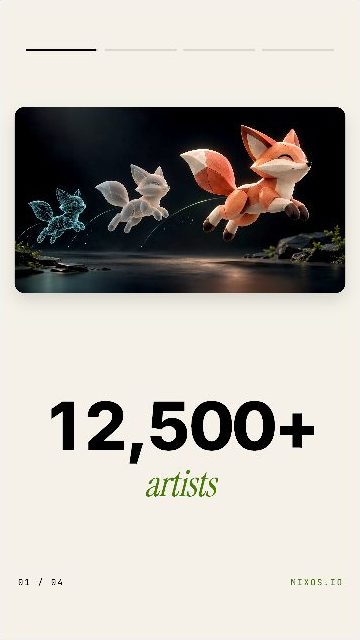
The year in numbers, vertical: one number per shot with a crisp render, cut on the beat.
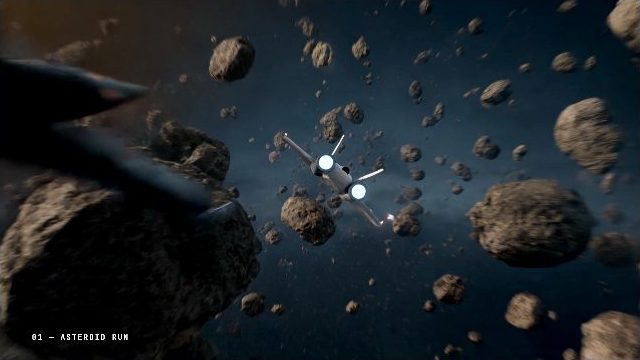
A showreel from video: a word cut from footage, beat cuts, a speed ramp, a freeze frame.

Product sizzle: seven crisp renders cut on the beat, one word each, a clean end card.
Mixos AI
Type the ask under the viewer. Mixos AI works in your comp with the same tools as the buttons, so what it makes is normal layers you can move, retime or delete, and each request is one undo step.
Open MotionAdd upbeat music, fit it to the length of the video, and lower it under the voice.
Why Mixos
Most videos need music that starts with the first shot and finishes with the last. Fading out halfway through a chorus sounds wrong; fitting the song is better. Motion finds the beats, picks join points where the music sounds alike, and joins them with short crossfades, all on your device.
Then line up the picture: beat markers sit on the track, so a cut or a title can land on the beat rather than a frame before it. Text, shapes and footage can also scale or glow with the music's loudness.
If someone is speaking, ducking lowers the music under the voice automatically. With a paid plan you can also generate a new track or a sound effect from a description.
Building, animating and previewing are free with a free account, and a free export is 540 px with a watermark. Exporting up to 4K without the watermark is part of Pro at $10.00 a month or the one-time $129 license.
Yes. The 17 tracks and 15 sound effects in Motion were made by mixos and are free to use in anything you export, including commercial work.
Yes. Import an audio file and beat markers, fit to length and ducking all work on it. Make sure you have the right to use it where you post.
No. Sections are cut or repeated at whole beats, so every second you hear plays at its own speed and pitch.
Building and previewing are free. A free account exports video at 540 px on the long edge with a watermark; Pro and the one-time license export up to 4K without one.
A desktop or laptop with current Chrome or Edge, on Windows, macOS, Linux or ChromeOS. Motion draws on your graphics card through WebGPU, so nothing installs, and a free account is needed to open it.
Read next
Key, retime and ease a move, step by step.
Keys, in-betweens, and the interpolation that joins them.
Bones, skin weights, IK, and why auto-riggers want a T-pose.
What carries over to an engine, and what to bake first.
Keep exploring
More in Animation & rendering
Open Motion, add your video, and choose a track from the library.