Nothing to deploy
No extension, Android app, Linux container or installer. Studio, Mold, Paint and Motion are web pages, so an update reaches every Chromebook the next time it opens them.
There is nothing to package or push: students open a URL in Chrome. What IT may need to check is short. The site is allowed, the GPU is on, Google sign-in is set up for students under 18, and nobody relies on a shared device to keep their work.
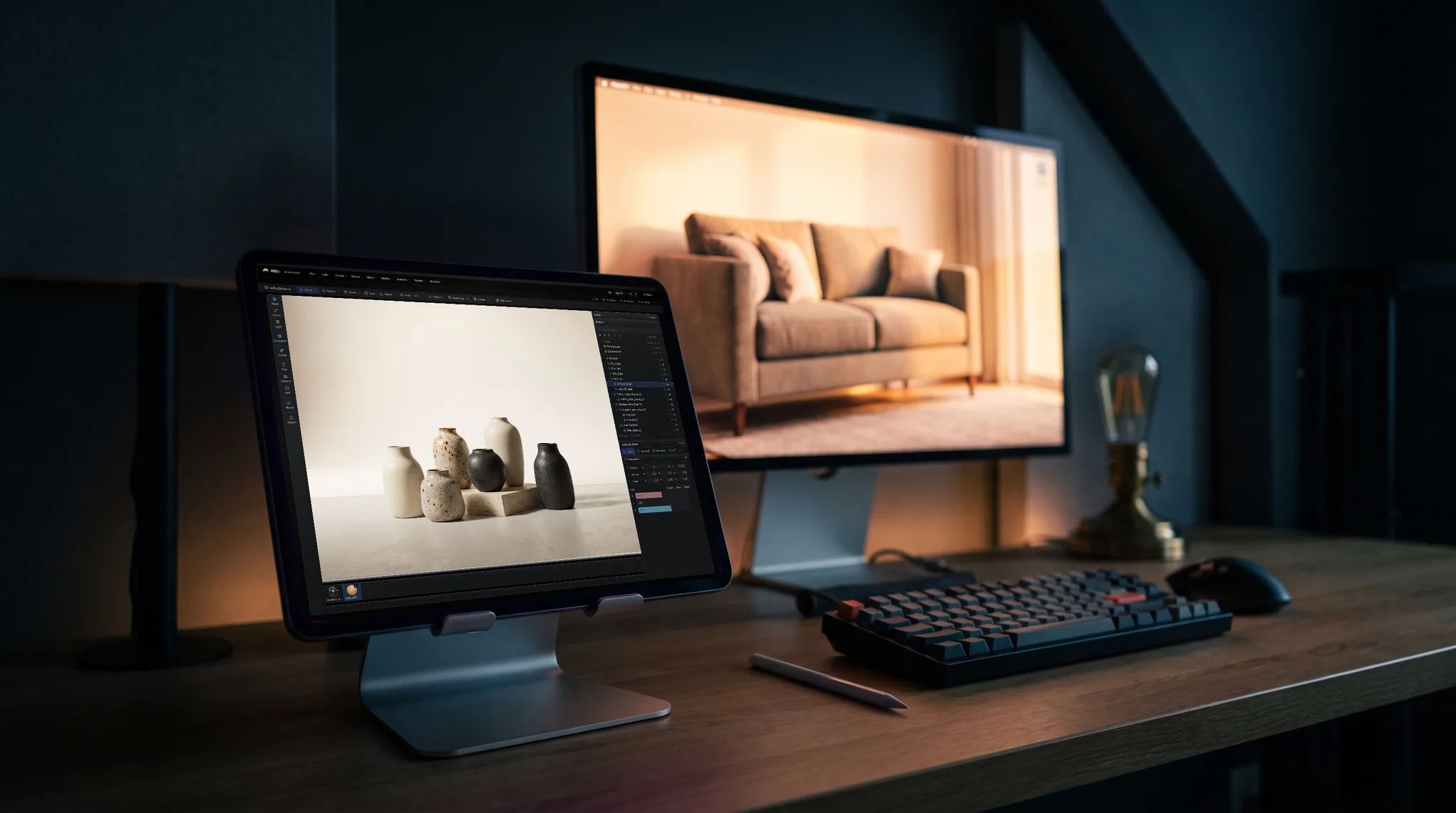
Maps that drop into
No extension, Android app, Linux container or installer. Studio, Mold, Paint and Motion are web pages, so an update reaches every Chromebook the next time it opens them.
The 3D apps draw through WebGPU. On a test device, open chrome://gpu and look for WebGPU listed as hardware accelerated.
Google Workspace for Education blocks students designated under 18 from unconfigured third-party apps. Configure mixos in the Admin console, or students sign in with an emailed link.
Scenes, sculpts and texture projects save to each student's account, not the device, so a cart that wipes data at sign-out doesn't lose them.
Why Mixos
Allow the site. If the school filters by allowlist, allow mixos.io. The apps also load models, textures and media from mixos storage; if something fails to load behind an allowlist, the browser's network panel shows which host was blocked.
Check graphics. Chrome on ChromeOS supports WebGPU on hardware that can run it. A policy that turns off hardware acceleration also turns off WebGPU. The apps check when they open and tell the student plainly if the device can't run them, so test one machine from each model in the fleet.
Set up sign-in. Students can sign in with Google, Apple or a link sent to their email. In Google Workspace for Education, users designated under 18 are blocked from third-party apps an admin hasn't configured; set mixos to Trusted or Limited under the Admin console's API controls for the right organizational units, or have students use the emailed link. Classroom use is for students 13 and older.
Plan for shared carts. Studio, Mold and Paint projects save to the student's account. Motion is the exception: imported video clips stay in the browser where they were added unless the student's own plan is paid, and a classroom seat doesn't change that. On carts that clear data at sign-out, students should finish and export a video on the same machine.
An approved classroom grant is free for the term and covers a named course of up to 200 students. It opens every mixos app except Auto, with generative AI switched off, and includes 4K export and a shared class library. Assignments, hand-in and grading in 3D currently run through Paint, the texturing app.
No. There is no extension, Android app or Linux package. Students open a URL in Chrome, and updates arrive the next time a page loads.
Ones with current Chrome and WebGPU, which means reasonably recent hardware. Open chrome://gpu on a test device: WebGPU should read as hardware accelerated. If a policy turns hardware acceleration off, the 3D apps won't run.
Google Workspace for Education blocks users designated under 18 from third-party apps that an admin hasn't configured. Set mixos to Trusted or Limited in the Admin console's API controls; Google says changes can take up to 24 hours. Students can sign in with an emailed link in the meantime.
Not on a classroom grant. Generation is switched off for class seats, and an instructor can't turn it on.
Yes, for Mac and Windows, but it is optional. The browser version is the full editor, and it is the only version a Chromebook needs.
Read next
Vertices, edges and faces — the box-modelling fundamentals.
Which of the two approaches fits the thing you're making.
Which format keeps materials and which throws them away.
Why the same texture reads bigger on one model than another.
Keep exploring
More in For schools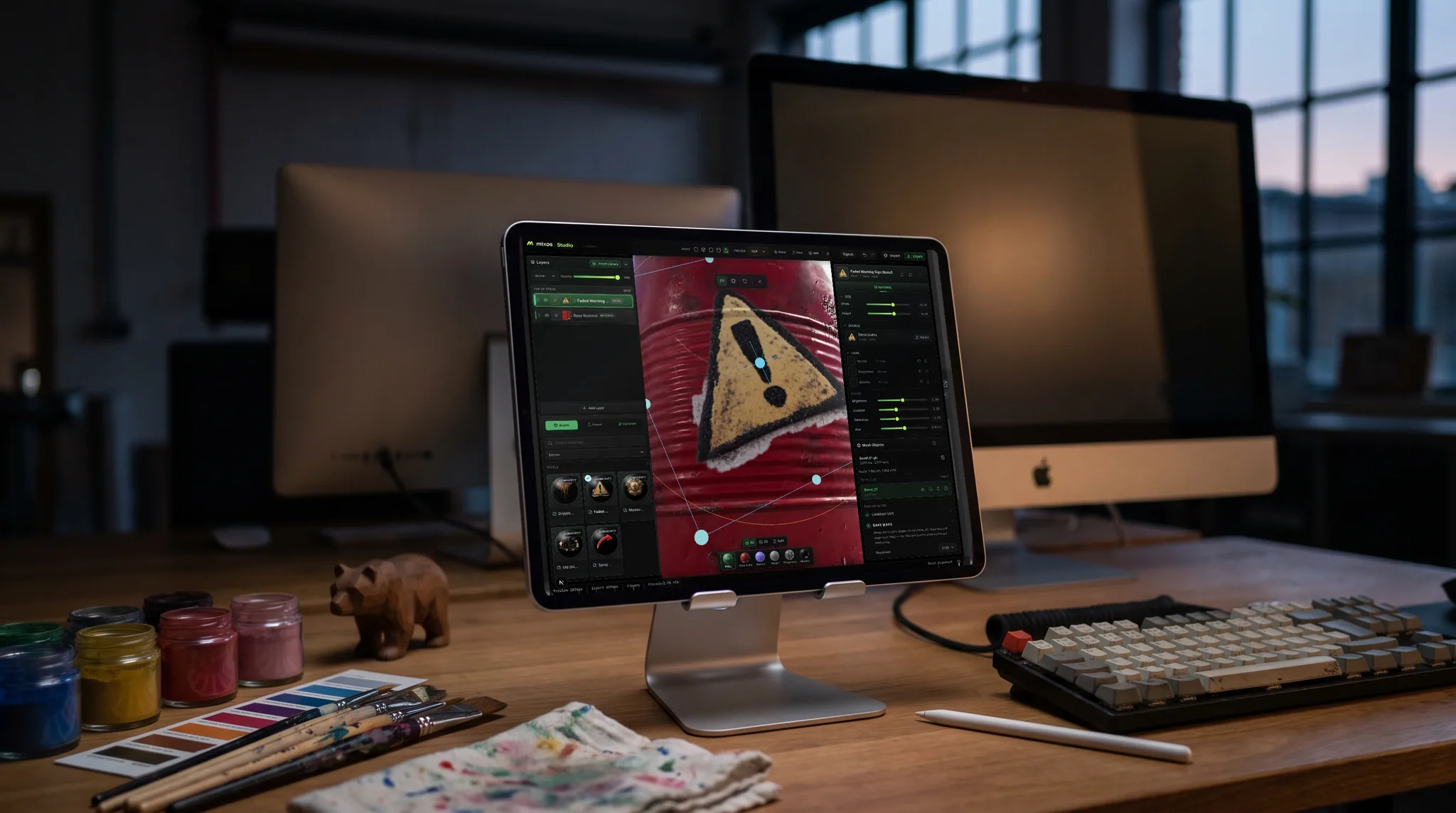
3D on ChromeOS
Google Classroom integration · pilot
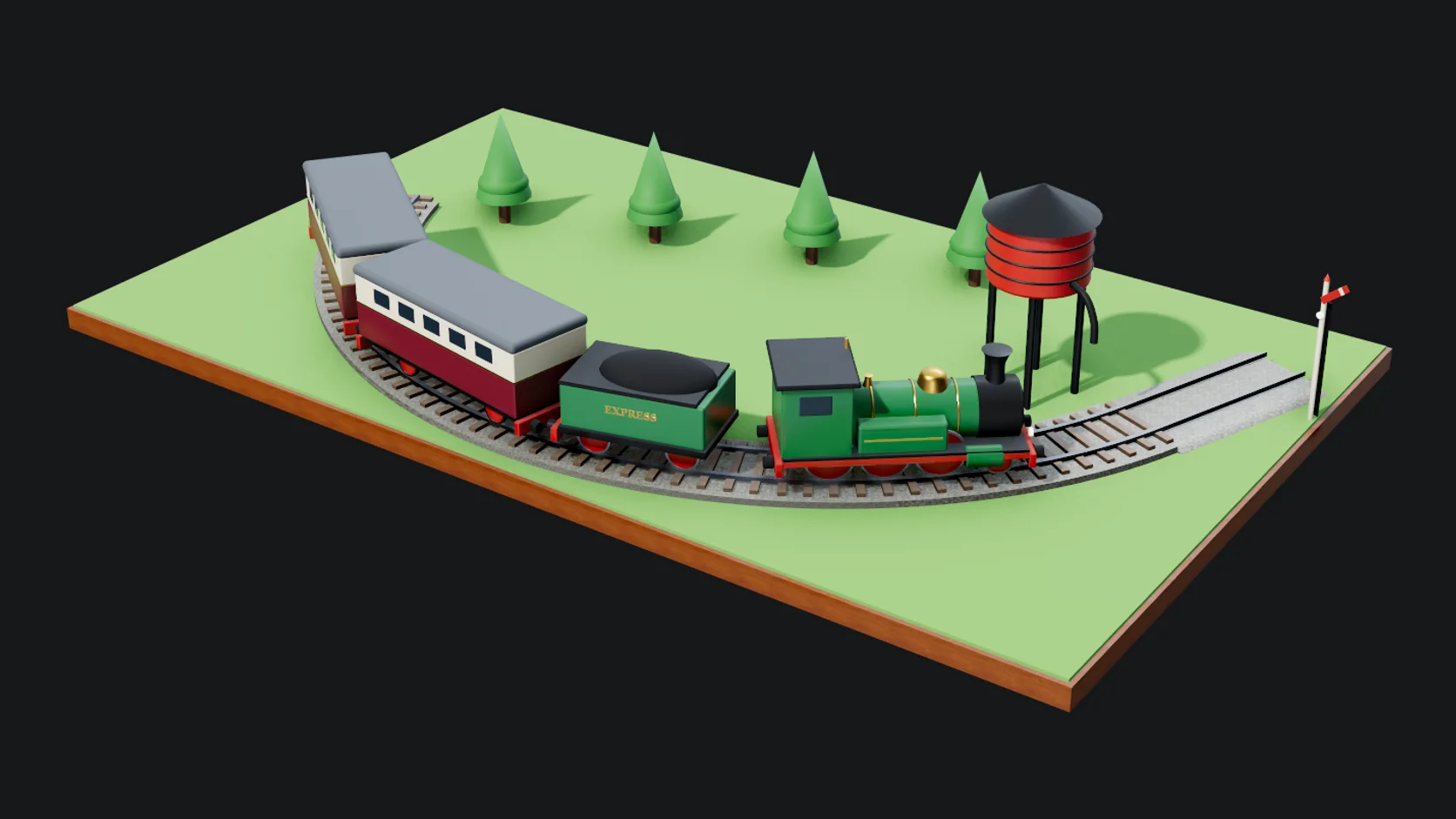
3D for schools
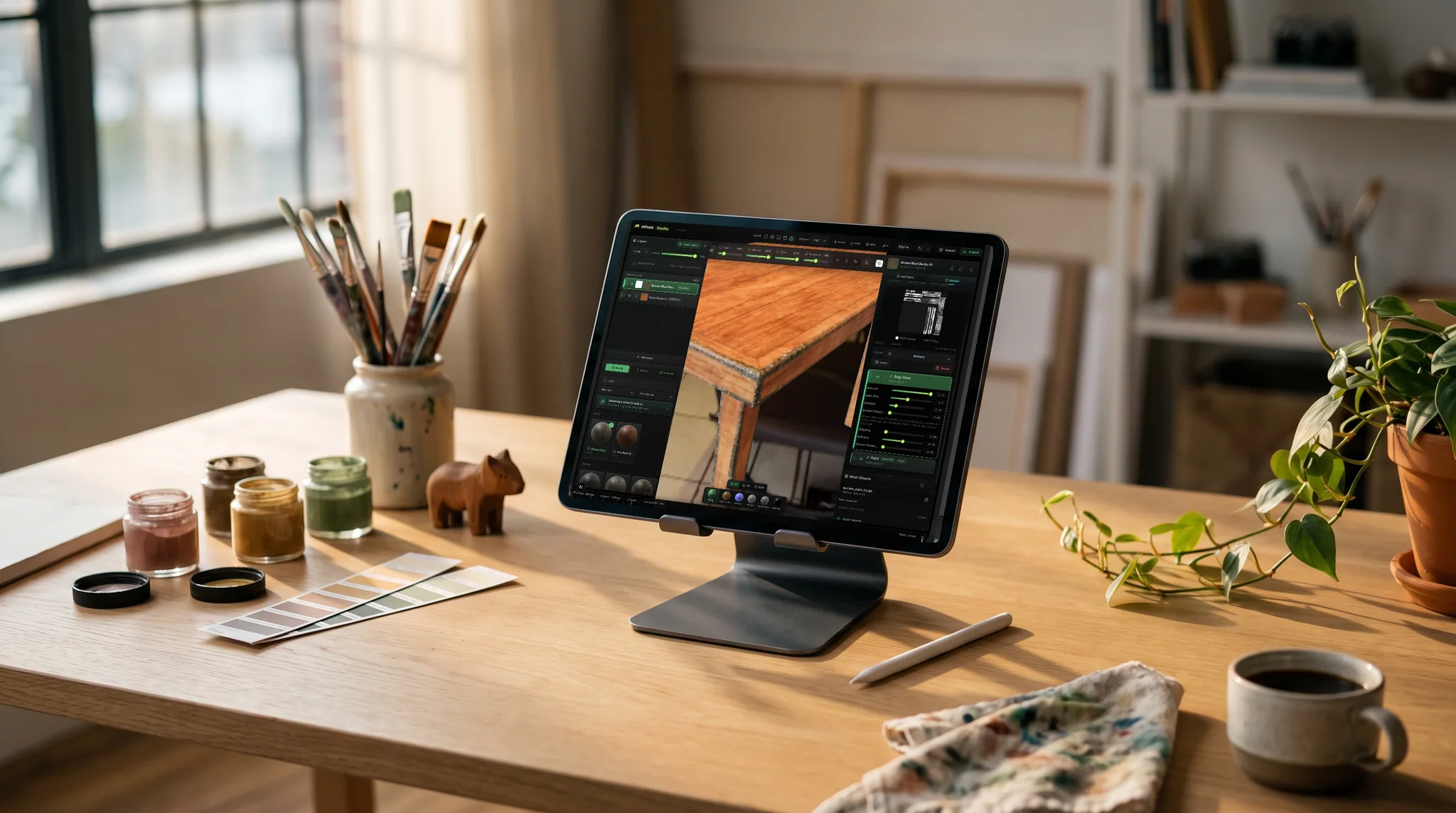
Classroom software evaluation
Video for schools

Allow the site, confirm WebGPU on one device, set up sign-in for students under 18, then apply for a grant for the course.