Captions on the device
Captions are heard from the sound track and timed to the words, and pauses can be cut from a talk, without sending the audio anywhere.
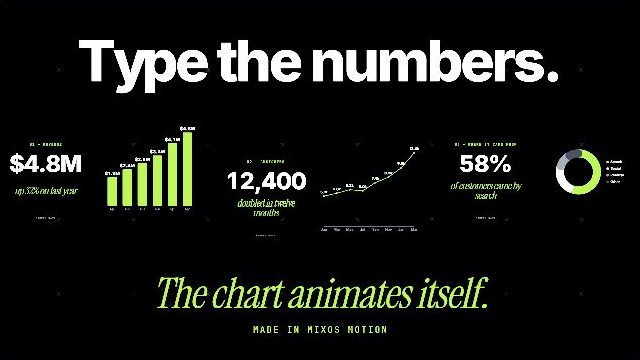
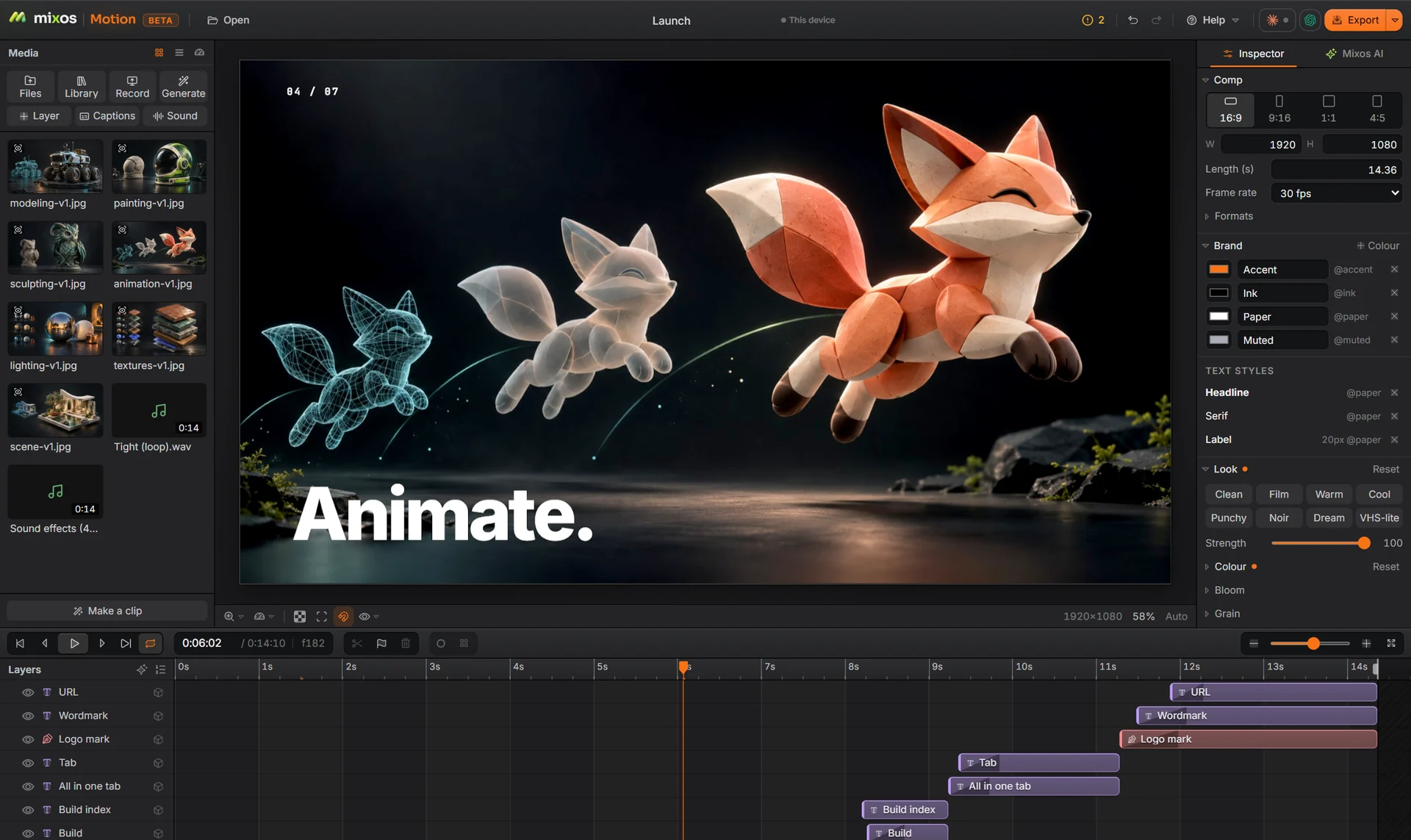
Students make news reports, book trailers, explainers and short documentaries in Motion, a video editor that runs in Chrome. A free classroom grant includes export for the whole course.
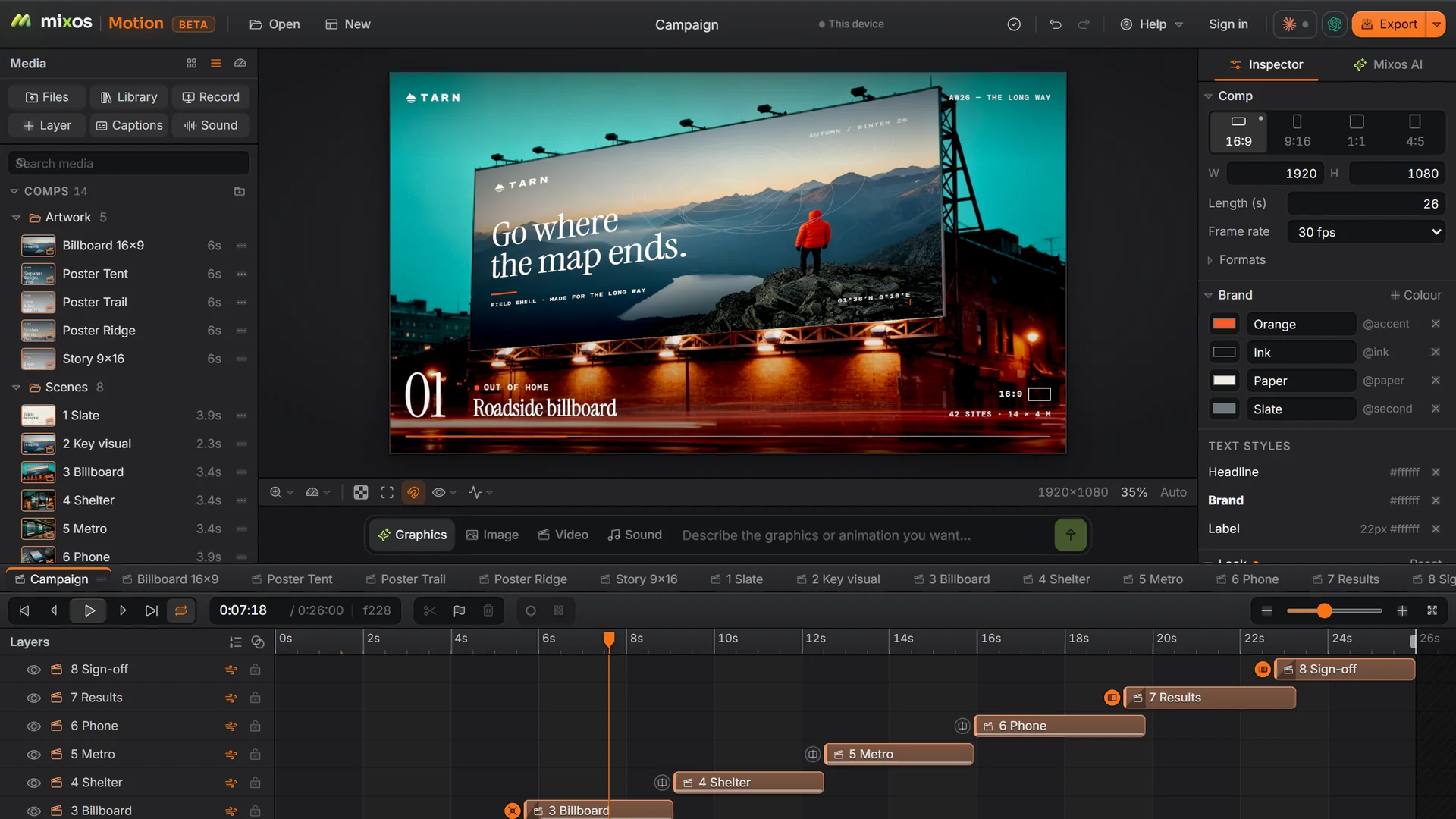
Maps that drop into
Captions are heard from the sound track and timed to the words, and pauses can be cut from a talk, without sending the audio anywhere.
Key out a green screen, or cut a person out of ordinary footage, and put them in front of any background.
Record a screen, window or tab with the mic straight into the project, for tutorials and presentations.
Titles, lower thirds and charts animate by line, word or letter, so a report looks finished without hand-keying every move.
Every clip here is a template Motion rendered itself. Pick one in the start window and swap the words, the pictures and the brand colours.
A news explainer: the key line of a document highlighted, a new line drawn across a map with a locator ring, a street photo annotated, and the figures with their source.
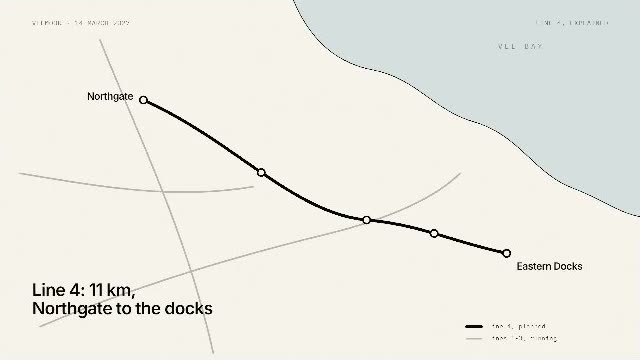
Numbers that move, in one shot: the camera travels a board of charts built from plain data, then pulls back to show it whole.

A photo story on paper: serif headlines, prints with white borders, handwritten captions, and a camera that reads down the page.
Mixos AI
Type the ask under the viewer. Mixos AI works in your comp with the same tools as the buttons, so what it makes is normal layers you can move, retime or delete, and each request is one undo step.
Open MotionMake a two-minute news report from my clips: a title, a lower third for each speaker, captions and quiet music.
Why Mixos
Video projects are among the most common assignments in a Chromebook school, and the editor is usually the bottleneck: a phone app on a laptop, a trimmer with no captions, or a paid add-on for green screen. Motion gives students a real timeline in Chrome with nothing to install.
Cut and trim, add transitions and titles, lay music from a library with beat markers that ducks under the voice, caption the speech, key a green screen, and export every social size from one edit. Generating pictures or video from a prompt is switched off on classroom seats.
It suits short pieces, which is what most class video is: a two-minute report, a trailer, a how-to. A check flags text cut off by the frame or too fast to read before anything is exported.
One thing to plan for: imported clips stay in the browser where they were added unless the student's own plan is paid, and a classroom seat doesn't change that. On shared carts that clear data at sign-out, have students finish and export on the same machine.
An approved classroom grant is free for the term and covers a named course of up to 200 students. It opens every mixos app except Auto, with generative AI switched off, and includes 4K export and a shared class library. Assignments, hand-in and grading in 3D currently run through Paint, the texturing app.
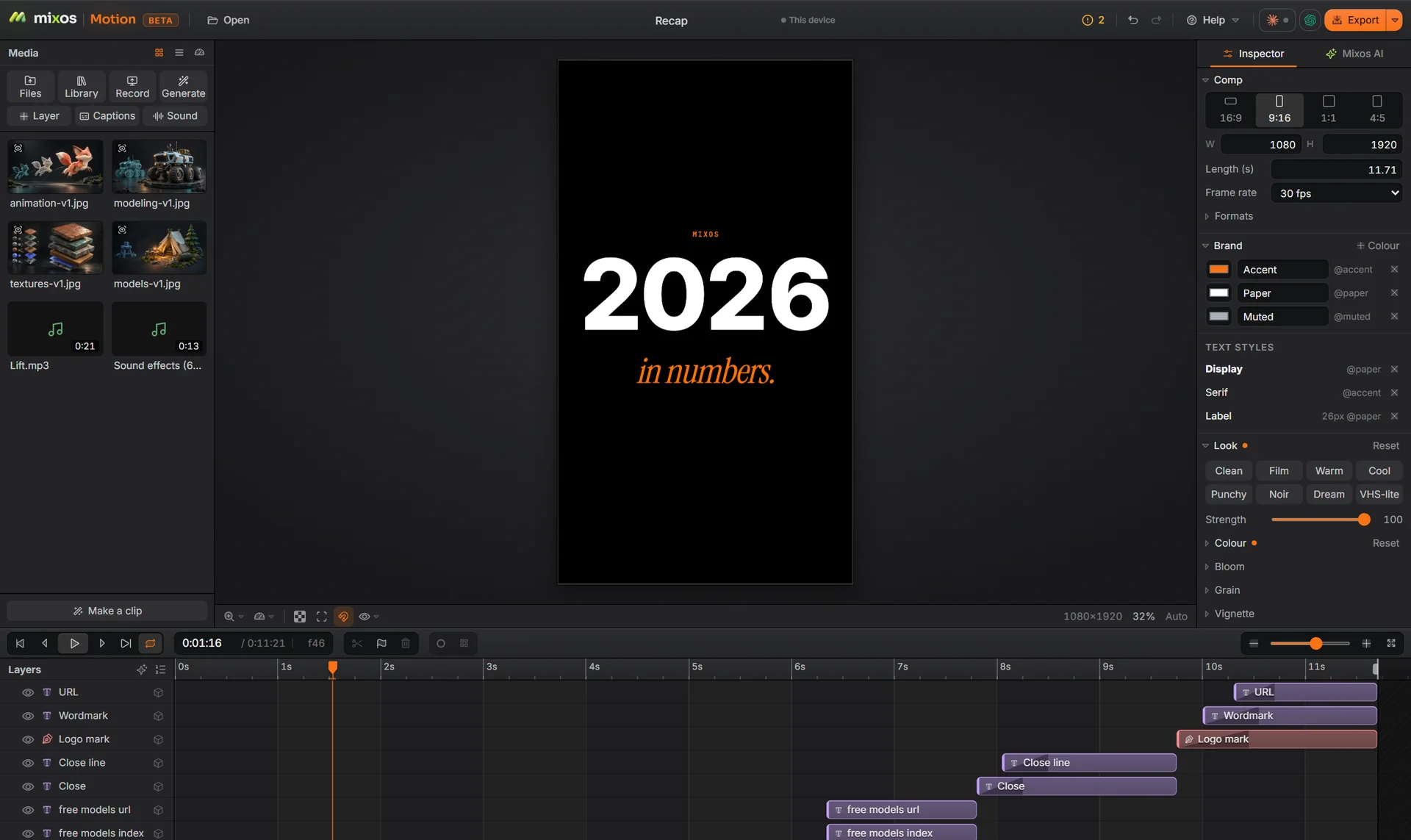
A classroom grant is free for the term for a named course of up to 200 students, and it includes export. Instructors apply with an institutional email, and a person reads every application, usually within a couple of working days. Without a grant, building is free and exporting is paid.
Yes, in Chrome on a reasonably recent Chromebook, if the school's filter allows mixos.io. Nothing installs, so the software itself needs no administrator approval.
Generating pictures or video from a prompt is switched off on classroom seats. The captions, cutouts and green screen still work.
They export it and turn it in the way your class collects work, such as a shared drive or your learning platform. In-app hand-in and grading in 3D currently run through Paint, the texturing app.
Classroom use is for students 13 and older, which covers high school, college and university courses. Schools and teachers may not use mixos with younger students.
Read next
Key, retime and ease a move, step by step.
Keys, in-betweens, and the interpolation that joins them.
Bones, skin weights, IK, and why auto-riggers want a T-pose.
What carries over to an engine, and what to bake first.
Keep exploring
More in For schoolsVideo editing on ChromeOS
WeVideo alternative
Green screen on ChromeOS
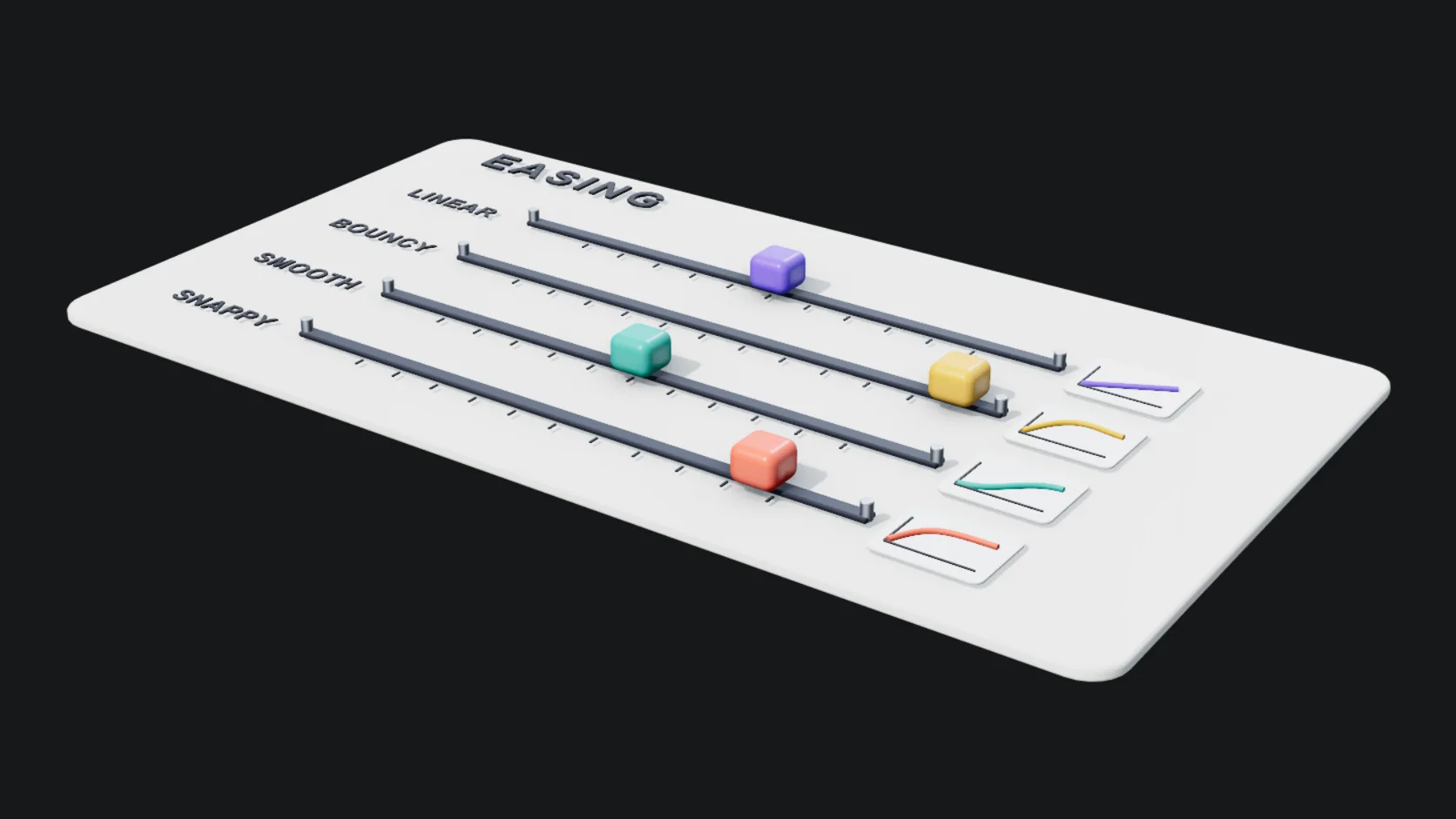
Animation for schools
Captions
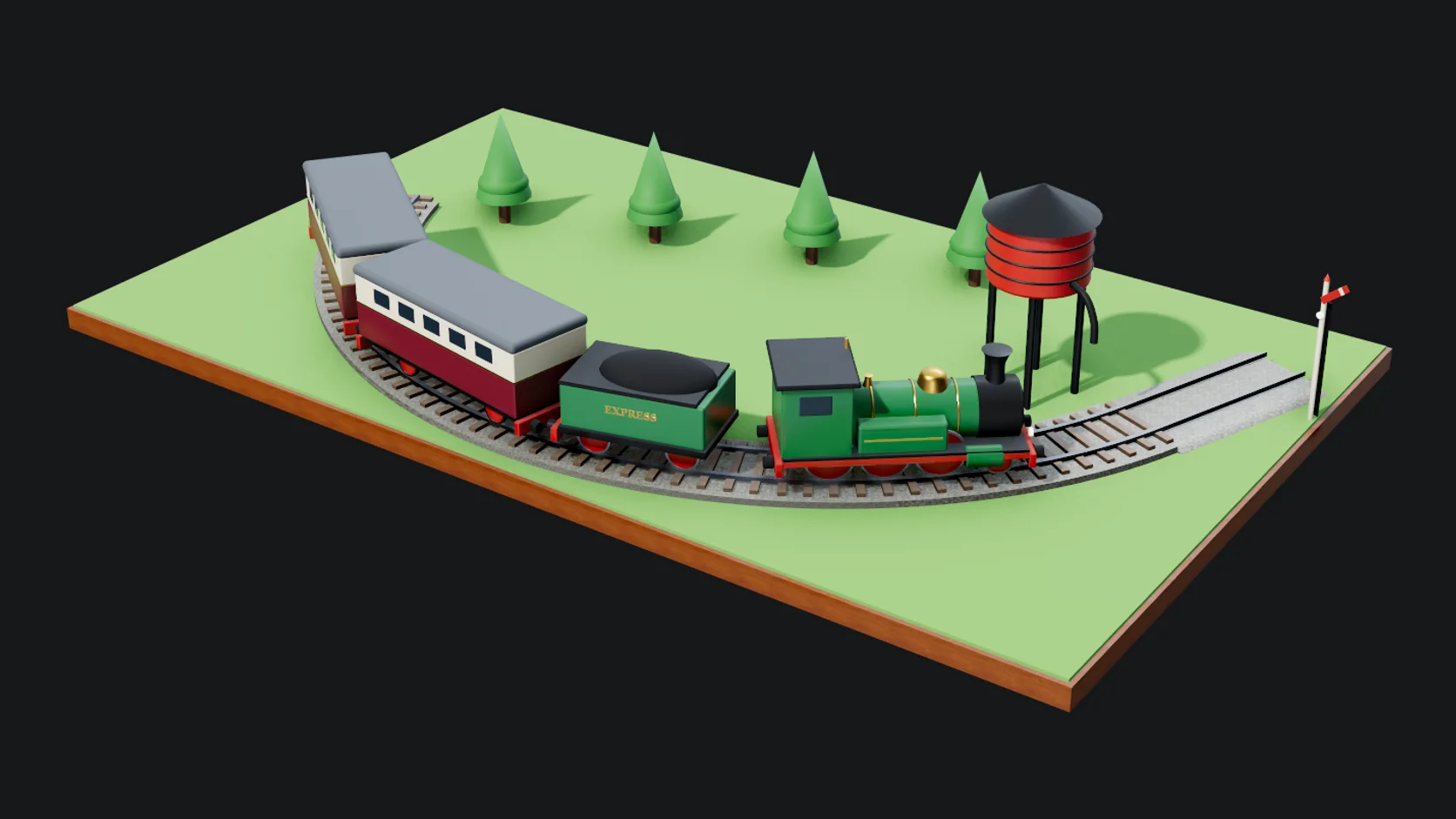
3D for schools

Apply with your institutional email and the course you teach, or open Motion yourself first and try a template.