A real colour key
Pick the screen colour with the eyedropper and Motion removes it, with controls for the edge and for green spill on hair and skin.
Film in front of green, key it out in Motion, and put the presenter anywhere: a newsroom, a volcano, the surface of the Moon. No green screen? Motion can cut the person out of ordinary footage too, on the Chromebook itself.
Maps that drop into
Pick the screen colour with the eyedropper and Motion removes it, with controls for the edge and for green spill on hair and skin.
Turn on Cut out person and Motion finds the person in every frame, with a model that runs in the browser. Nothing uploads and no credits are spent.
A photo, a clip, a colour or a scene rendered in Studio. Put a title between the person and the background for a news-desk look.
News reports, book trailers, weather forecasts and history interviews, captioned and exported in any size.
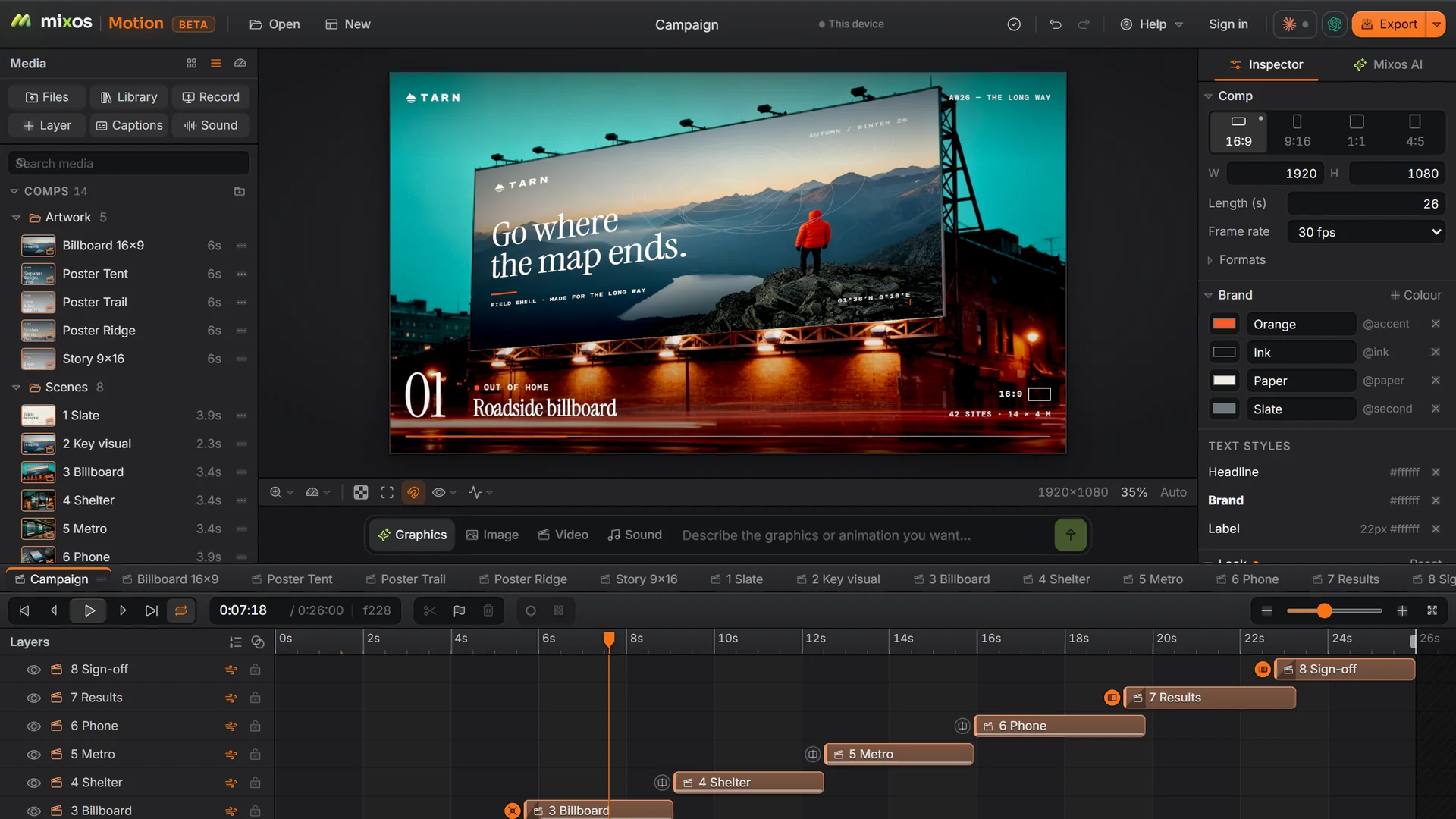
Every clip here is a template Motion rendered itself. Pick one in the start window and swap the words, the pictures and the brand colours.
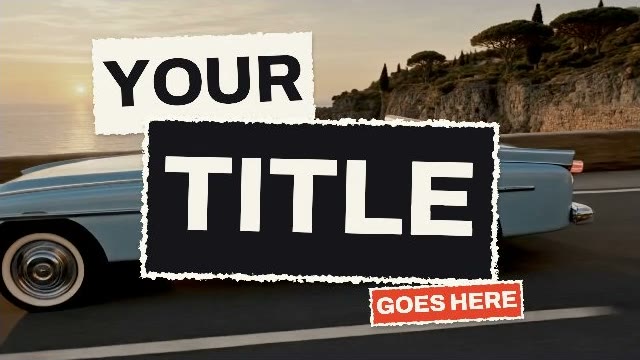
A title sequence for your own footage, cut from torn paper: plates land one at a time, hold, then step aside for the credits and a closing card. Drop a clip in and the whole title sits on it.
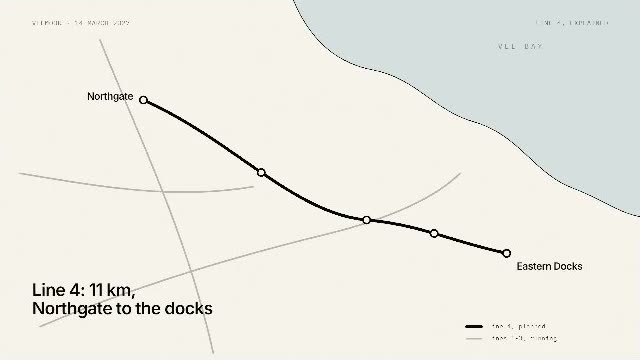
A news explainer: the key line of a document highlighted, a new line drawn across a map with a locator ring, a street photo annotated, and the figures with their source.

One clip, made into a launch: the name stands behind the car, slow motion, a tracked label, a duotone freeze and a spec panel.
Mixos AI
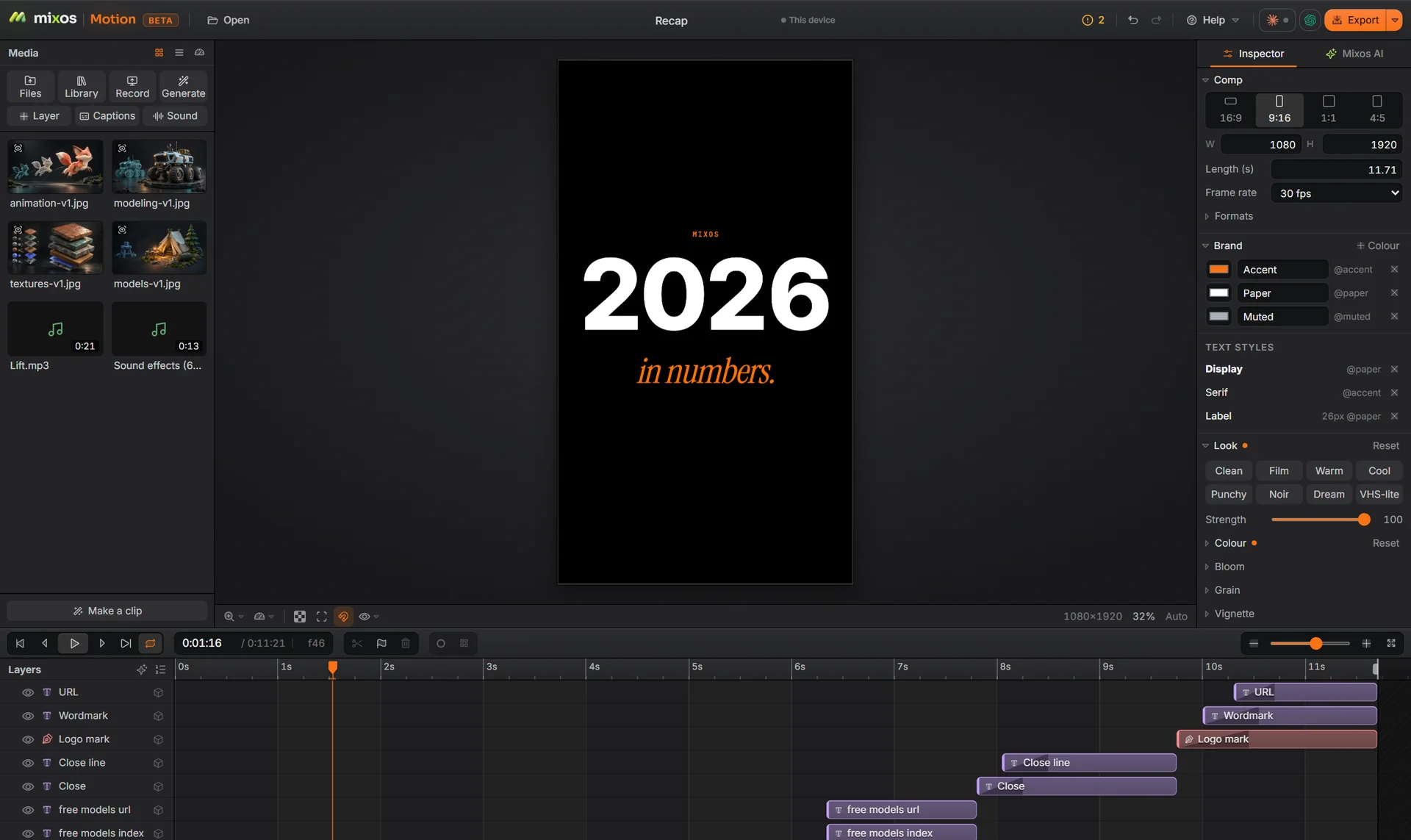
Type the ask under the viewer. Mixos AI works in your comp with the same tools as the buttons, so what it makes is normal layers you can move, retime or delete, and each request is one undo step.
Open MotionKey out the green screen on this clip and put the newsroom photo behind me.
Why Mixos
The best-known classroom green screen app, Do Ink, is made for iPad. On a Chromebook the choice is a web editor, and Motion is one with a proper colour key and a cutout that needs no screen at all.
Add the clip, select it and turn on the green screen in the Inspector. Pick the green, then adjust until the edge is clean. Even, bright light on the screen and a gap between the person and the cloth make the biggest difference to how cleanly it keys.
When there is no screen, Cut out person does the work. The masks are made on the Chromebook, frame by frame, so long clips take a while on a slower machine, and a sharp, well-lit subject cuts out more cleanly than a blurry one in a busy scene.
Building and previewing in Motion are free with a free account. Exporting the video is the paid step: Pro at $10.00 a month or the one-time $129 license. A classroom grant includes it for a course.
Yes, in the browser. Motion keys out green or blue in Chrome on ChromeOS, and it can also cut a person out of footage shot without a screen. Nothing installs.
No. Cut out person finds the person in ordinary footage, and you can click any object to cut that out instead. If you did film on green or blue, the colour key gives the cleanest edge.
No. The cutout model downloads to the browser and runs there, so the masks are made on the Chromebook and no credits are spent.
Do Ink is an iPad app. On a Chromebook, a browser editor with a colour key is the closest match; Motion adds the no-screen cutout, captions and animated titles in the same place.
Keying, cutouts and previewing are free with a free account. Exporting the finished video needs Pro, the one-time license or a classroom grant.
Read next
Key, retime and ease a move, step by step.
Keys, in-betweens, and the interpolation that joins them.
Bones, skin weights, IK, and why auto-riggers want a T-pose.
What carries over to an engine, and what to bake first.
Keep exploring
More in Animation & rendering
Video background remover
Video editing on ChromeOS
Video for schools
WeVideo alternative
After Effects on Chromebook
Open Motion, add your clip, and turn on the green screen or Cut out person.