Titles that animate themselves
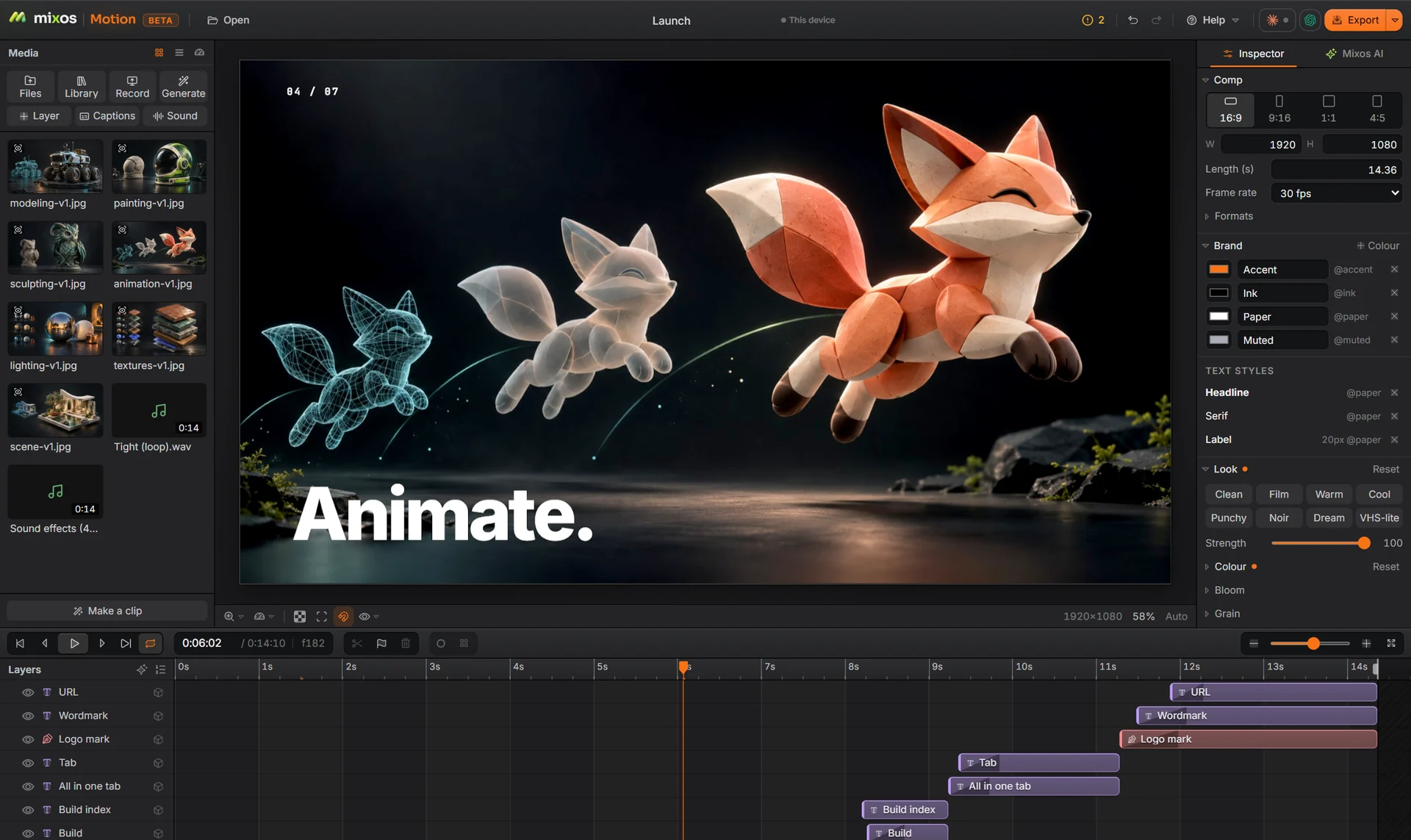
Titles, lower thirds and charts animate by line, word or letter with a behaviour, and logos can draw themselves.
WeVideo is the browser video editor many Chromebook schools know. Motion is another, with animated titles, captions made on the device, green screen and 3D from Studio, and a free classroom grant for courses.
Maps that drop into
Titles, lower thirds and charts animate by line, word or letter with a behaviour, and logos can draw themselves.
Captions are heard from the sound track and timed to the words, without sending the audio anywhere.
Key out a green screen, or cut a person out of ordinary footage with a model that runs in the browser.
A classroom grant covers a named course for the term, with export included and generative AI switched off.
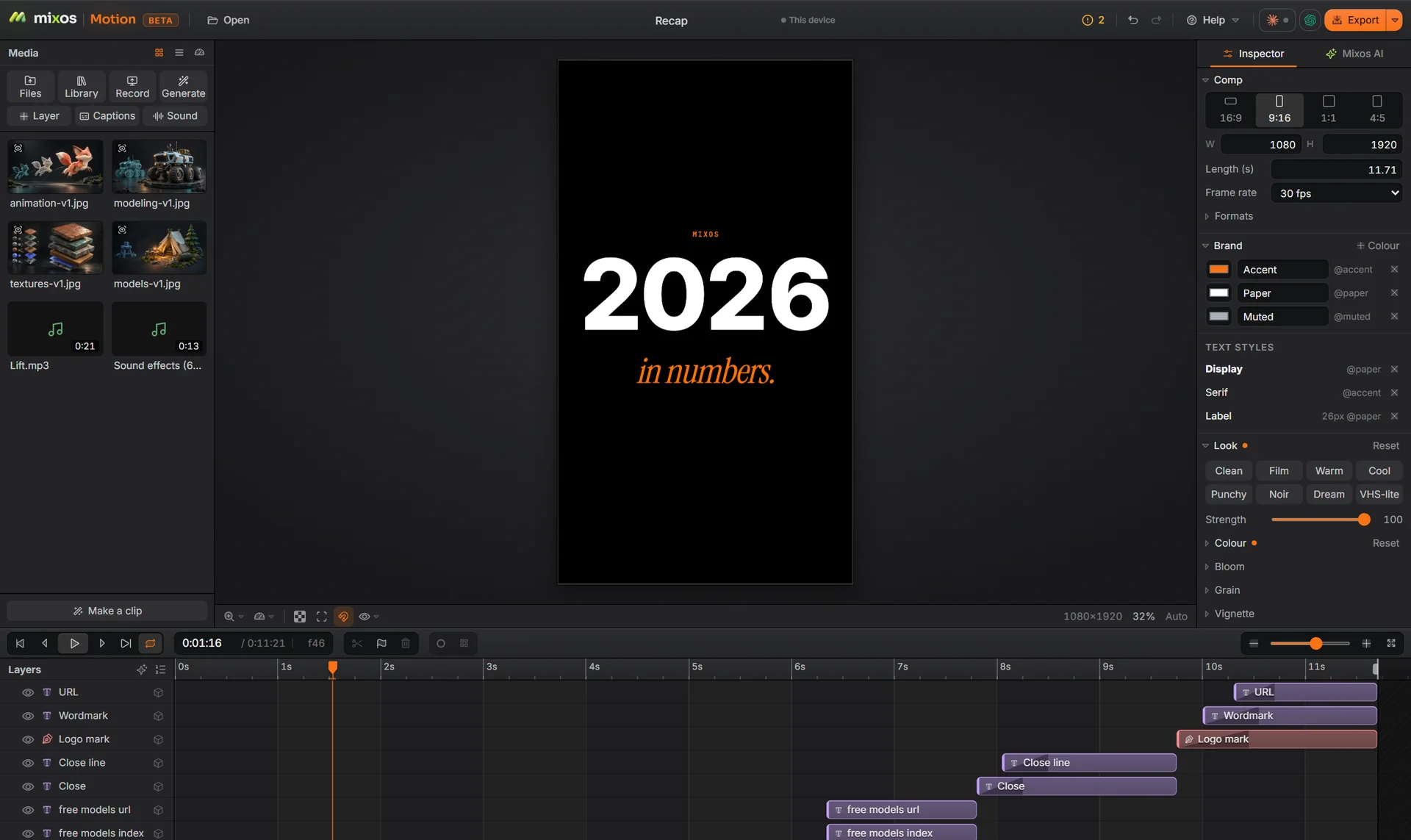
Every clip here is a template Motion rendered itself. Pick one in the start window and swap the words, the pictures and the brand colours.
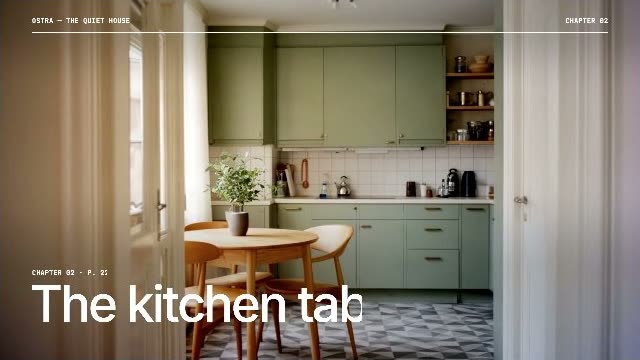
A report opener built as its own contents page: a running header, five numbered chapters, and a photo window beside each that grows into the full frame.
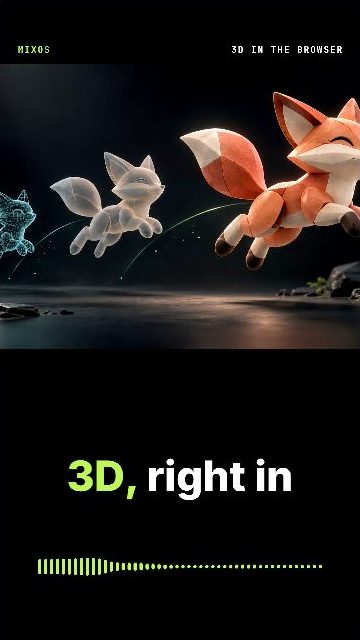
Narrated on this device, captions timed to every word, a waveform that moves with the voice.
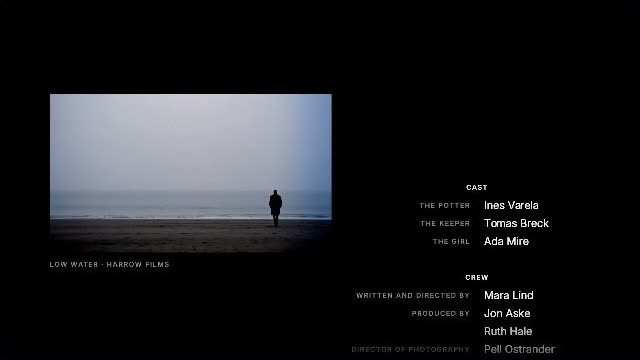
End credits: the last shot shrinks beside a two-column crawl, roles and names on one gutter, then the film's title card holds.
Mixos AI
Type the ask under the viewer. Mixos AI works in your comp with the same tools as the buttons, so what it makes is normal layers you can move, retime or delete, and each request is one undo step.
Open MotionTurn my clips into a short documentary: a chapter title for each part, captions, and end credits with our names.
Feature by feature
Both run in the browser on a Chromebook. Here is where each one is the better choice.
| Feature | Mixos | WeVideo |
|---|---|---|
| Runs in | Chrome or Edge on ChromeOS, Windows, macOS and Linux | A browser |
| Animated titles | Behaviours by line, word or letter, plus keys and curves | Animated titles and templates |
| Green screen | Colour key, plus a cutout that needs no screen | Chroma key |
| 3D | Renders from Studio, the mixos 3D app | Not included |
| Recording | Screen and mic | Screen and webcam |
| Google Classroom | Invited pilot | Classroom add-on |
| For a school | Free classroom grant per course, read by a person | Paid education plans |
WeVideo described from its public education pages, November 2026. Every Motion cell describes the shipping app.
Why Mixos
WeVideo is a mature, education-focused editor. It plugs into Google Classroom as an add-on, records screen and webcam, and sells education plans. If your school runs it and it does the job, there is no reason to switch. Teachers look elsewhere for two reasons: cost per seat, and wanting more than cuts.
Motion is strongest on the second. Titles, lower thirds and charts animate by behaviours, renders from Studio, the mixos 3D app, come straight into the edit, and a check flags text cut off by the frame or too fast to read. Captions, cutouts and the voice-over are made on the device.
It is missing some things WeVideo has: there is no webcam recording (screen and mic only; film on the camera app and import), and the Google Classroom integration is an invited pilot. Imported clips stay in the browser where they were added unless the student's own plan is paid, so students on shared carts should finish on one machine.
An approved classroom grant is free for the term and covers a named course of up to 200 students. It opens every mixos app except Auto, with generative AI switched off, and includes 4K export and a shared class library. Assignments, hand-in and grading in 3D currently run through Paint, the texturing app.
Motion is free to build and preview in, and a classroom grant makes export free for a named course of up to 200 students for the term. Without a grant, exporting needs Pro or the one-time license.
Yes, in Chrome on a reasonably recent Chromebook, if the school's filter allows mixos.io. Nothing installs.
No. Export the finished video, or the original clips, from WeVideo and bring those into Motion.
Not in Motion. It records a screen, window or tab with the mic. Record webcam footage with the Chromebook's camera app and import the clip.
Classroom use is for students 13 and older, which covers high school, college and university courses. Schools and teachers may not use mixos with younger students.
Read next
Key, retime and ease a move, step by step.
Keys, in-betweens, and the interpolation that joins them.
Bones, skin weights, IK, and why auto-riggers want a T-pose.
What carries over to an engine, and what to bake first.
Keep exploring
More in For schools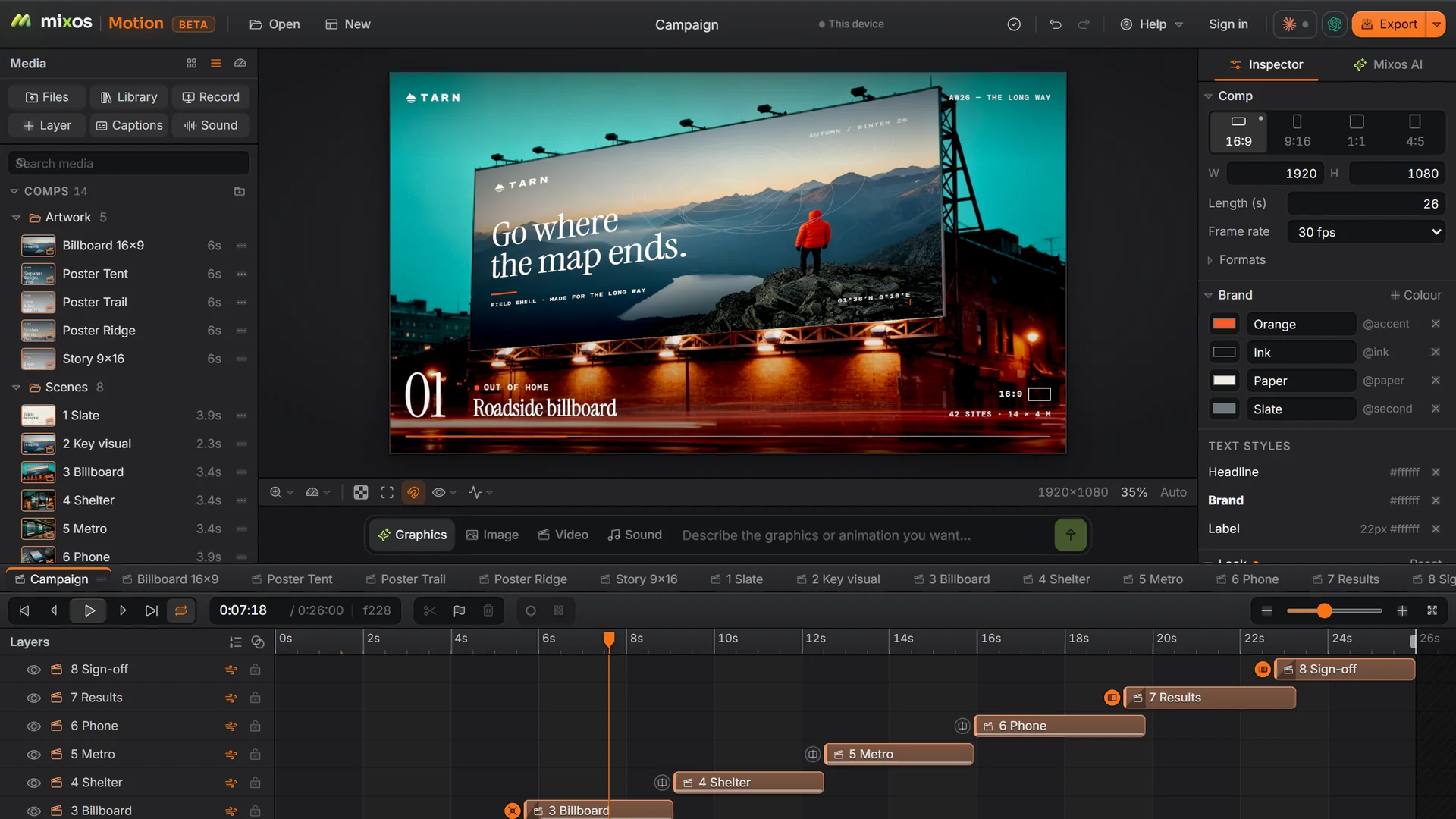
Video for schools
Video editing on ChromeOS
Green screen on ChromeOS
CapCut alternative
Canva video alternative

Open Motion, pick a template and swap in your clips. When it fits the course, apply for a free classroom grant.