Timing by hand
Any property can be keyed, with easing curves and a graph editor, and behaviours handle the common entrances and exits for you.
Canva video alternative
Canva is quick for a branded post with a fade or a pan. When the timing has to be exact, a title has to arrive word by word, or a label has to follow something in the video, Motion is the next step, still in a browser tab.
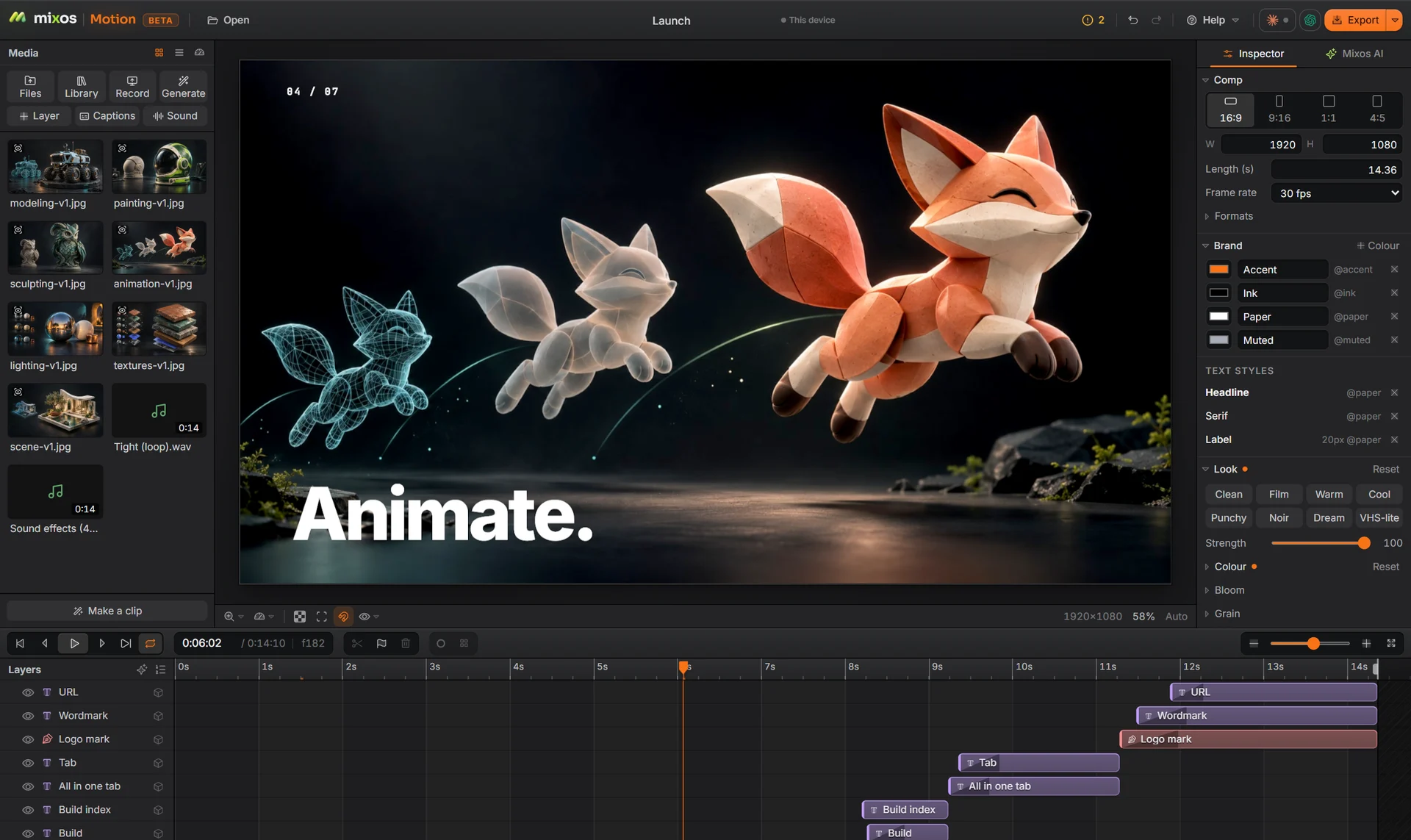
Any property can be keyed, with easing curves and a graph editor, and behaviours handle the common entrances and exits for you.
Colours and text styles named once and used by every layer, so a change of accent colour reaches the whole clip.
Point tracking, stabilising, masks and cutting out the person, so graphics sit in the shot instead of on top of it.
Besides MP4 and GIF, export a transparent overlay for another editor or a Lottie for a website or an app.
Every clip here is a template Motion rendered itself. Pick one in the start window and swap the words, the pictures and the brand colours.
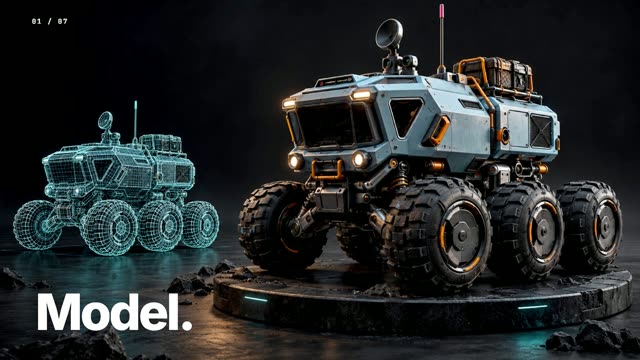
Product sizzle: seven crisp renders cut on the beat, one word each, a clean end card.
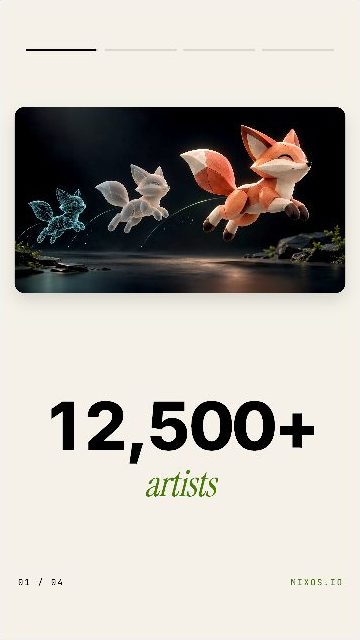
The year in numbers, vertical: one number per shot with a crisp render, cut on the beat.

A product drop as one loud poster: yellow, black capitals, a red price burst, and a camera that snaps from crop to crop on the beat.
Mixos AI
Type the ask under the viewer. Mixos AI works in your comp with the same tools as the buttons, so what it makes is normal layers you can move, retime or delete, and each request is one undo step.
Open MotionTurn these five product photos into a 15-second vertical ad, with the price popping in on the last shot.
Feature by feature
One is a design platform with video in it, the other a motion graphics tool. Here is where each one is the better choice.
| Feature | Mixos | Canva |
|---|---|---|
| Scope | Video and motion graphics | Design of every kind, video included |
| Animating | Behaviours by line, word or letter, plus keys and a graph editor | Animation presets, drawn motion paths and page-to-page transitions; no keyframes |
| Captions | Heard on your device, timed to every word | Automatic captions with styles |
| Templates and stock | A start window of designed templates | A vast template and stock library |
| Export | MP4, WebM, GIF, PNG sequences, transparent overlays and Lottie | MP4, GIF and image formats; no Lottie |
Canva described from its public product pages, November 2026. Every Motion cell describes the shipping app.
Why Mixos
Canva covers design of every kind, from slides to print, with a vast library of templates and stock, and teams share one workspace. For most branded posts that breadth is the point.
Motion does one thing: video and motion graphics. Layers move by line, word or letter, any value can be keyed, footage can be tracked and masked, and the comp re-lays itself for each social size.
Captions heard from the voice track, an on-device voice-over, music with beat markers and sound effects are built in, and renders from Studio, the mixos 3D app, arrive as layers.
Building, animating and previewing are free with a free account, and a free export is 540 px with a watermark. Exporting up to 4K without the watermark is part of Pro at $10.00 a month or the one-time $129 license.
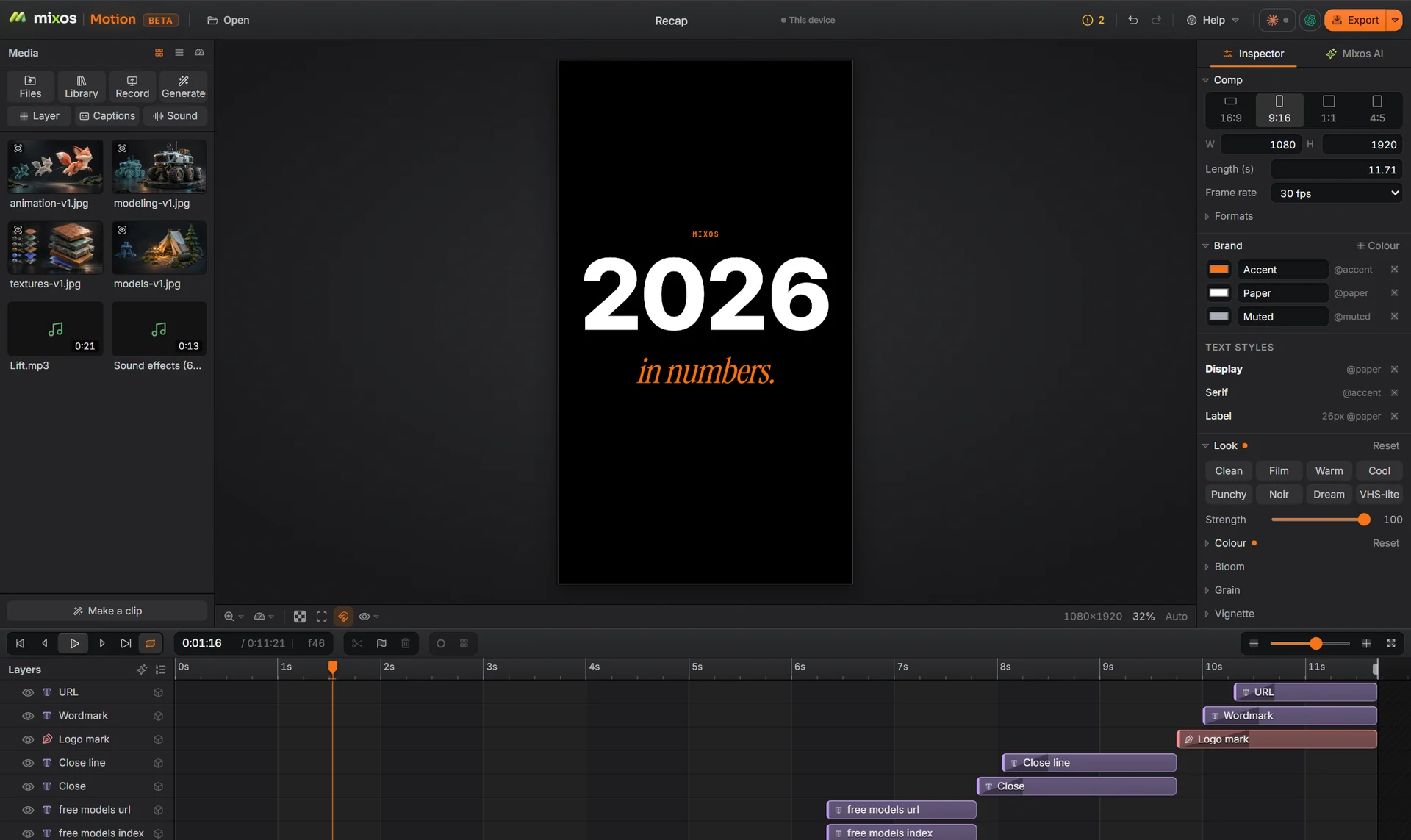
Yes, as files. Download the design as images or video and import them into Motion.
Yes. Motion opens on a start window of designed templates in 16:9 and 9:16; swap the words and pictures and export.
Building and previewing are free. A free account exports video at 540 px on the long edge with a watermark; Pro and the one-time license export up to 4K without one.
A desktop or laptop with current Chrome or Edge, on Windows, macOS, Linux or ChromeOS. Motion draws on your graphics card through WebGPU, so nothing installs, and a free account is needed to open it.
Read next
Key, retime and ease a move, step by step.
Keys, in-betweens, and the interpolation that joins them.
Bones, skin weights, IK, and why auto-riggers want a T-pose.
What carries over to an engine, and what to bake first.
Keep exploring
More in Alternatives