Behaviours instead of keyframes
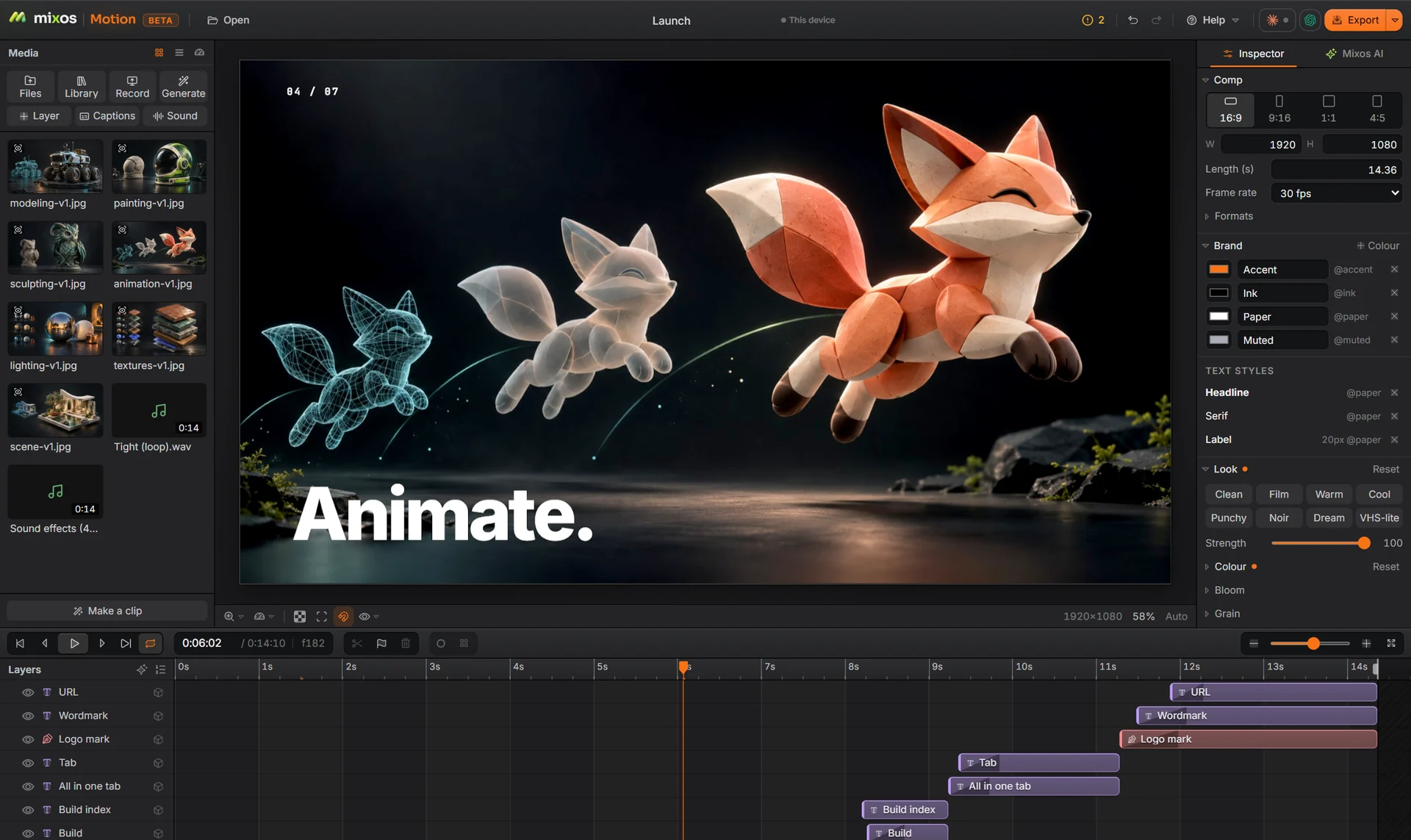
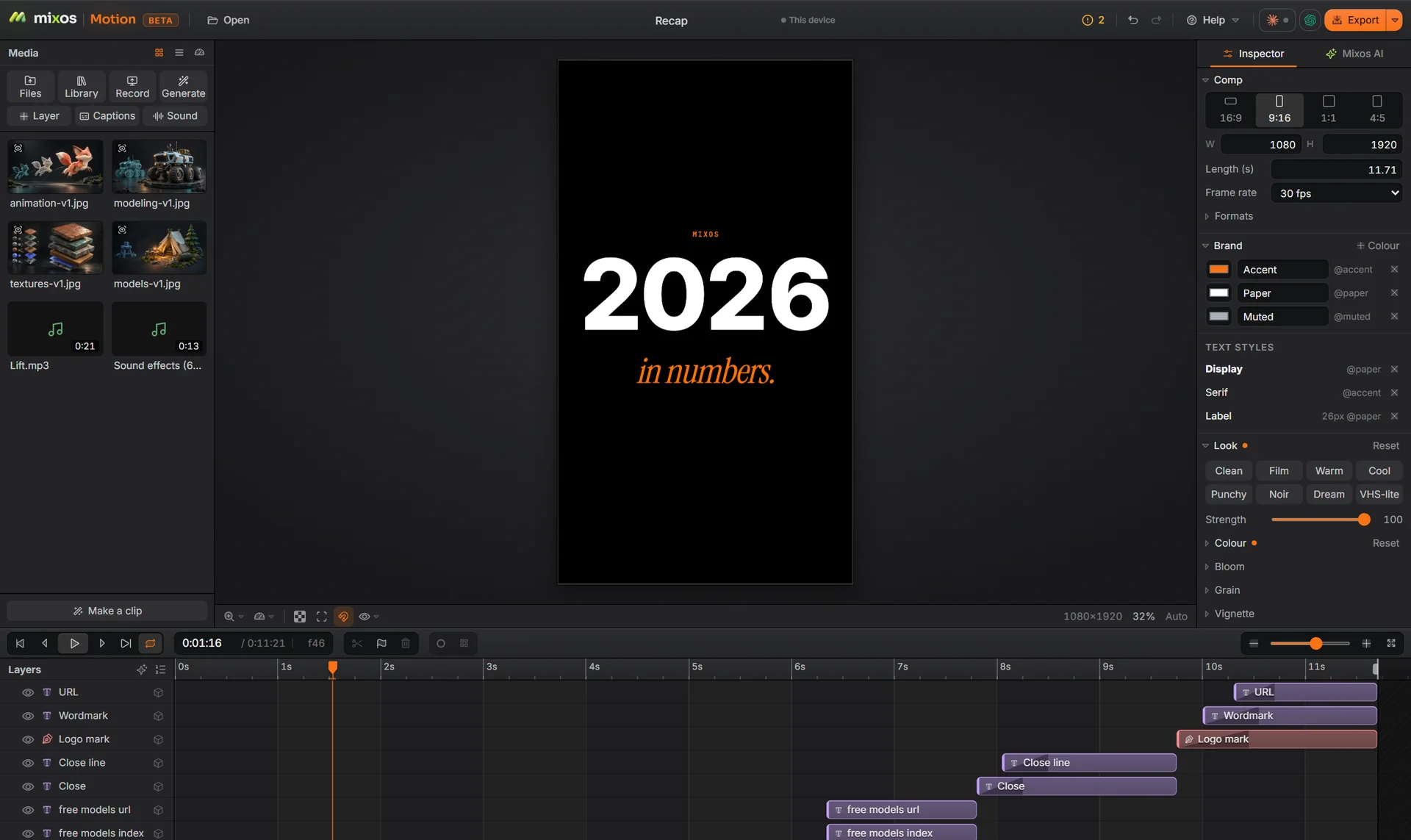
Pick how a layer arrives, moves and leaves, by line, word or letter, with a stagger. Keys and a graph editor are there for timing by hand.
Adobe makes After Effects for Windows and macOS only. On a Chromebook, Motion does the short work people open it for (titles, logo stings, lower thirds, captions and social cuts) in a Chrome tab.
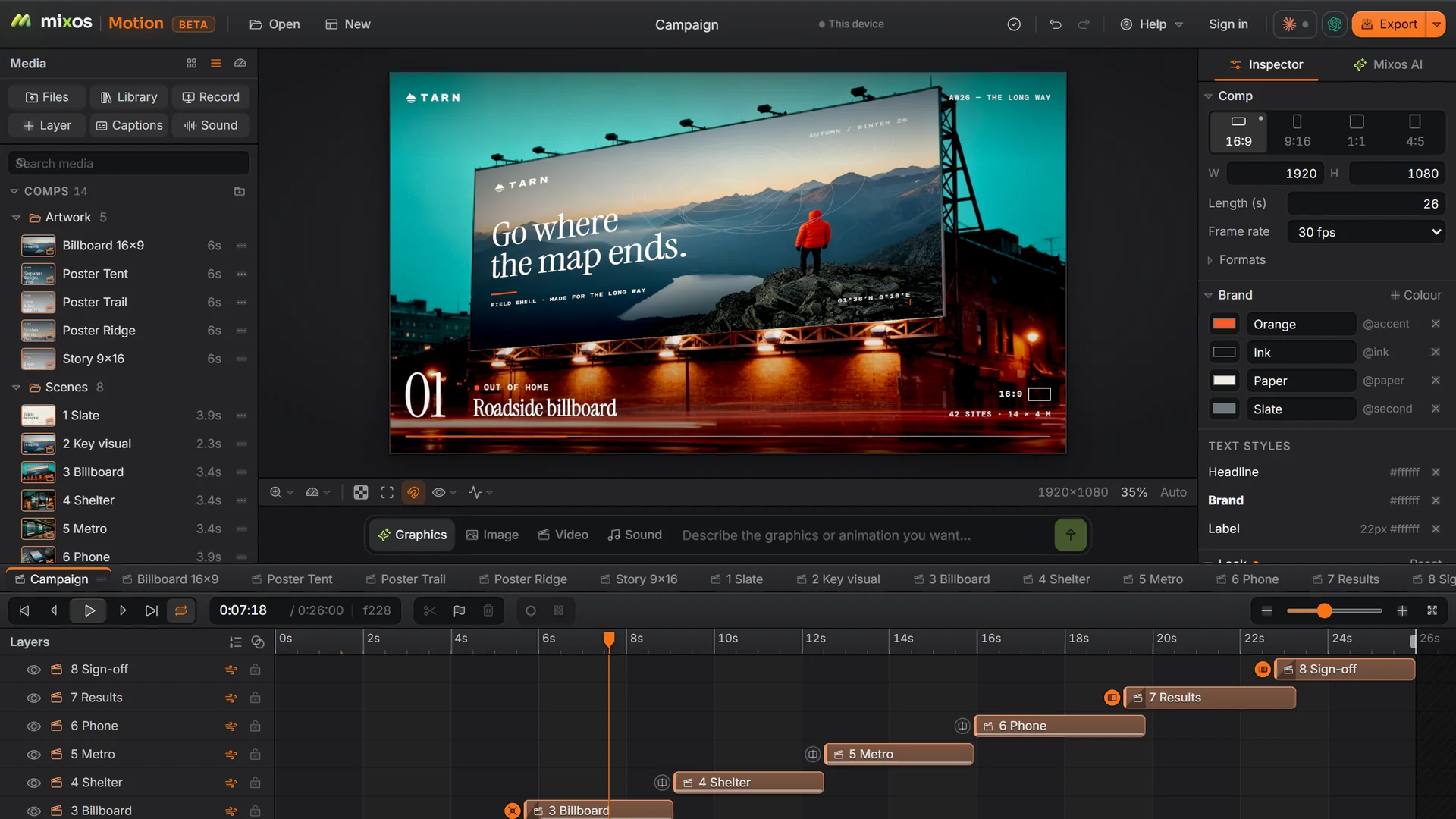
Maps that drop into
Pick how a layer arrives, moves and leaves, by line, word or letter, with a stagger. Keys and a graph editor are there for timing by hand.
Mask a shape, use one layer as another's matte, key out a green screen, track a point and stabilise a shaky shot.
Renders from Studio, the mixos 3D app, come into Motion in one step, so a 3D title or a product shot goes straight into the comp.
There is no Linux version of After Effects to put in the ChromeOS Linux container either. Motion is a web app, so it opens on a managed school Chromebook too.
Every clip here is a template Motion rendered itself. Pick one in the start window and swap the words, the pictures and the brand colours.
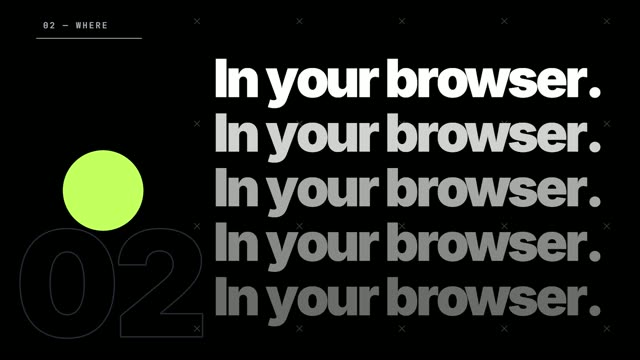
Kinetic type in one unbroken shot: the camera whips, rolls, dives into a full stop and pulls back out, with depth behind every scene.
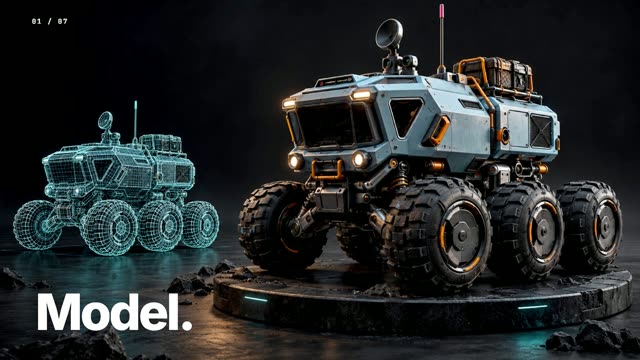
Product sizzle: seven crisp renders cut on the beat, one word each, a clean end card.
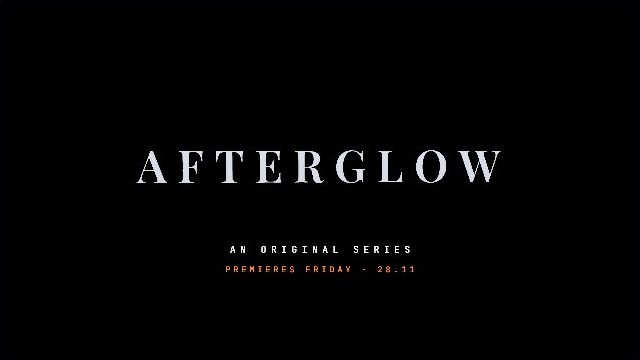
A film title in real 3D chrome, a spaced serif on black: a hairline draws, the title rises out of it turning, the light glides down the letters.
Mixos AI
Type the ask under the viewer. Mixos AI works in your comp with the same tools as the buttons, so what it makes is normal layers you can move, retime or delete, and each request is one undo step.
Open MotionAdd a lower third with my name and class, sliding in from the left with a thin accent line.
Why Mixos
After Effects is a desktop compositor for Windows and macOS, with no ChromeOS, Android or Linux version. On a Chromebook the only way to use it is a remote desktop to a computer that has it. Motion is the other route: a motion-graphics app built to run in the browser.
Layers have behaviours, so a title can type on, a logo can draw itself and a chart can count up without a single key. When you want control, any property takes keys with easing curves and a graph editor.
It is built for short pieces: intros, lower thirds, explainers, social clips and captions. It doesn't read .aep projects, run expressions or load plugins, so a large After Effects project stays in After Effects.
Building and previewing in Motion are free with a free account. Exporting the video is the paid step: Pro at $10.00 a month or the one-time $129 license. A classroom grant includes it for a course.
Not directly. After Effects is made for Windows and macOS, with no ChromeOS, Android or Linux version. You can reach it through a remote desktop to a computer that has it, or use a browser tool like Motion on the Chromebook itself.
No. Motion doesn't read .aep files. Bring in the media instead: video, images, SVG logos, sound and 3D models all import.
For titles, intros, explainers, animated charts and captioned videos, yes. Students work with the same ideas (layers, keyframes, easing, masks) that carry over to After Effects later.
Building and previewing are free with a free account. Exporting the video needs Pro, the one-time license or a classroom grant.
A reasonably recent Chromebook with current Chrome. Motion draws on the graphics chip, so a very old or low-cost device may struggle with long HD footage. A free account is needed to open it, and nothing installs.
Read next
Key, retime and ease a move, step by step.
Keys, in-betweens, and the interpolation that joins them.
Bones, skin weights, IK, and why auto-riggers want a T-pose.
What carries over to an engine, and what to bake first.
Keep exploring
More in Animation & renderingAfter Effects alternative
Video editing on ChromeOS
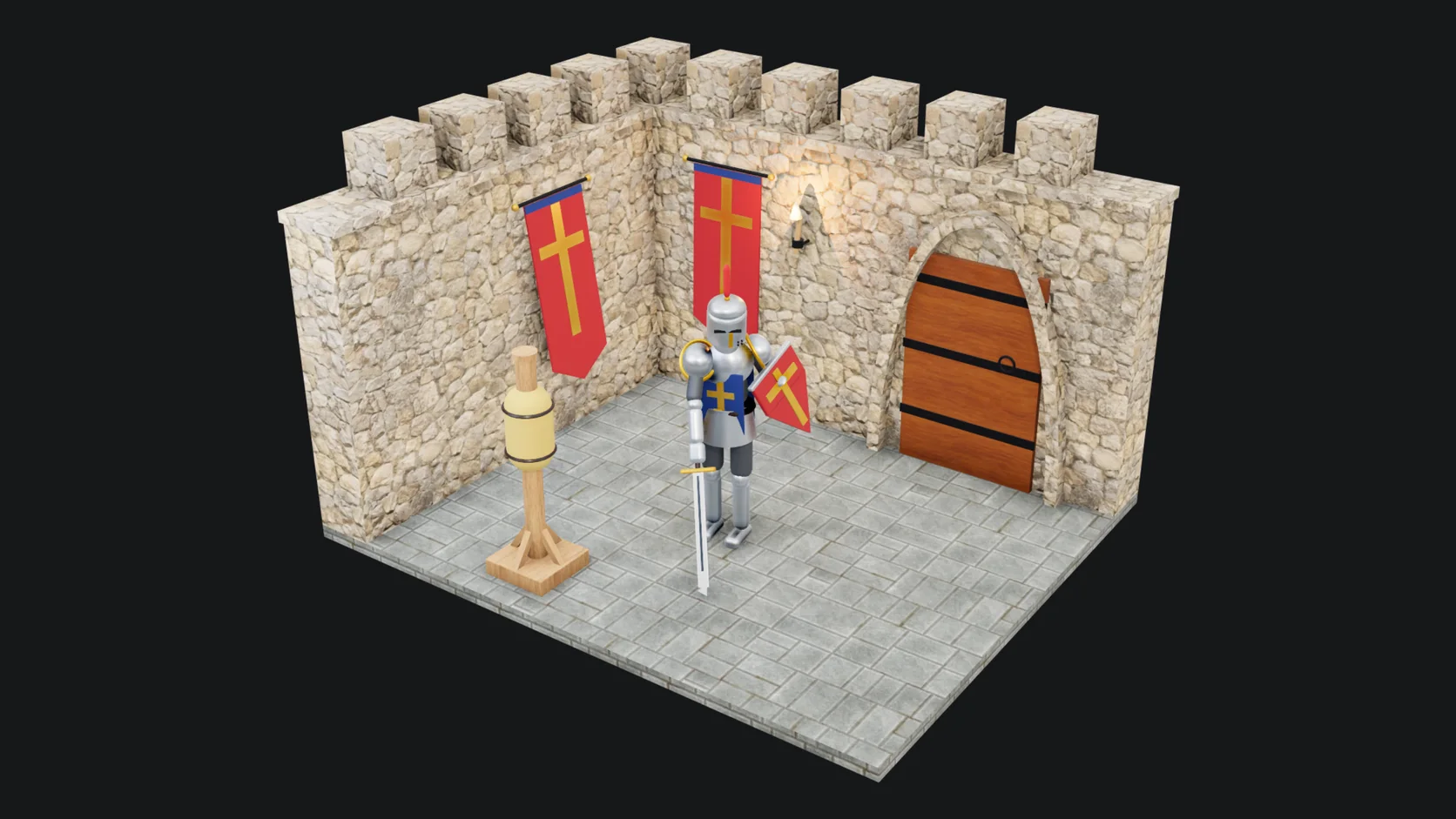
Animation on ChromeOS
Green screen on ChromeOS
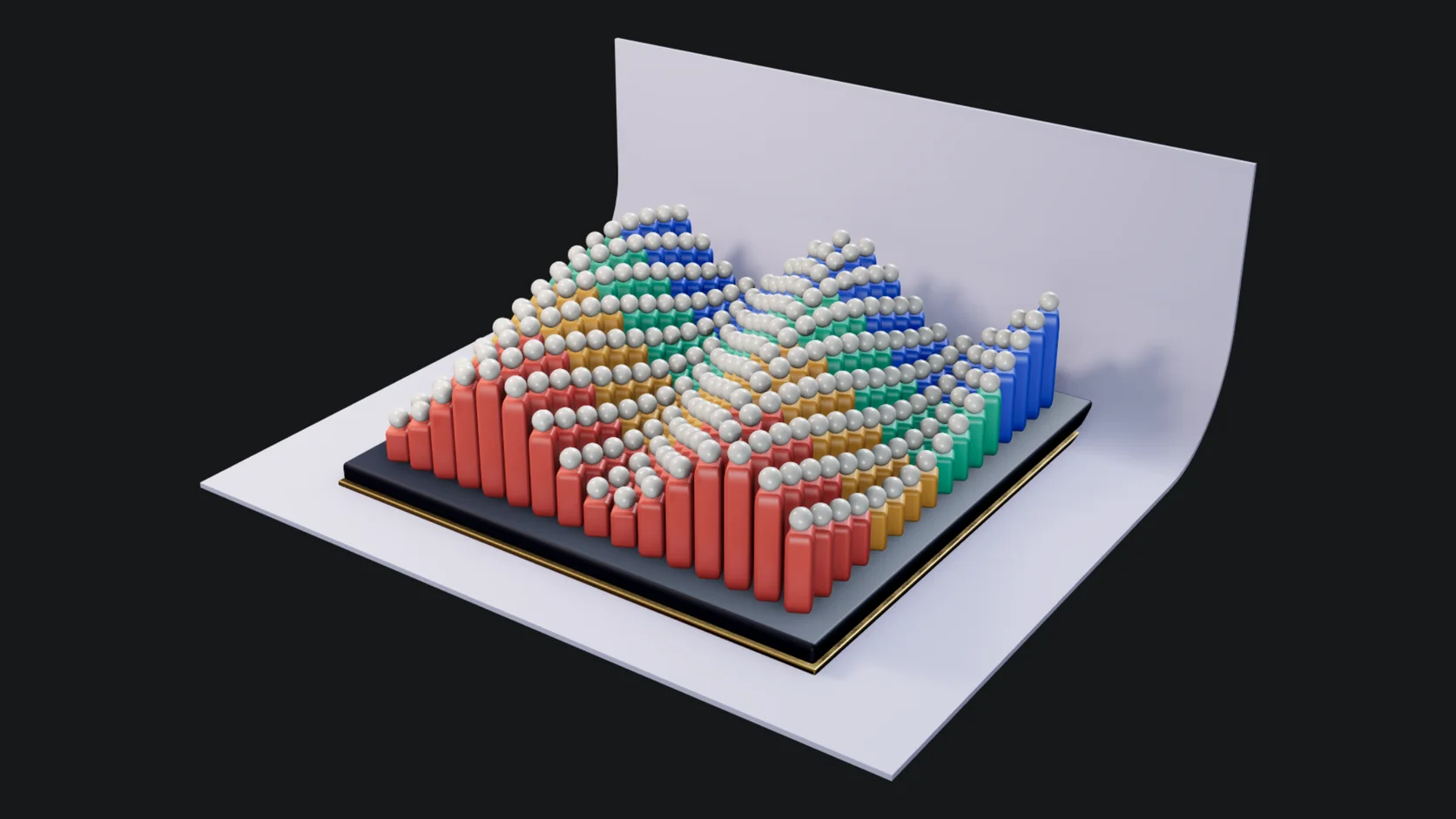
Motion design
Animated text

Pick a template in the start window, swap the words and the pictures, and make it move. In Chrome, on the Chromebook you have.