3D keyframes and curves
Key any transform or setting on a timeline, retime in the dopesheet, and shape the in-betweens in the curve editor.
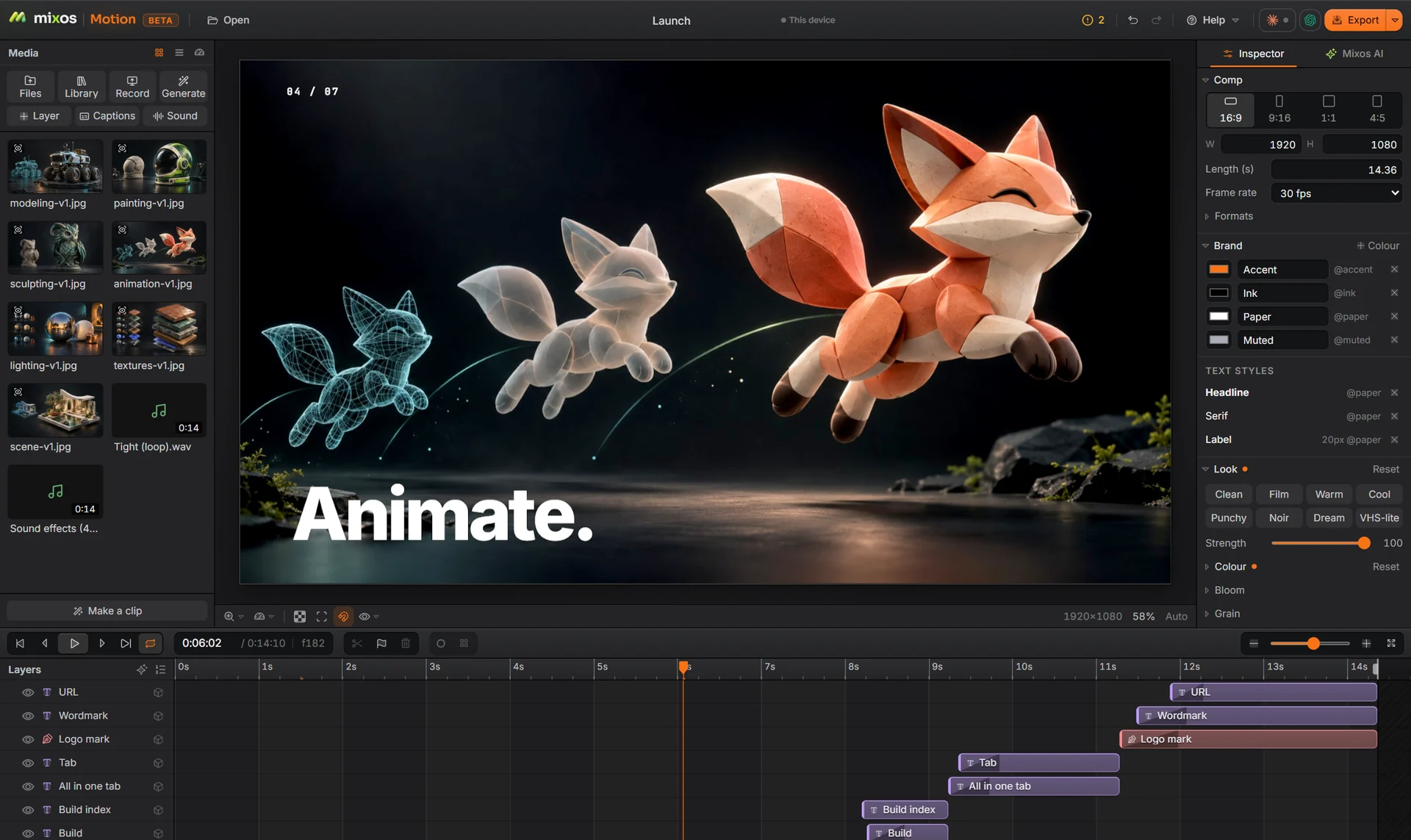
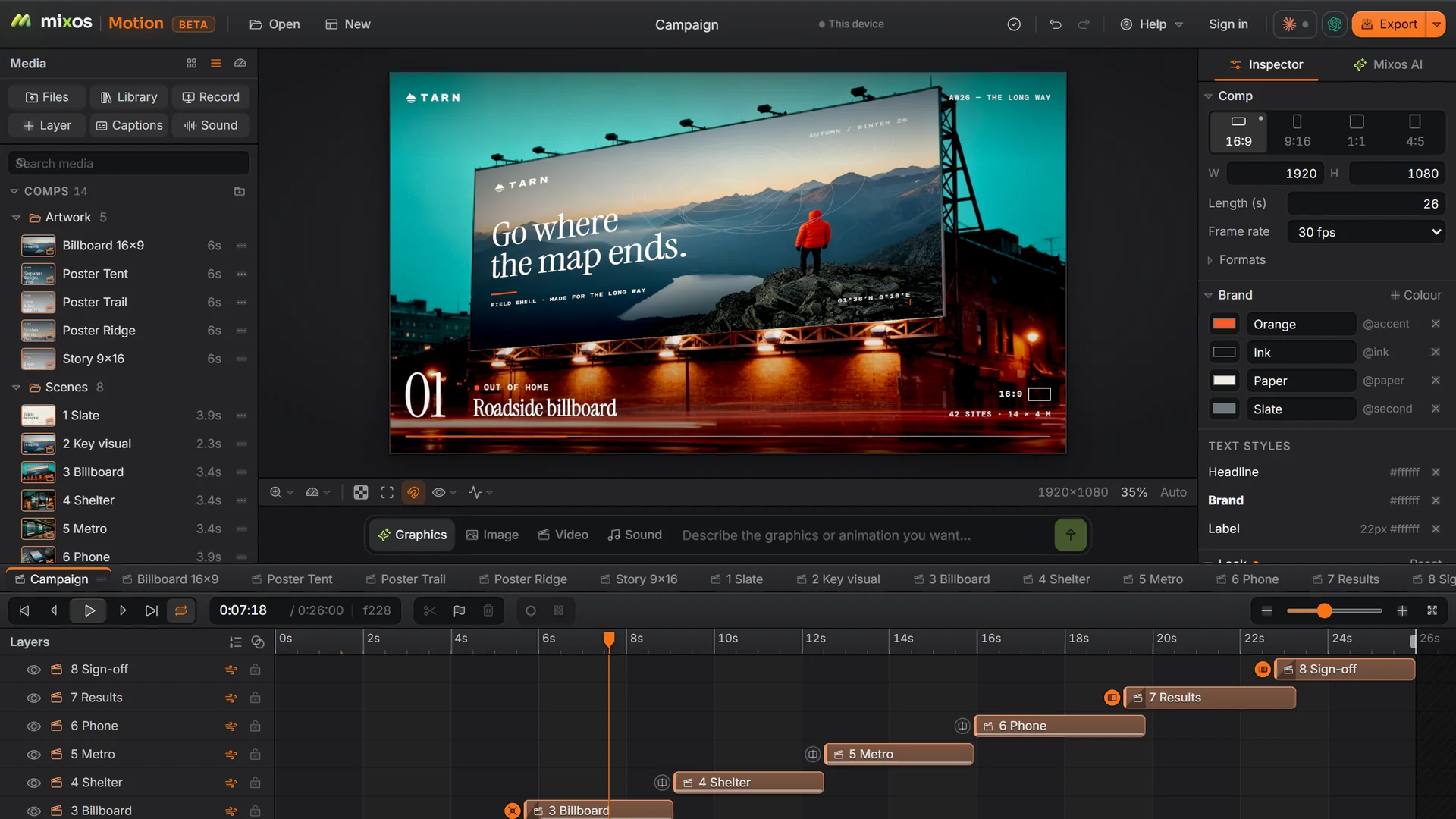
Two kinds of animation run in Chrome on a Chromebook here: 3D scenes in Studio, with keyframes, rigged characters and physics, and motion graphics in Motion, where titles, logos and shapes move by picking a behaviour. Neither needs an install.
Maps that drop into
Key any transform or setting on a timeline, retime in the dopesheet, and shape the in-betweens in the curve editor.
Fit a skeleton to a humanoid in one step, pose it with IK controls, or put a motion-capture clip on it from a library of over 2,500 takes.
Drop objects with rigid-body physics, hang cloth, grow hair or emit particles, then scrub the timeline to watch it play.
In Motion, a title or logo gets an entrance, a move and an exit, by line, word or letter. Keys are there when you want them.
Why Mixos
Most animation apps for Chromebook are Android drawing apps for frame-by-frame cartoons. That is a real craft, and if it is the one you want, a drawing app with onion skin is the right tool. mixos is for the other two kinds: 3D scenes and motion graphics, both in a Chrome tab.
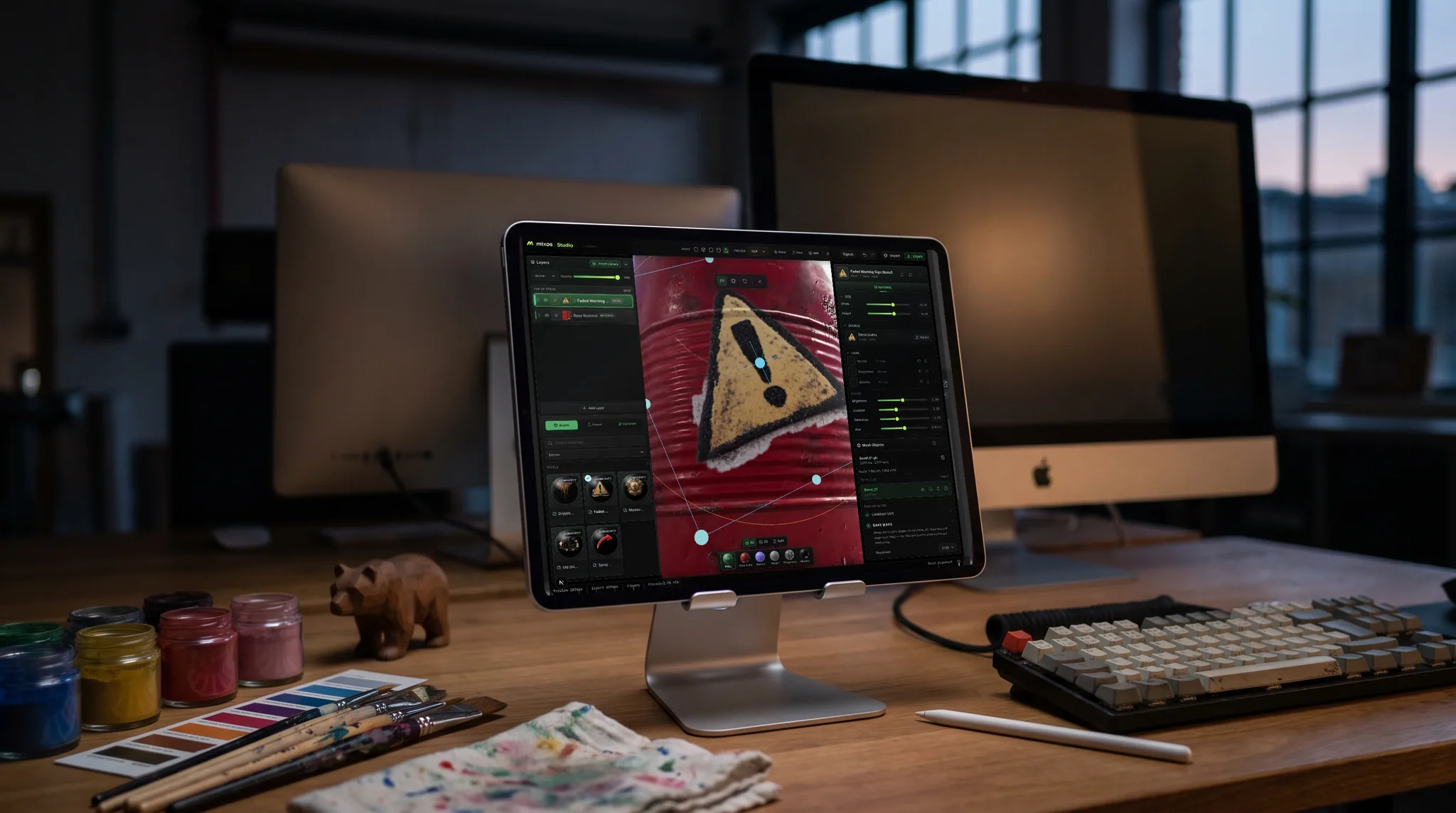
Studio runs the 3D side on the Chromebook's GPU. Build or import a scene, key it, preview it in the viewport and render a still or a turntable. Characters can be rigged automatically and driven by motion capture, and the Simulation workspace adds physics, cloth, hair and particles.
Motion does the 2D and video side: animated text, logos, shapes and charts, over footage or on their own, with captions, music and every social size.
Integrated Chromebook graphics are a modest GPU. Keep scenes small, scrub before you render, and expect a heavy simulation or a long render to take a while. Both apps check the device when they open and say plainly if it can't run them.
Building, animating and previewing are free. Exporting the video, the model or a full-size render is the paid step: Pro at $10.00 a month or the one-time $129 license. A classroom grant includes it for a course.

Yes. Studio animates 3D scenes and Motion animates text, logos and video, both in Chrome on ChromeOS with nothing to install. For hand-drawn frame-by-frame animation, use a drawing app with onion skinning.
Studio is one: keyframes, a dopesheet, a curve editor, automatic humanoid rigging, IK, motion-capture clips and physics, rendered in the browser. Desktop packages such as Blender and Maya have no ChromeOS version.
No. There is no drawing timeline with onion skin. Motion animates shapes, text and images with behaviours and keyframes, which suits titles, explainers and motion graphics rather than hand-drawn cartoons.
Video from Motion; stills, turntables and models as GLB, FBX, OBJ or STL from Studio. Export is the paid step, and a classroom grant includes it.
Ones with current Chrome and WebGPU, which in practice means reasonably recent hardware. The apps check when they open and say plainly if the device can't run them, so nobody finds out halfway through a lesson. Integrated graphics are fine for modeling and animation; renders finish sooner on a stronger GPU.
Read next
Key, retime and ease a move, step by step.
Keys, in-betweens, and the interpolation that joins them.
Bones, skin weights, IK, and why auto-riggers want a T-pose.
What carries over to an engine, and what to bake first.
Keep exploring
More in Animation & rendering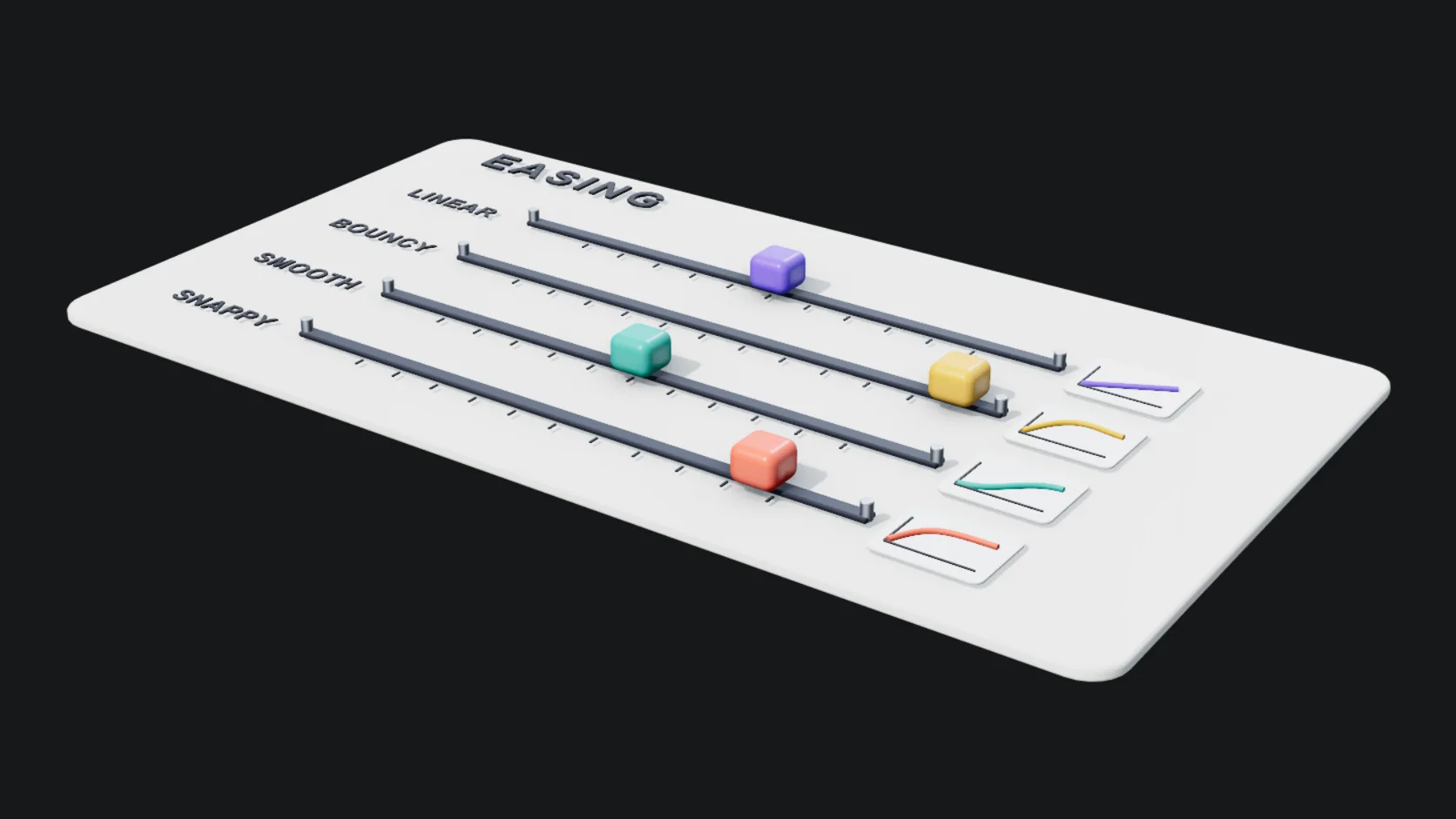
Animation for schools
Online 3D animation
Blender on Chromebook
After Effects on Chromebook
Video editing on ChromeOS
3D on ChromeOS

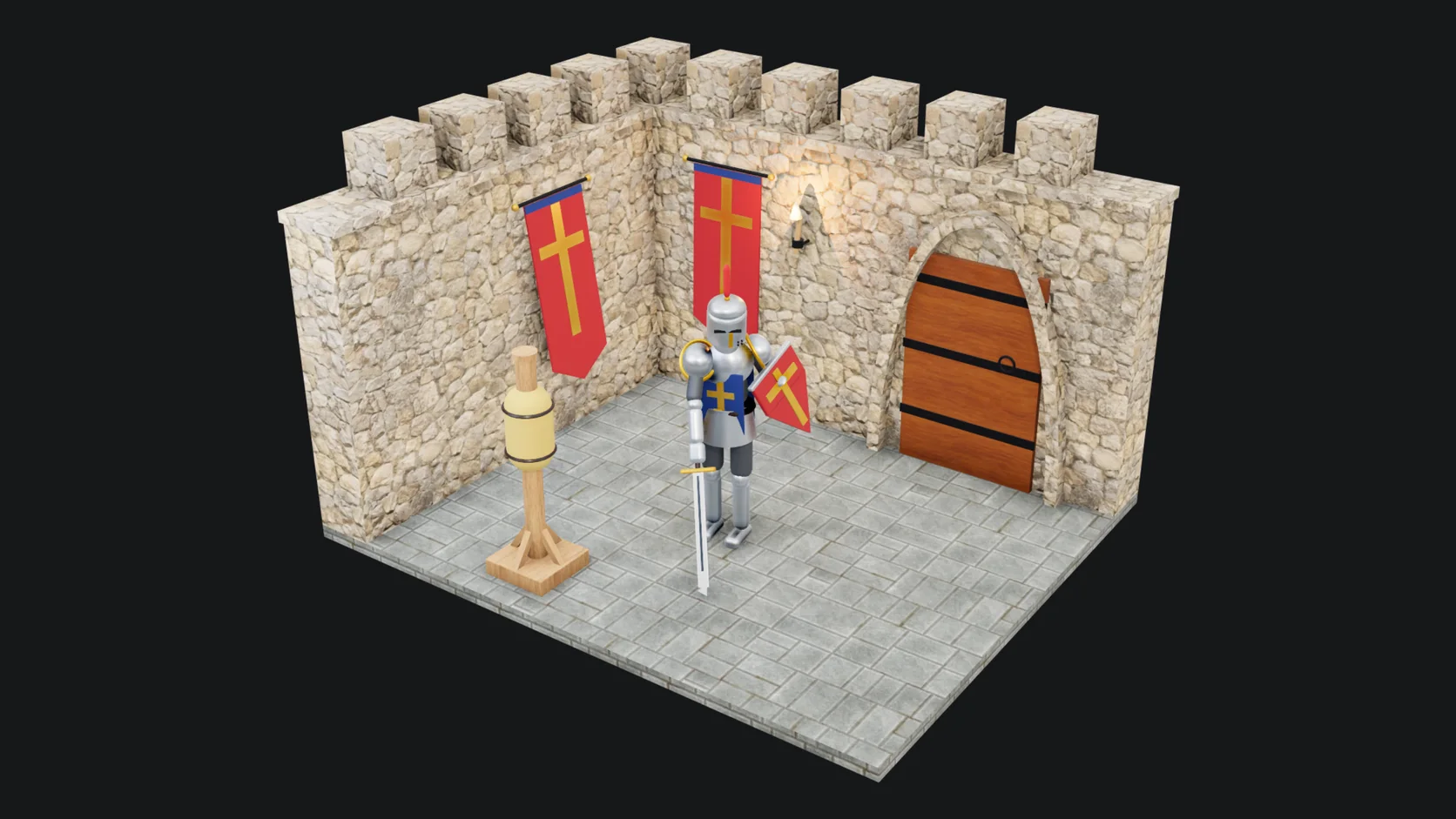
The knight is rigged with two keyed clips. Scrub the timeline, change a pose and key your own move.