Blender needs Linux
On a personal Chromebook you can turn on the Linux development environment and install Blender there. Speed depends on the GPU driver: some newer machines manage, many fall back to slow software drawing.
Blender's downloads are for Windows, macOS and Linux, so on a Chromebook it means the Linux container, and that only runs well on some machines. On a school Chromebook it usually isn't allowed at all. Mixos Studio is a separate 3D editor that opens in Chrome with nothing to install.
Maps that drop into
On a personal Chromebook you can turn on the Linux development environment and install Blender there. Speed depends on the GPU driver: some newer machines manage, many fall back to slow software drawing.
Managed devices usually have Linux switched off by the administrator, so a student can't install Blender at all. A web app needs nothing beyond opening a URL.
Studio has polygon modeling, modifiers, an outliner, keyframes and path-traced rendering, drawn on the Chromebook's own GPU through WebGPU.
Studio doesn't open .blend files. Bring meshes in as GLB, FBX or OBJ and send them back the same way; export is on a paid plan.
Why Mixos
Linux. ChromeOS can run a Linux container, and Blender's Linux build runs inside it. Usable speed needs working GPU acceleration in the container, which depends on the Chromebook's graphics and driver. Newer Chromebook Plus machines can manage it; older and low-cost ones often fall back to software drawing, which is too slow to model with. It also needs the Linux setting turned on, and school administrators normally switch it off.
Remote desktop or a cloud PC. You can run Blender on another computer and stream it to the Chromebook. You keep real Blender and your .blend files, but the other computer has to be on, the connection has to be good, and a cloud machine is billed by the hour.
A browser editor. Studio is not Blender, but it covers much of what people open Blender for on a laptop: shape a model with extrude, bevel and loop cuts, stack modifiers, arrange a scene with lights and cameras, key an animation and render it. It draws through WebGPU, which current Chrome on ChromeOS supports on reasonably recent hardware, and it tells you on load if a machine can't run it.
Modeling, animating and previewing in Studio are free. Exporting a model, a scene file or a full-size render is the paid step: Pro at $10.00 a month or the one-time $129 license. A classroom grant includes it for a course.

No. Blender's official downloads are for Windows, macOS and Linux. On a Chromebook, the route to Blender itself is its Linux build inside the ChromeOS Linux container, or a remote session to another computer.
Turn on the Linux development environment in ChromeOS settings, then install Blender's Linux build inside it. Whether it runs at a usable speed depends on GPU acceleration in the container; on many Chromebooks it falls back to slow software drawing.
Usually not. Linux is normally disabled by the school's administrator, and students can't install software on a managed device. A browser editor needs only a URL, which is why Studio works on school machines.
No. Export GLB, glTF, FBX or OBJ from Blender and import that; meshes, hierarchy, names and materials come across. Blender-only data such as Geometry Nodes does not.
Ones with current Chrome and WebGPU, which in practice means reasonably recent hardware. The apps check when they open and say plainly if the device can't run them, so nobody finds out halfway through a lesson. Integrated graphics are fine for modeling and animation; renders finish sooner on a stronger GPU.
Read next
Vertices, edges and faces — the box-modelling fundamentals.
Which of the two approaches fits the thing you're making.
Which format keeps materials and which throws them away.
Why the same texture reads bigger on one model than another.
Keep exploring
More in Modeling & sculpting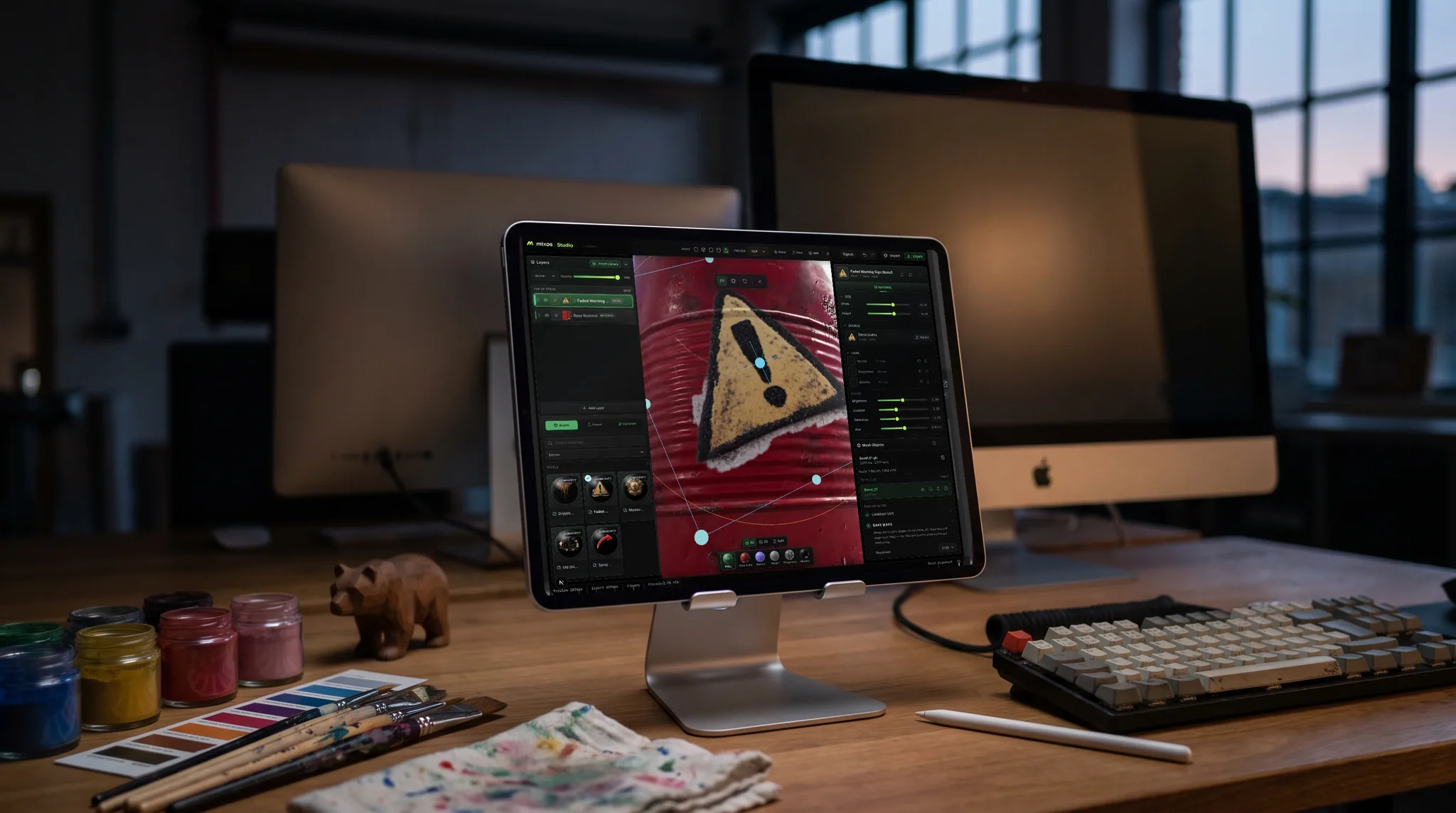
3D on ChromeOS

Sculpting on ChromeOS
Free 3D for students

Blender on iPad
Blender alternative
Animation on ChromeOS

Open Studio in Chrome, start from a finished scene and take it apart. Nothing to install and nothing for IT to approve.