Timing students can see
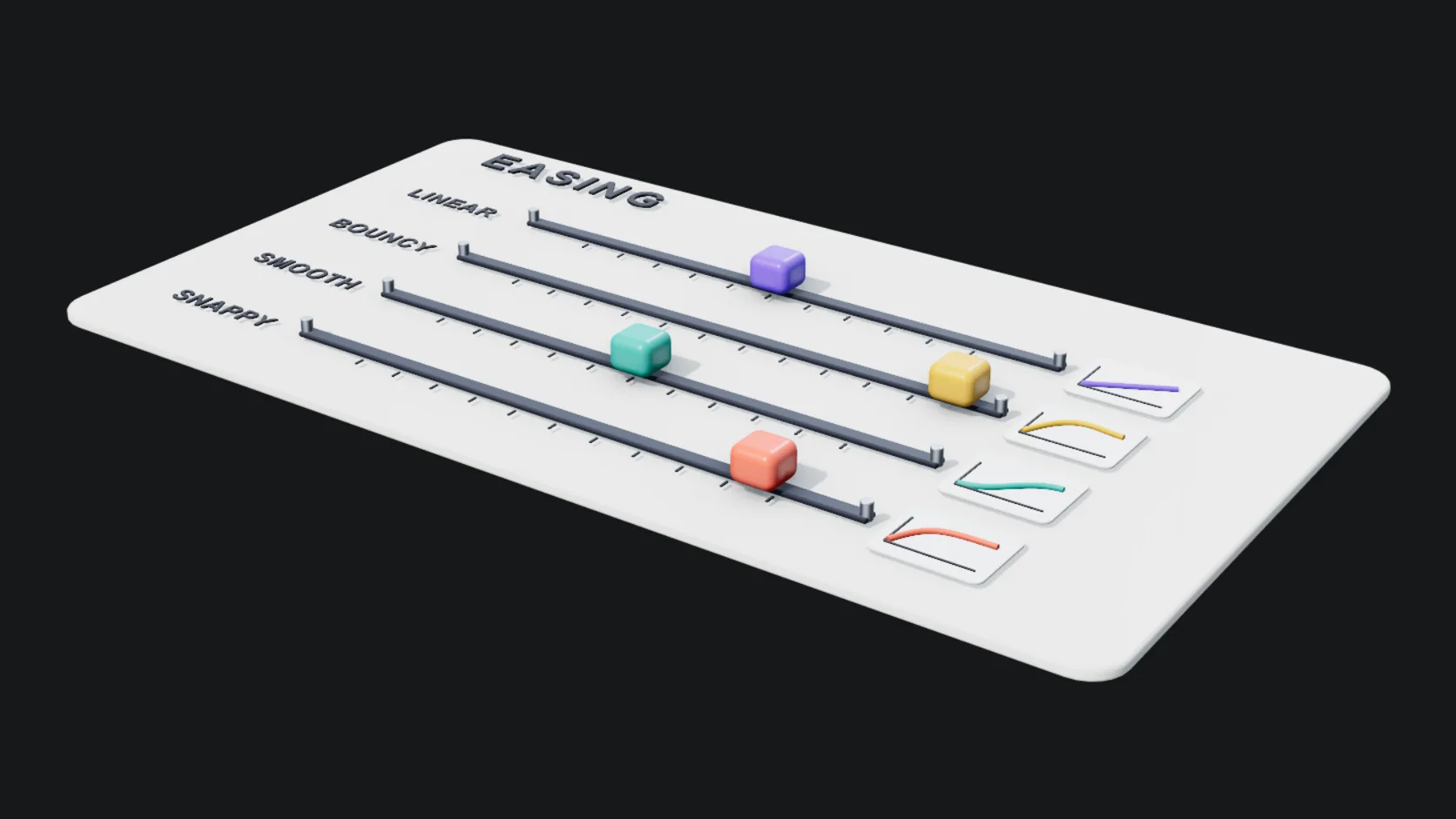
Key a move, retime it in the dopesheet and shape the easing in the curve editor, so spacing and ease are something students adjust, not only read about.
Teach timing and spacing on a 3D character in Studio, or animated type and explainers in Motion, on the school's Chromebooks. A free classroom grant covers a whole course.
Maps that drop into
Key a move, retime it in the dopesheet and shape the easing in the curve editor, so spacing and ease are something students adjust, not only read about.
Fit a skeleton to a humanoid in one step, pose it with IK controls, and compare hand keys with a motion-capture clip.
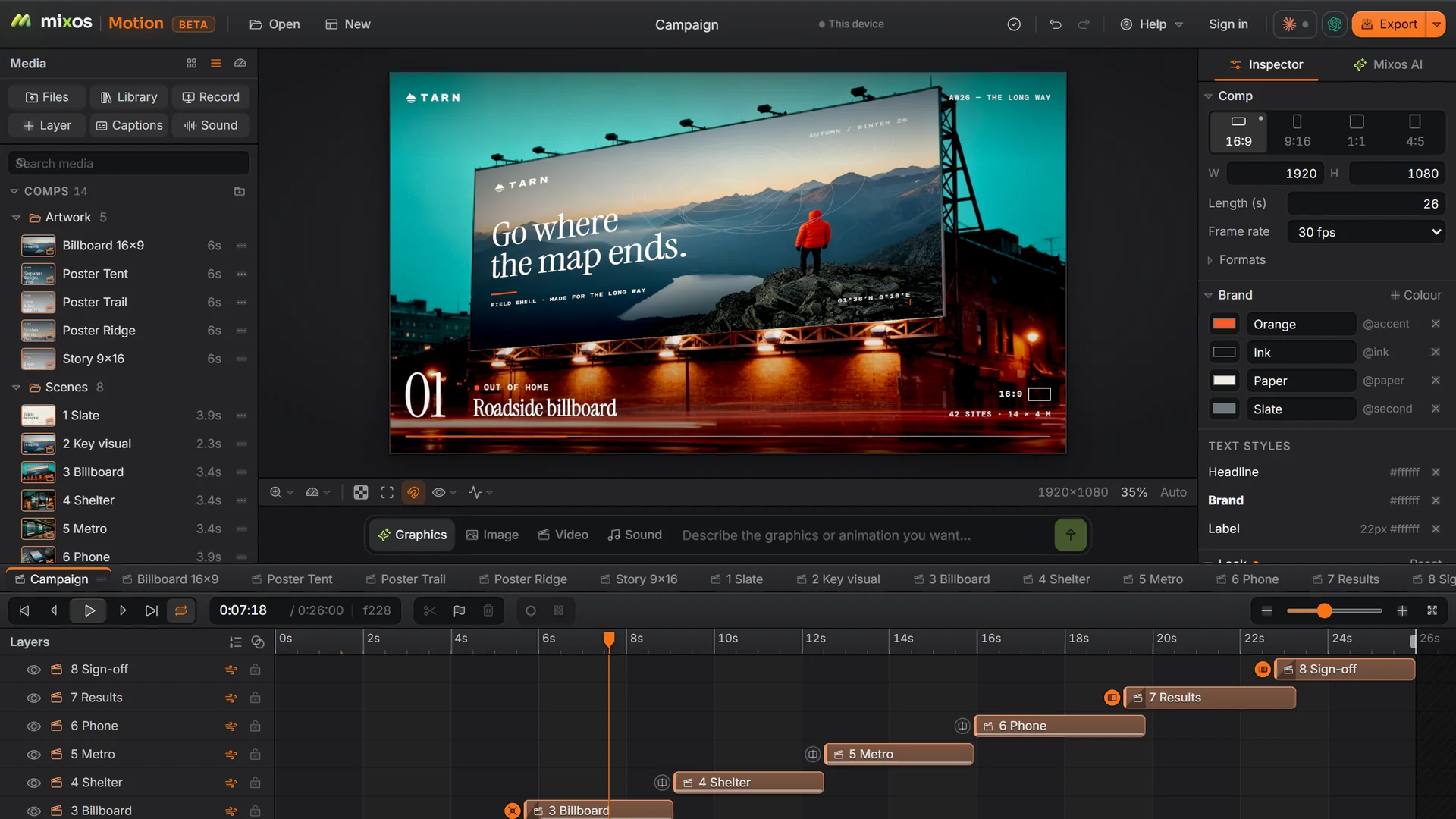
Motion animates titles, logos, charts and shapes by behaviours, for explainers and short social pieces.
Generative AI is disabled on classroom seats, so every key in the shot is one the student set.
Why Mixos
Animation is learned by doing it badly and fixing it, which needs a tool students can open every lesson without a fight. Desktop 3D packages need installs and capable GPUs; drawing apps teach frame-by-frame but not 3D or motion graphics. Studio and Motion run in Chrome on the school's Chromebooks.
In Studio, students key transforms and settings, retime in the dopesheet and see the in-betweens as curves. Characters can be rigged in one step and posed with IK, and the Simulation workspace adds physics, cloth and particles for later units.
A unit might run: a bouncing ball for timing and spacing, a pendulum for overlap, a character walk for weight, then a short shot with a camera move. Each is a small scene that runs on integrated graphics. Motion covers the motion-graphics side: animated type, logos and charts.
An approved classroom grant is free for the term and covers a named course of up to 200 students. It opens every mixos app except Auto, with generative AI switched off, and includes 4K export and a shared class library. Assignments, hand-in and grading in 3D currently run through Paint, the texturing app.
A classroom grant is free for the term for a named course of up to 200 students, and it includes export. Instructors apply with an institutional email, and a person reads every application, usually within a couple of working days. Without a grant, building is free and exporting is paid.
No. There is no drawing timeline with onion skin. Studio animates 3D scenes and Motion animates text, shapes and images with behaviours and keyframes.
On Chromebooks with current Chrome and WebGPU, which means reasonably recent hardware. Open a starter scene on one school device before the unit; the apps say plainly if a machine can't run them.
Yes, on a classroom grant: video from Motion, and renders and models from Studio. Without a grant, export is the paid step.
Classroom use is for students 13 and older, which covers high school, college and university courses. Schools and teachers may not use mixos with younger students.
Read next
Key, retime and ease a move, step by step.
Keys, in-betweens, and the interpolation that joins them.
Bones, skin weights, IK, and why auto-riggers want a T-pose.
What carries over to an engine, and what to bake first.
Keep exploring
More in For schools
Animation on ChromeOS

Online 3D animation
Lesson resources for instructors
Video for schools
3D for schools

Apply with your institutional email and the course you teach. Approved classes get export and a shared library for the term.