Nothing to set up
Students open Studio in Chrome. There is no install to schedule before lesson one, and the work saves to each student's account.
A first modeling unit in three 50-minute lessons: placing and transforming shapes, editing a mesh with extrude and bevel, and building with modifiers. Each has a schedule, a deliverable and criteria for feedback.
Maps that drop into
Students open Studio in Chrome. There is no install to schedule before lesson one, and the work saves to each student's account.
Each lesson asks students to explain one choice, so you review the reasoning along with the model rather than scoring polish alone.
Generative AI is disabled on classroom seats, so every shape in the scene is one the student made.
Why Mixos
These are suggested activities for secondary-school and college classes, not an accredited curriculum. Adapt the timings to your students; beginners may need a whole lesson on navigating a 3D viewport before the first one here.
Open Studio on a representative school device before the unit. It needs current Chrome with WebGPU, and older hardware or a policy that turns off hardware acceleration can stop it running. Ten minutes on orbit, pan and zoom, and on how the outliner lists every object, saves the rest of the unit.
Students start from an empty scene, so there is no file to hand out. If you want everyone working from the same reference, put a photo or a model in the shared class library that comes with a classroom grant.
An approved classroom grant is free for the term and covers a named course of up to 200 students. It opens every mixos app except Auto, with generative AI switched off, and includes 4K export and a shared class library. Assignments, hand-in and grading in 3D currently run through Paint, the texturing app.
Spend 10 minutes on orbiting the viewport and reading the outliner, 10 demonstrating move, rotate and scale with snapping, 20 building an object from at least five shapes (a desk lamp, a robot, a rocket), and 10 reviewing. Deliverable: one named, grouped object. Assess proportion, clean grouping and sensible names.
Spend 10 minutes on vertices, edges and faces, 10 demonstrating extrude, inset, loop cut and bevel on a cube, 20 turning a cube into a mug or a house, and 10 critiquing. Deliverable: a single edited mesh. Assess whether the form reads from every angle and the edges catch the light.
Spend 10 minutes on non-destructive editing, 10 demonstrating mirror, array, subdivide and bevel modifiers, 20 building a symmetrical object with at least two modifiers (a chair, a fence, a spaceship), and 10 reviewing. Deliverable: an object whose modifiers are still editable. Assess whether the student can change the design by editing a modifier rather than rebuilding it.
Build a desk lamp from at least five shapes. Name every part, group them under one object called Lamp, and keep the base flat on the ground. Be ready to explain one proportion you changed after looking at a real lamp.
None for lesson one. They should be comfortable with a mouse or trackpad; a short introduction to orbiting and zooming helps before the first exercise.
Yes, on Chromebooks with current Chrome and WebGPU. Test the first exercise on the actual school devices before the unit, since older hardware or school policies can affect it.
Set your own weights using the checklist. In-app hand-in and grading in 3D currently run through Paint, the texturing app, so for these modeling lessons ask students to share their scene or a screenshot the way your class collects work.
No, to try the lessons: building in Studio is free. A grant adds export, the shared class library and the coursework tools for the roster during the term.
Classroom use is for students 13 and older, which covers high school, college and university courses. Schools and teachers may not use mixos with younger students.
Read next
Vertices, edges and faces — the box-modelling fundamentals.
Which of the two approaches fits the thing you're making.
Which format keeps materials and which throws them away.
Why the same texture reads bigger on one model than another.
Keep exploring
More in For schools
3D for schools
Lesson resources for instructors
UV mapping classroom activity
Project ideas for teachers
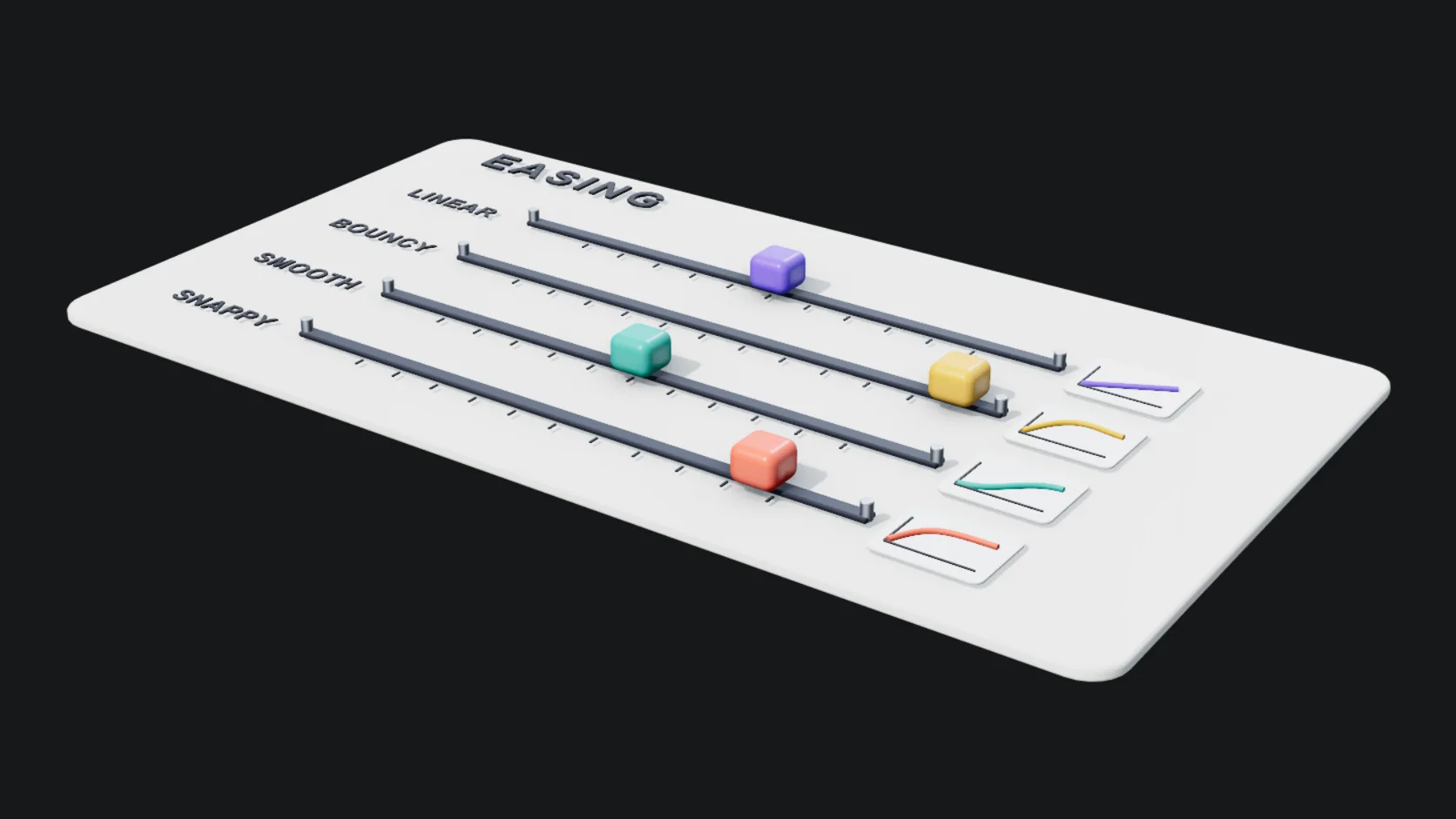
Animation for schools
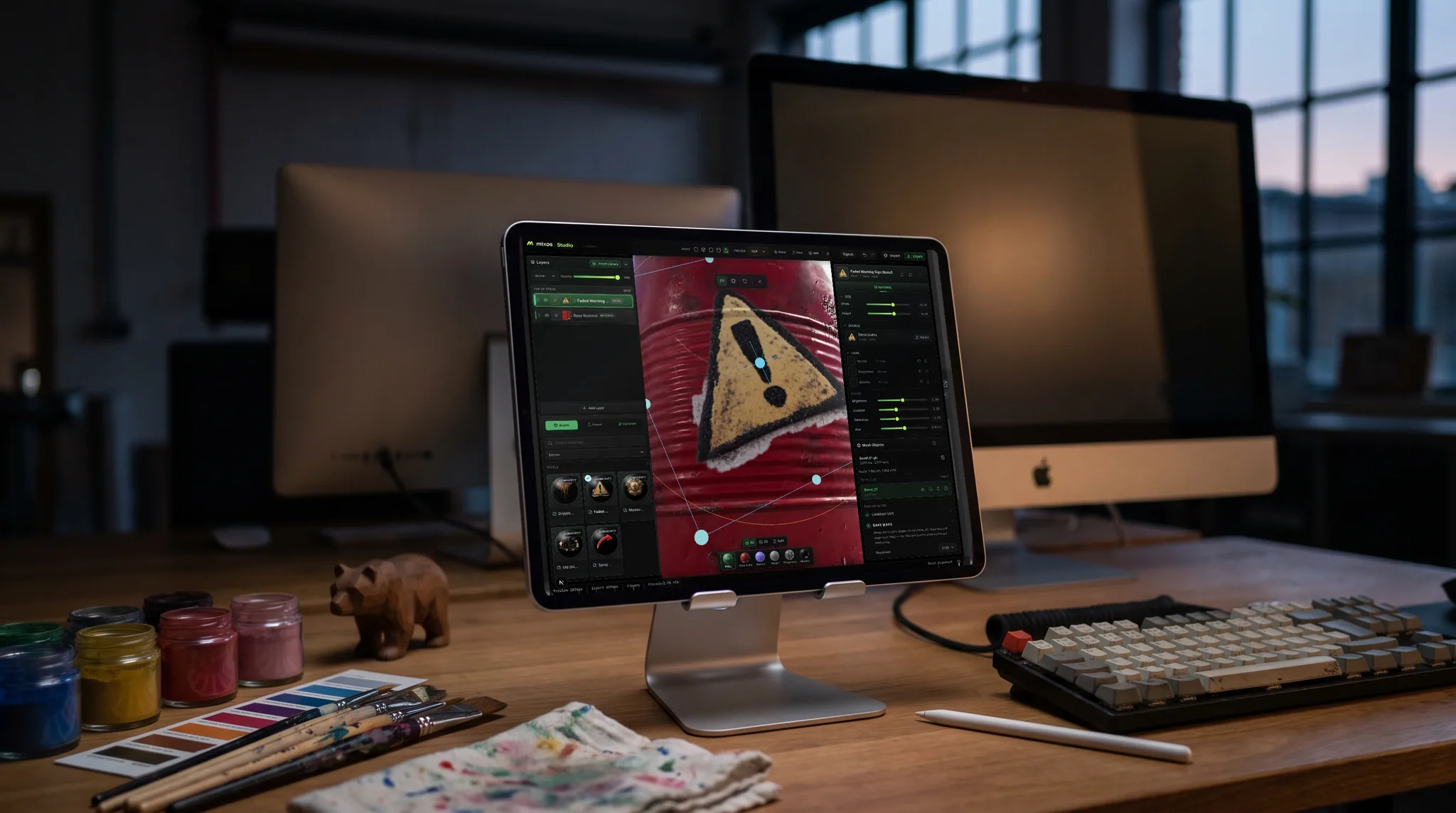
Feedback for student 3D work

Tell us which course you teach and how many students are on the roster. An approved grant gives your class export and a shared library for the term.