Designed in the browser
Students build parts in Studio and sculpt in Mold, both in Chrome, so the whole class designs at once instead of queueing for one lab PC.
Six projects that go from sketch to slicer on the school's Chromebooks, each built around one skill: exact sizes, booleans, fit, organic form, hollowing, and designing for a real person.
Maps that drop into
Students build parts in Studio and sculpt in Mold, both in Chrome, so the whole class designs at once instead of queueing for one lab PC.
Mold checks for holes and thin walls and remeshes a sculpt watertight, so fewer prints fail halfway.
Models are sized for the print bed before export, and come out as STL or 3MF for the slicer you already use.
Why Mixos
The printer is rarely the hard part of a school printing unit; the design software is. Desktop CAD doesn't install on Chromebooks, and a class of thirty can't share one lab PC. Studio and Mold run in Chrome, so every student designs at the same time on the machine in front of them.
Students use Studio for exact parts and Mold for organic ones. Mold sizes the model in millimetres, checks for holes and thin walls and can hollow it; both export STL for your slicer. There is no slicer in mixos, so the printer side stays exactly as it is.
Plan for print time. A class set of keyrings prints in an afternoon; thirty busts do not. Cap the size in the brief and batch prints by bed.
An approved classroom grant is free for the term and covers a named course of up to 200 students. It opens every mixos app except Auto, with generative AI switched off, and includes 4K export and a shared class library. Assignments, hand-in and grading in 3D currently run through Paint, the texturing app.
Skill: exact sizes and text. Students set a 50 mm tag, add raised or cut 3D text and a hole for the ring, then check the thinnest part. A good first print: small, fast and easy to judge.
Skill: booleans and angles. Measure the device, combine a base and a back at a set angle, cut a slot for the cable, and test that it holds the weight.
Skill: fit. Cut compartments sized for real pens, a ruler and sticky notes, with a minimum wall thickness so the slicer doesn't drop thin walls.
Skill: organic form. Sculpt from a sphere in Mold with clay and smooth brushes, remesh it watertight, flatten a base and scale it to the print bed.
Skill: hollowing. Hollow a sculpted form, add drain holes if it will be printed in resin, and check the wall thickness before export.
Skill: designing for someone else. Interview a classmate or relative about something hard to hold (a pen, a key, a zip pull), then design, print and test a grip that fits their hand.
Design a desk organizer that holds three pens, a 30 cm ruler and a pad of sticky notes. Measure each item first. Keep every wall at least 2 mm thick, keep the whole piece inside 120 × 80 × 60 mm, and run the print check before exporting the STL.
Studio for parts built from shapes, booleans and exact sizes; Mold for sculpted, organic forms. Both run in Chrome on Chromebooks with nothing to install.
Yes. Students export STL or 3MF and you slice it in the software your printer already uses. mixos doesn't slice or send to printers.
It's a fine first step for shapes and holes. Projects four to six need sculpting or hollowing, which is where Mold comes in, and students can import their Tinkercad STL or OBJ files to build on.
A classroom grant is free for the term for a named course of up to 200 students, and it includes export. Instructors apply with an institutional email, and a person reads every application, usually within a couple of working days. Without a grant, building is free and exporting is paid.
Classroom use is for students 13 and older, which covers high school, college and university courses. Schools and teachers may not use mixos with younger students.
Read next
Vertices, edges and faces — the box-modelling fundamentals.
Which of the two approaches fits the thing you're making.
Which format keeps materials and which throws them away.
Why the same texture reads bigger on one model than another.
Keep exploring
More in For schools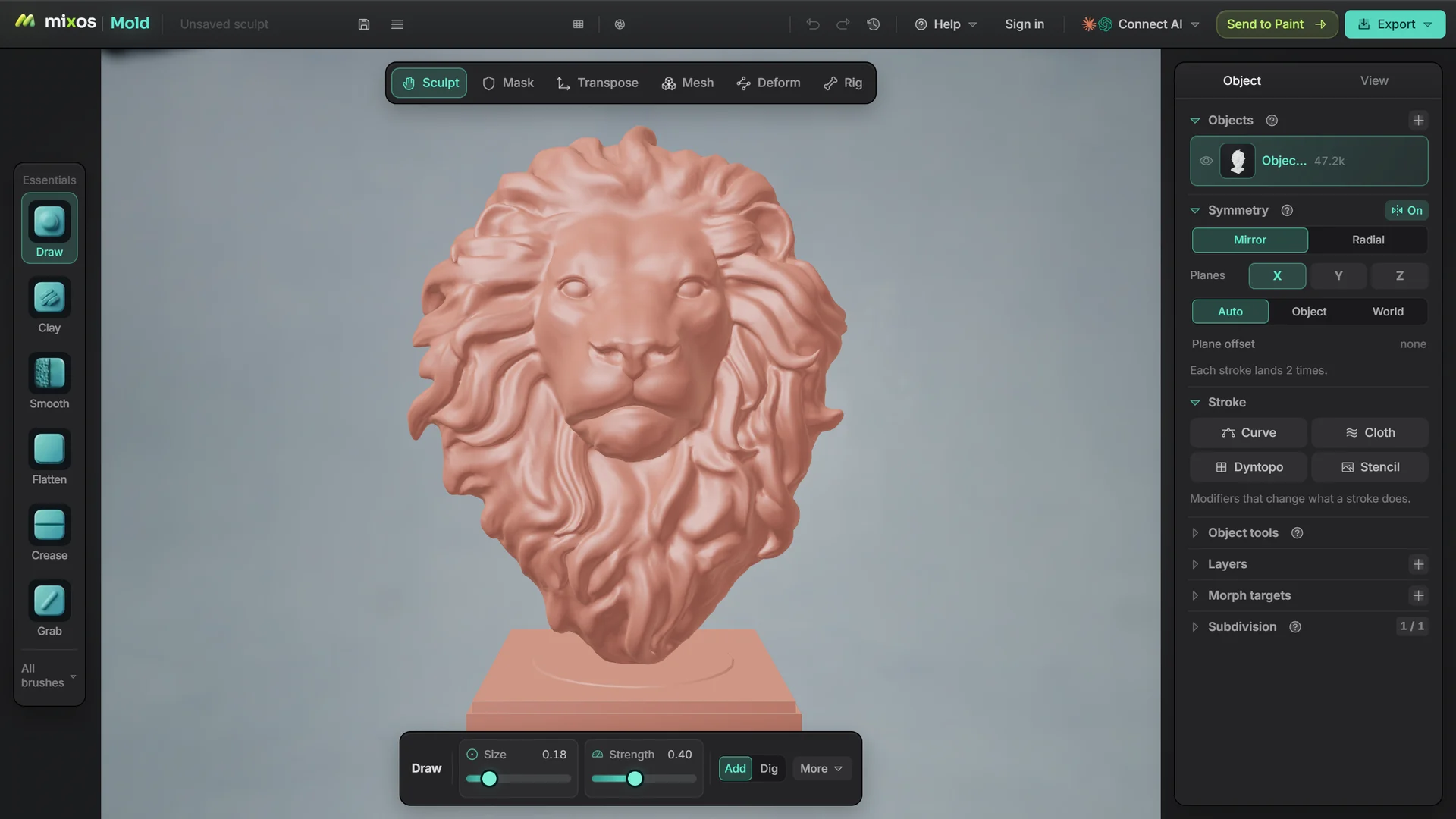
3D printing on ChromeOS
Sculpting for 3D printing
Tinkercad alternative
Lesson resources for instructors
Student game art project briefs
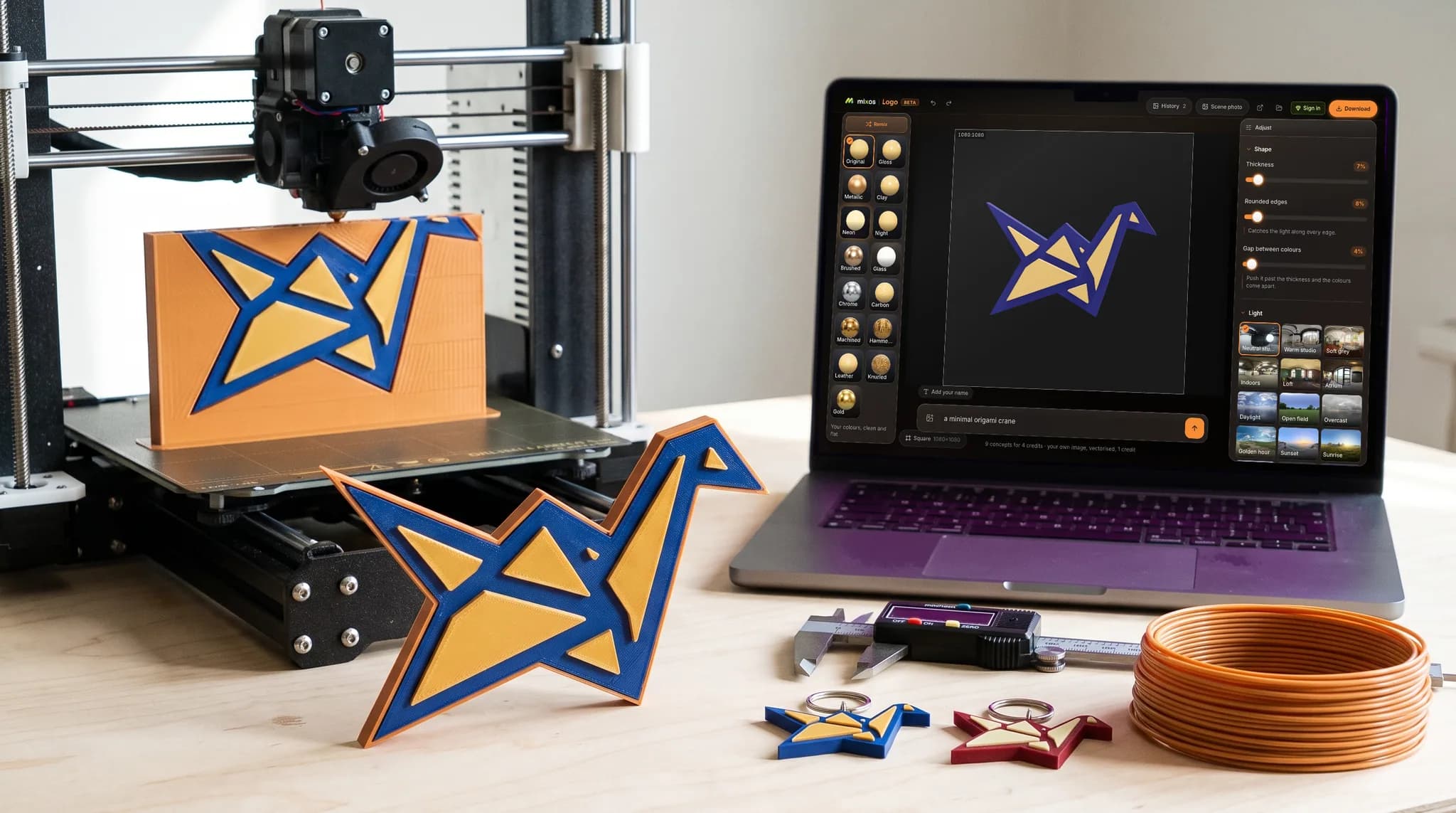
3D printed logo

Apply with your institutional email and the course you teach. Approved classes get export for the term, so every student can send an STL to the printer.