Sized for the printer
Set the model's size in millimetres before you export, so it comes off the bed the size you meant.
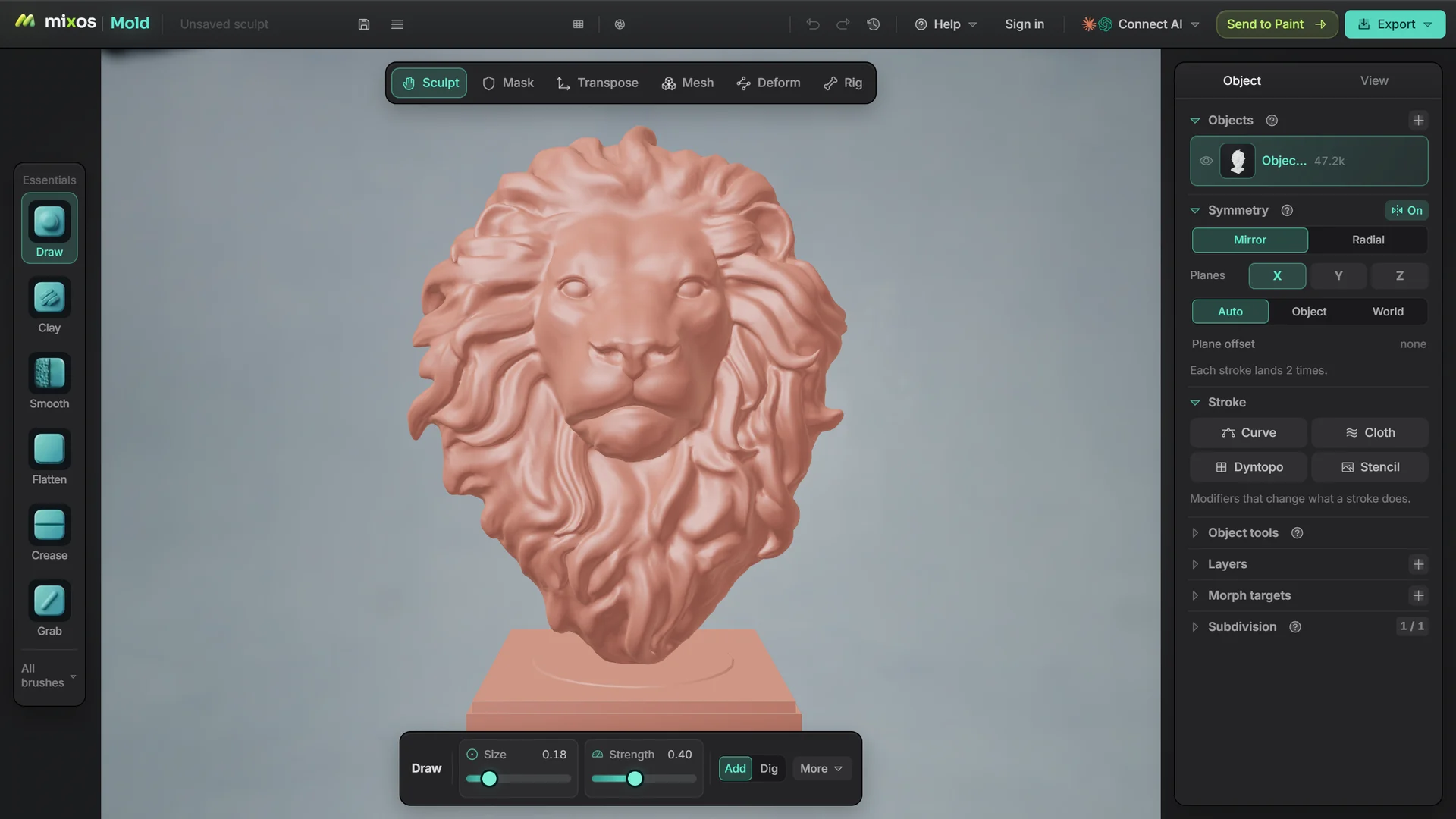
Sculpt a figure in Mold or build a part in Studio, size it in millimetres, check that it will print, and export STL or 3MF for your slicer. It all runs in Chrome.
Maps that drop into
Set the model's size in millimetres before you export, so it comes off the bed the size you meant.
Mold checks for holes and thin walls, and remeshes a sculpt into one closed, watertight surface that a slicer accepts.
Hollow a solid model to save resin or filament, with drain holes added for you.
Studio builds parts from shapes with booleans, bevels and exact transforms; Mold sculpts organic forms such as figures, creatures and busts.
Why Mixos
Chromebooks have been fine for the last step of 3D printing, since some slicers and printer dashboards run in a browser, and weak at the first one, the design. Desktop CAD and sculpting packages don't install on ChromeOS. Mold and Studio do the design step in a Chrome tab.
Tinkercad covers simple shapes well and is where many students start. When a print needs organic form (a figure, a creature, a sculpted vase) Mold sculpts it with pressure brushes, then remeshes it watertight and exports a print-ready file. For parts, Studio works in exact sizes with polygon tools, booleans and modifiers, and exports STL.
There is no slicer here. Export the STL or 3MF and open it in the slicer your printer uses.
Sculpting, remeshing and the print check are free. Downloading the STL or 3MF is the paid step: Pro at $10.00 a month or the one-time $129 license. A classroom grant includes it for a course.
Yes, in the browser. Mold sculpts and Studio models in Chrome on ChromeOS, size the model in millimetres and export STL or 3MF. Nothing installs, so it works on school Chromebooks too.
No. Export the STL or 3MF and open it in the slicer for your printer. Keeping that step separate means it works with whatever printer the school already has.
Remesh the sculpt so it is one closed surface, then run the print check for holes and thin walls before exporting. Fix what it flags and the slicer gets a clean mesh.
Yes. Export STL or OBJ from Tinkercad and import it, then sculpt detail onto it or combine it with other parts.
Sculpting, modeling and the print check are free. Downloading the STL or 3MF needs Pro, the one-time license or a classroom grant.
Keep exploring
More in 3D printing & logos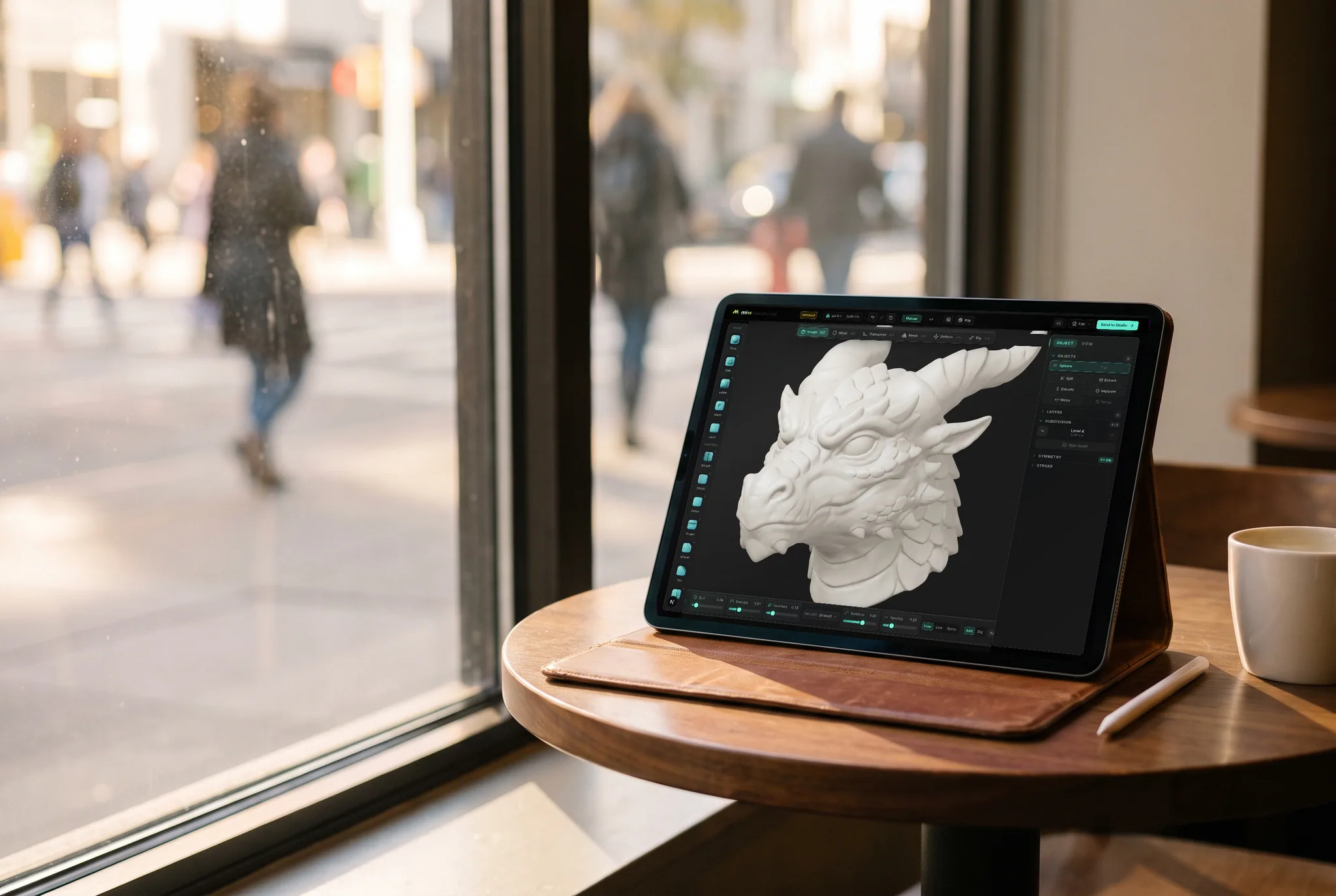
Sculpting for 3D printing
Project ideas for teachers
Sculpting on ChromeOS
Tinkercad alternative
3D printed logo
3D on ChromeOS

Open Mold in Chrome, pull a shape out of a sphere and run the print check before you export.