Opens the file as it is
The GLB or FBX arrives with its texture and, for a rigged character, its skeleton and animation clips. There is no conversion step between the download and the editor.
For Meshy downloads
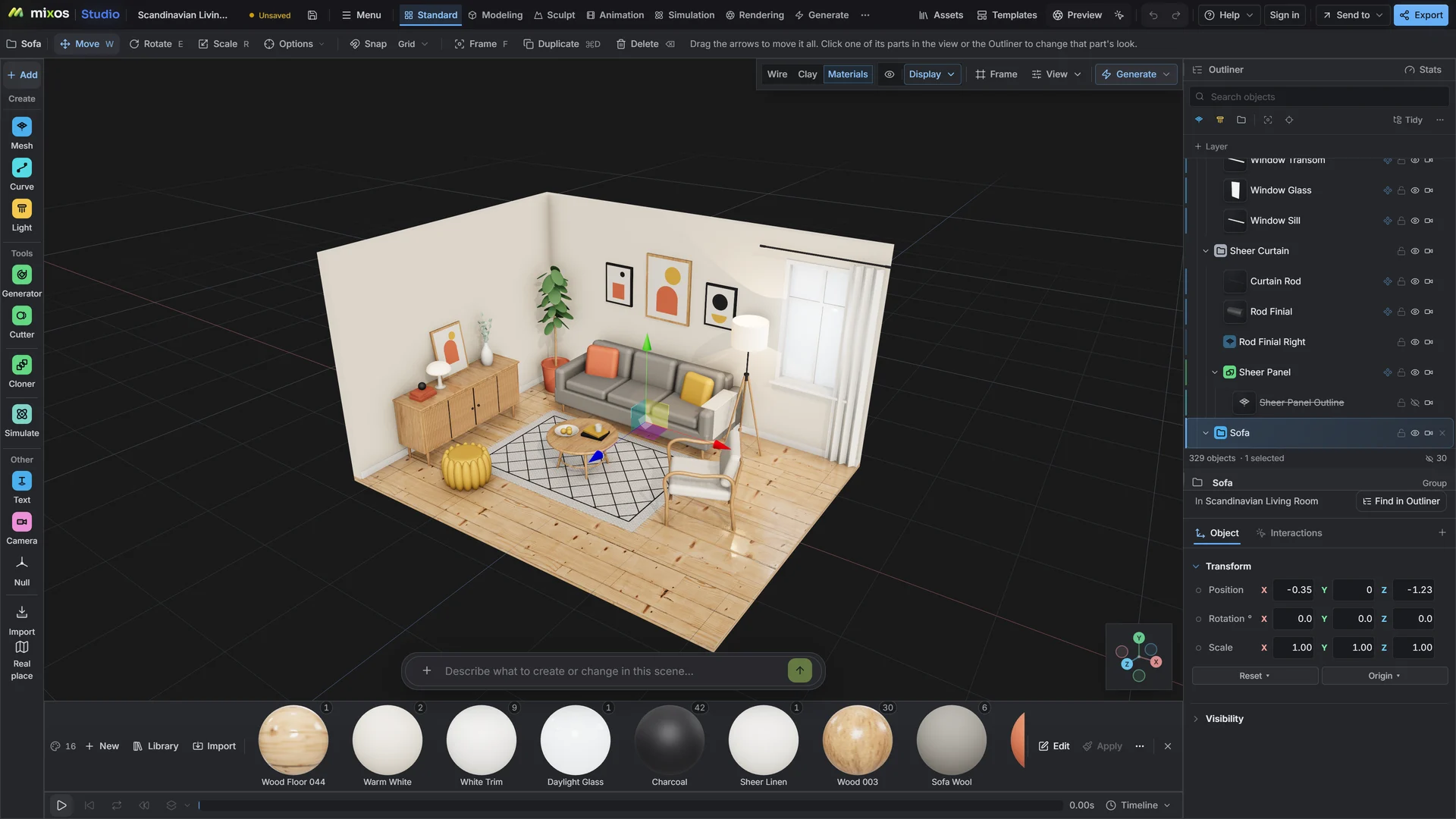
Download the model from Meshy as GLB or FBX and open it in Studio. It lands in a full 3D scene where you can cut the polygon count, repair the mesh, swap its materials, pose it with other objects and render it, without installing a desktop 3D program.
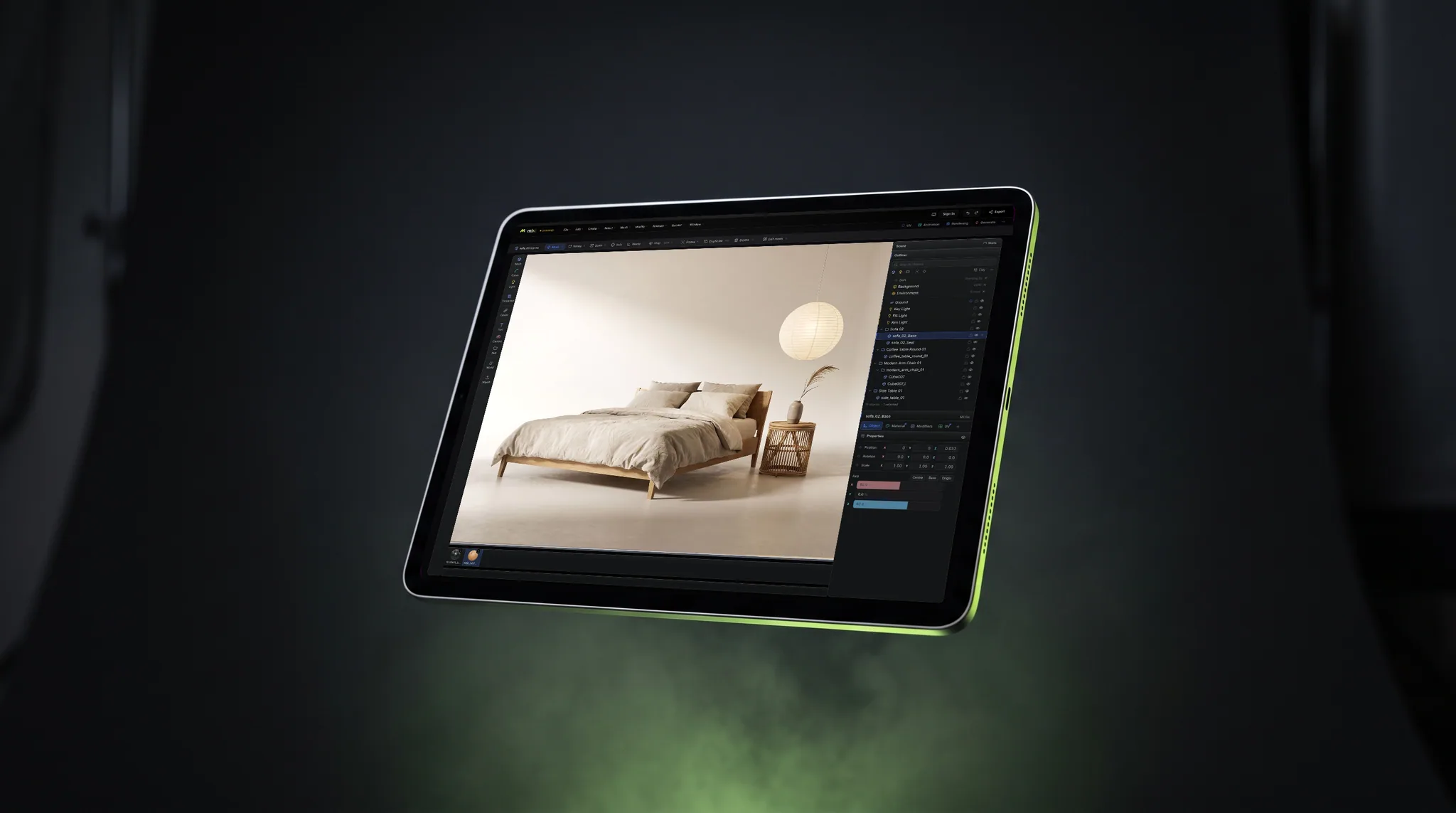
The GLB or FBX arrives with its texture and, for a rigged character, its skeleton and animation clips. There is no conversion step between the download and the editor.
Reduce polygons to a count your game or web page can afford, then close holes, fix flipped faces and remove floating fragments with one command each.
Keep the texture it came with, replace it part by part from the material library, or run a fresh AI texture pass in Auto-Texture and refine it in Paint.
Put several generated models together, add a floor, a sky and lights, and render the set as a still or an animation. Each model stays its own editable object.
Why Mixos
Meshy is built to generate. What you do with the model next usually means opening a desktop program such as Blender, which is a large install and a long learning curve for a few small fixes. Studio is the same kind of editor in a browser tab, aimed at exactly those fixes.
A typical session is short. Open the file, check the triangle count, reduce it if the model is going into a game or onto a web page, repair any open borders, and decide whether the texture is good enough. If it is not, materials from the library or a new texture pass replace it.
Two honest caveats. Reducing polygons rebuilds the mesh and drops its UV layout, so the original texture will not survive that step and the model needs retexturing afterwards. And mixos is an independent product: it is not affiliated with or endorsed by Meshy, and it simply opens the standard files Meshy lets you download.
Importing, repairing, lighting and previewing are free with a free account. Saving the finished model, renders or video is part of Pro at $8.99 a month or the one-time $99 license.
GLB is the simplest: one file with the geometry, texture and any animation. FBX also opens with its skeleton and clips. OBJ and STL open as geometry, with OBJ bringing its texture when the files are together.
Yes. A rigged GLB or FBX comes in with its skeleton as ordinary bones and its clips as tracks you can play, retime and edit in the timeline.
Yes, as GLB, glTF, FBX, OBJ, STL, 3MF, PLY or USDZ. GLB and glTF carry materials, textures and animation. Saving a model file needs a paid plan.
No. mixos is a separate product with no affiliation to Meshy. You download your model from Meshy and open the file here, as you would in any 3D program.
A browser with WebGPU: current Chrome or Edge on Windows, macOS, Linux or ChromeOS, or Safari on iPadOS 26 and later. You need a free account to open Studio. A single model file can be up to 150 MB.
Read next
Vertices, edges and faces — the box-modelling fundamentals.
Which of the two approaches fits the thing you're making.
Which format keeps materials and which throws them away.
Why the same texture reads bigger on one model than another.
Keep exploring
More in Import & convert
For AI-generated meshes
For Tripo downloads
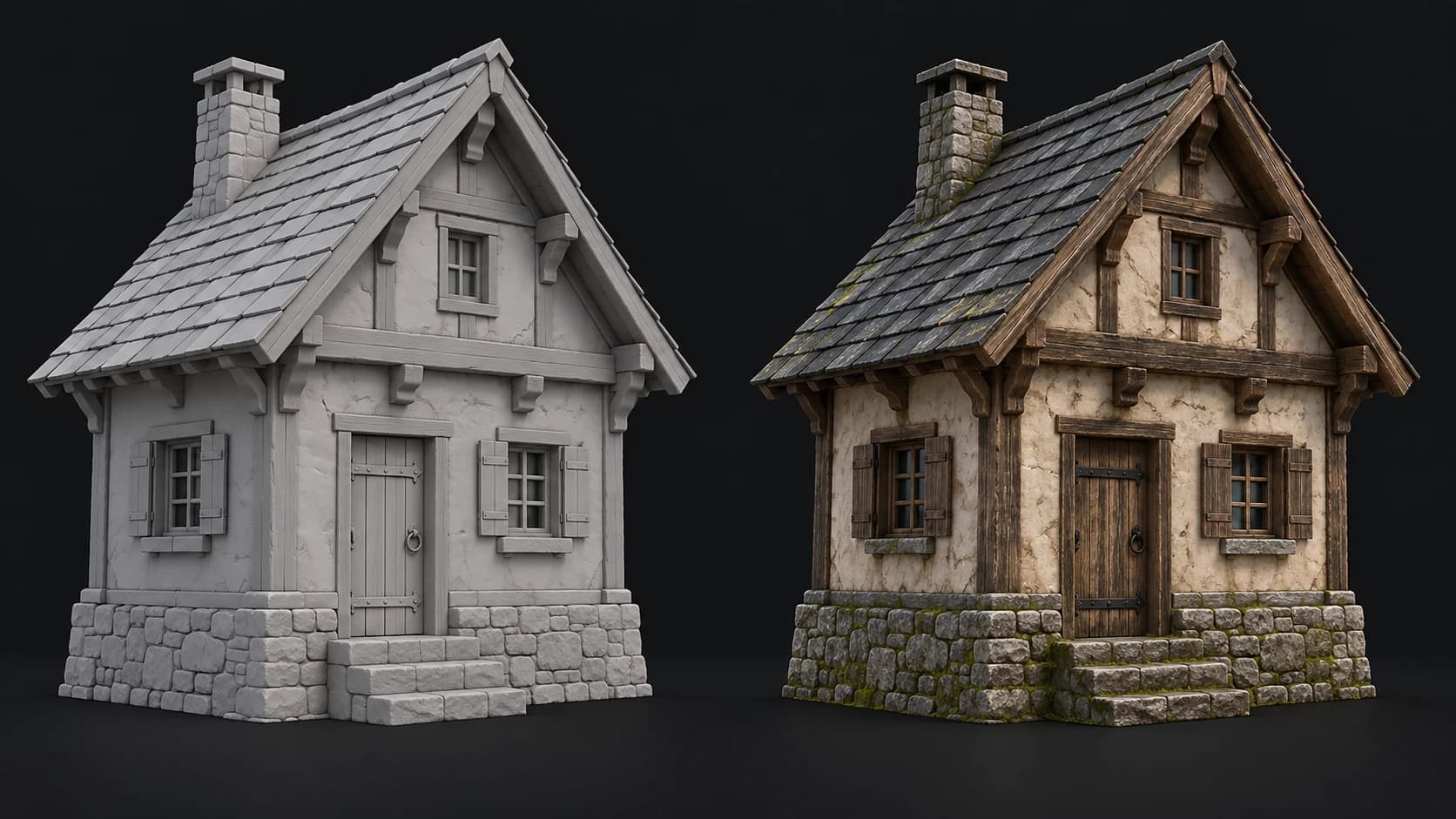
AI autotexture for generated meshes
Online 3D viewer