Bring the triangle count down
Generated meshes are often far denser than the shape needs. Reduce polygons collapses the count to the fraction you choose while keeping the silhouette, as a one-off edit or as an adjustable modifier.
For AI-generated meshes
Text-to-3D and image-to-3D tools get you a shape in a minute, and then leave you with a heavy mesh, a muddy texture and nowhere to work on it. Open the file in Studio to reduce it, repair it, give it real materials and render it, in one browser tab.

Generated meshes are often far denser than the shape needs. Reduce polygons collapses the count to the fraction you choose while keeping the silhouette, as a one-off edit or as an adjustable modifier.
Fill holes closes open borders, Recalculate normals makes faces agree on which way is out, and Clean up removes loose and degenerate geometry that breaks printing and unwrapping.
Apply metals, plastics, woods and fabrics from the material library to each part, or send the model to Auto-Texture and Paint for a new AI texture pass you can then refine by hand.
Set the model on a lit stage or under an HDRI sky and path-trace a still, a transparent PNG or a turntable. A generated model looks very different once it is lit.
Why Mixos
An AI generator is quick at the hard part, which is getting a recognisable shape out of a prompt or a photograph. What comes back is usually one dense triangle mesh with lighting painted into its texture, sometimes with open borders, flipped faces or small floating fragments. None of that matters in the generator's preview. All of it matters when the model has to go into a game, a print or a render.
Studio treats the file as an ordinary model. It arrives in a scene with its parts named, and the modeling tools work on it directly: reduce the polygon count, close the holes, fix the normals, pair triangles back into quads where the shape allows, and separate pieces that should be their own objects.
Be clear about the limits. Reducing polygons rebuilds the mesh, which discards its UV layout, so plan to retexture afterwards rather than expecting the old texture to survive. No tool here invents geometry the generator never made: a missing back or a fused hand is a modeling job or a new generation.
Importing, repairing, lighting and previewing are free with a free account. Saving the finished model, renders or video is part of Pro at $8.99 a month or the one-time $99 license.
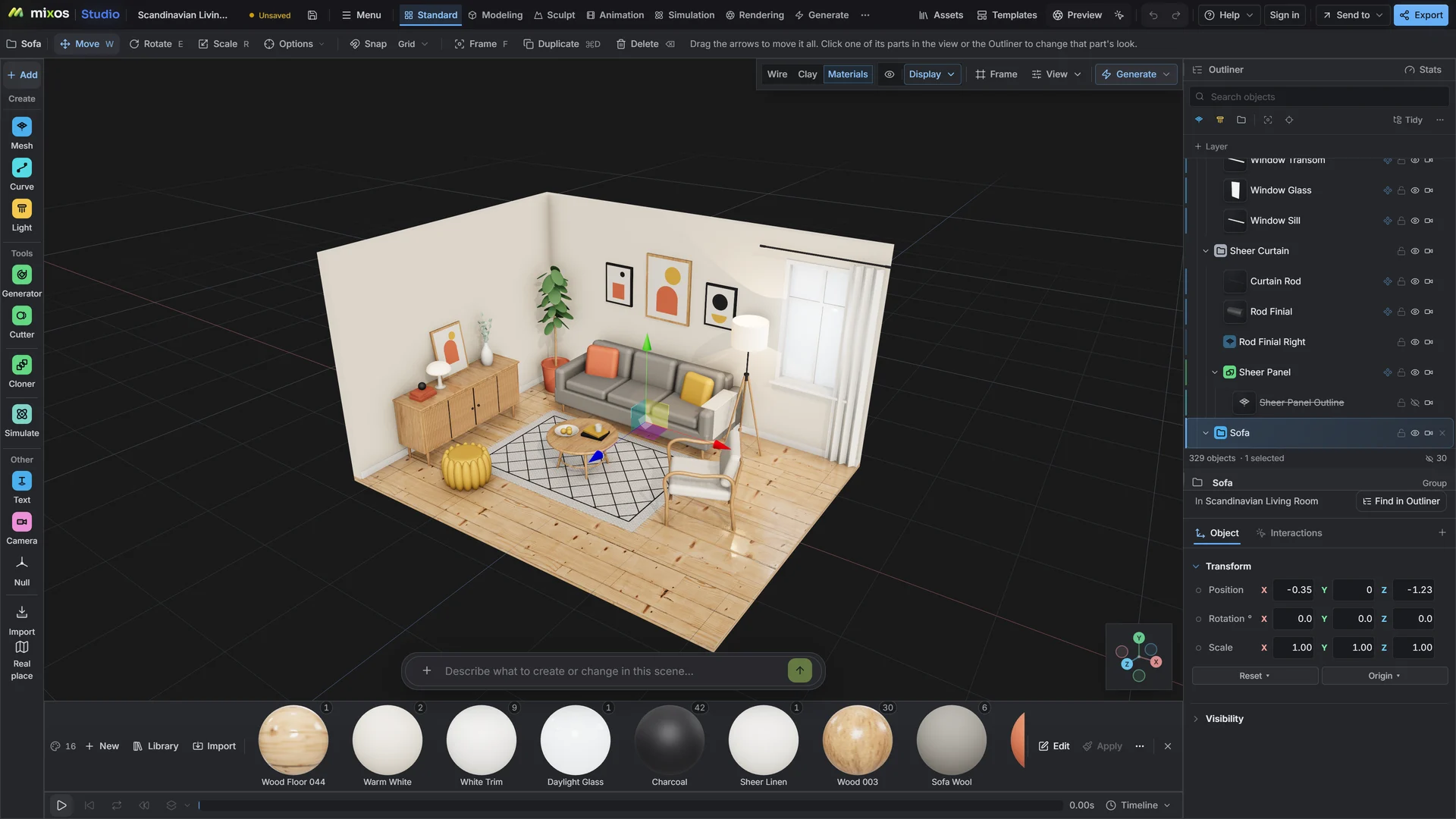
Import the GLB, FBX or OBJ and check the mesh without trusting its texture. Read the triangle count and look for holes, dark patches and floating pieces.
Reduce polygons to a count that suits where the model is going, then fill holes, recalculate normals and clean up loose geometry.
Assign library materials or run a new texture pass, put the model on a stage and render it. Export when it holds up from every side.
Weathered bronze statue of a fox, green patina in the recesses, polished highlights on raised edges, matte stone plinth. No painted shadows or highlights.
Any that lets you download the model. Studio opens GLB, glTF, FBX, OBJ, STL, PLY, 3MF and USD files, which covers the downloads from the common text-to-3D and image-to-3D tools.
No. Reducing polygons rebuilds the mesh and drops its UV layout, so the old texture no longer fits. Unwrap and retexture afterwards, or apply library materials, which need no UVs to look right on simple parts.
Not automatically. Holes with a clean border can be filled, and you can model or sculpt a replacement, but geometry the generator never produced has to be made, either by hand or by generating again.
Yes, once the mesh is closed. Fill the holes, clean up loose geometry and export STL or 3MF. Check wall thickness and scale in your slicer, since a generated model has no real-world size.
A browser with WebGPU: current Chrome or Edge on Windows, macOS, Linux or ChromeOS, or Safari on iPadOS 26 and later. You need a free account to open Studio. A single model file can be up to 150 MB.
Read next
Vertices, edges and faces — the box-modelling fundamentals.
Which of the two approaches fits the thing you're making.
Which format keeps materials and which throws them away.
Why the same texture reads bigger on one model than another.
Keep exploring
More in Import & convert
For Meshy downloads

For Tripo downloads
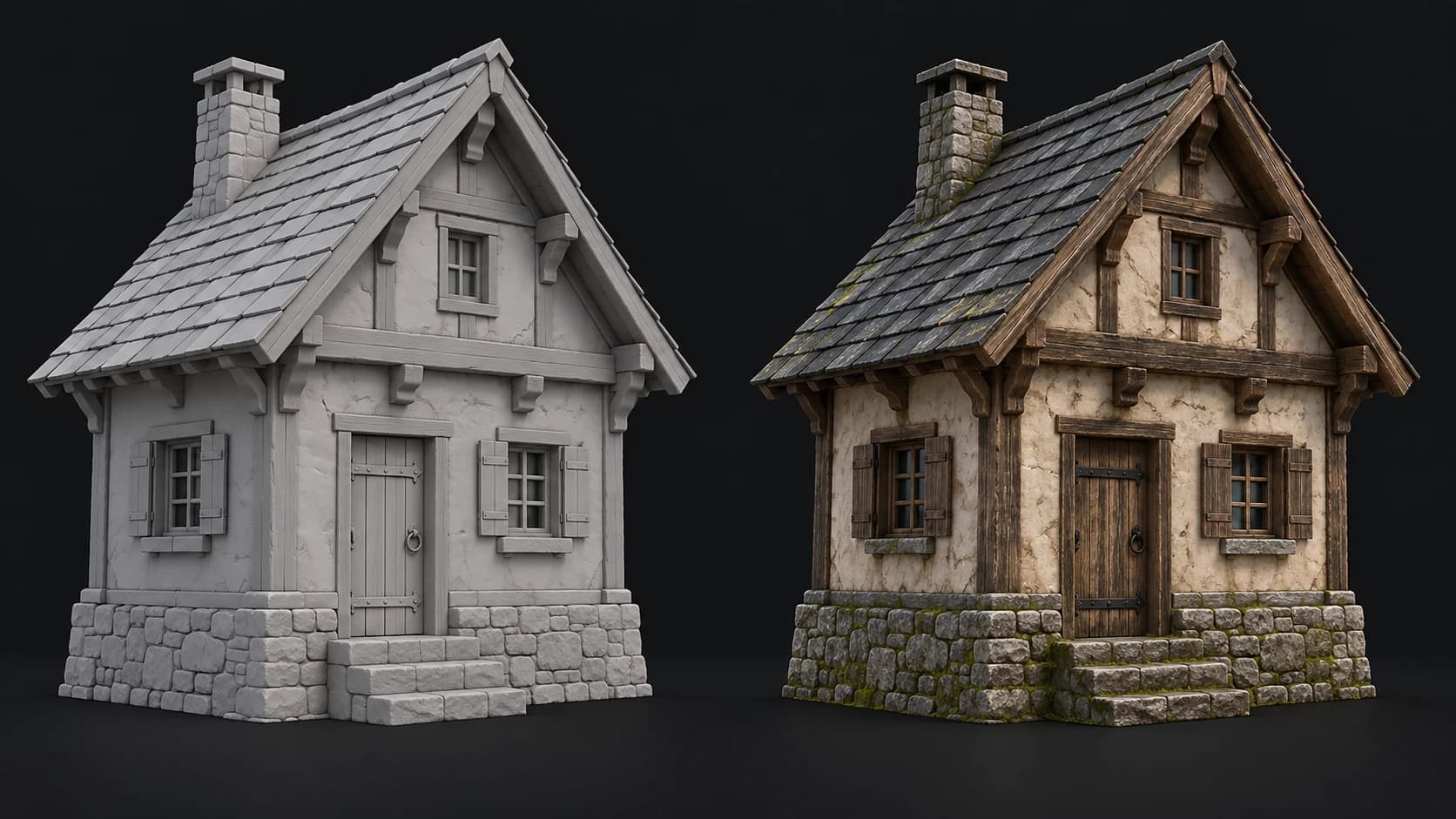
AI autotexture for generated meshes
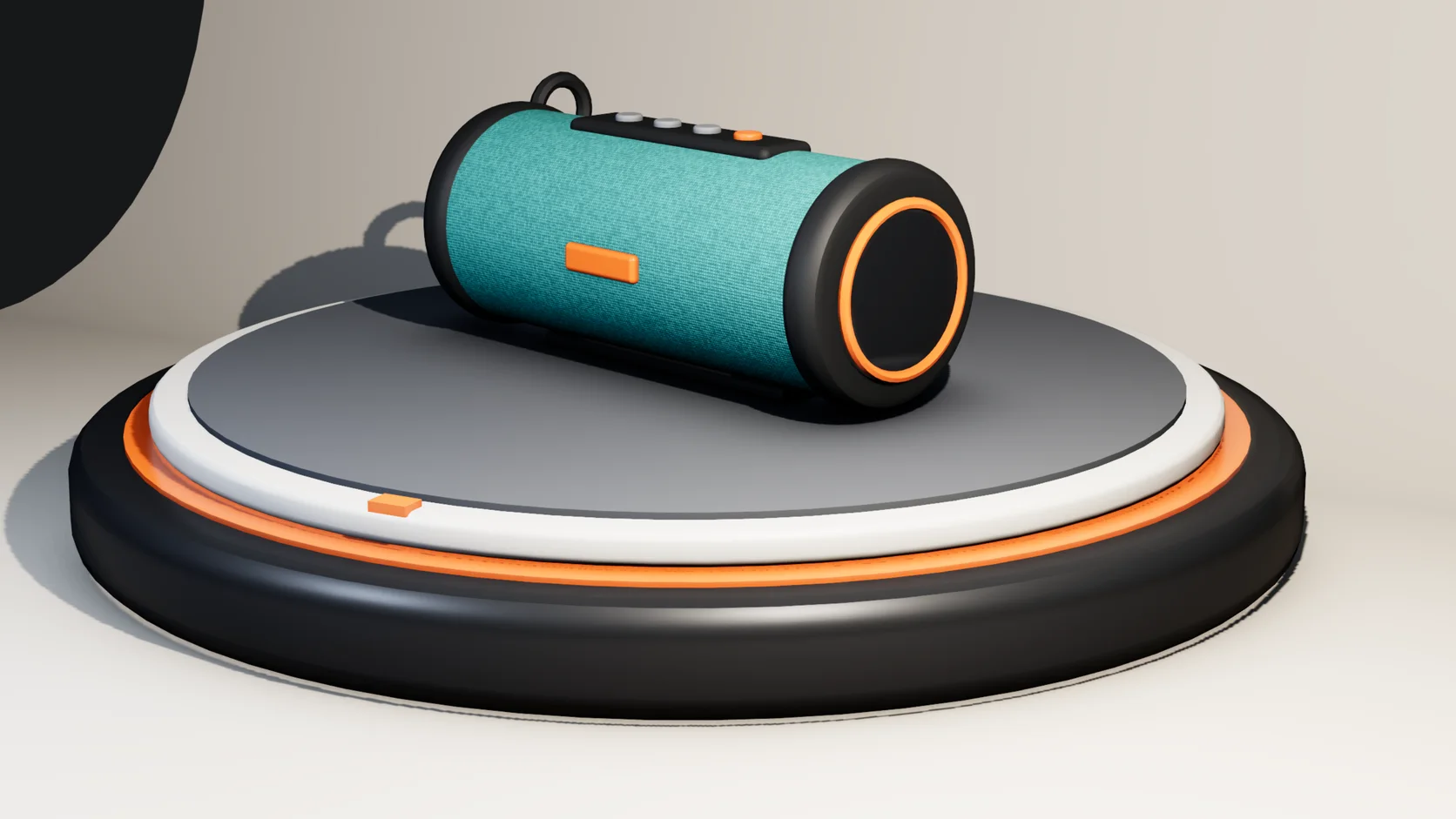
Online 3D rendering