
Free Concrete PBR Textures
Seamless concrete PBR textures — smooth, rough, cracked, and stained cement surfaces for walls and floors.
132 free CC0 materials · base color, normal, roughness, height & more
CC0 1.0 — public domain.Free for any use, commercial included. No attribution required.Sourced from ambientCG & Poly Haven.
Choosing and using a PBR material
Pick a surface made for the part you are texturing: cast walls, poured floors and cracked pavement have different patterns. Keep pores and cracks at a believable size before increasing normal strength.
Keep the maps together
Use base color for color, normal for surface detail, and roughness for reflections. Available maps vary by material; check the asset page before downloading.
Match the surface scale
Set UV tiling to match the size of the real surface. Test a close view and a wide view so details stay believable and repeats do not dominate.
Check under different lighting
Preview the complete material under more than one light. If relief looks inverted, check the normal map convention in your target app.


AI auto-texture
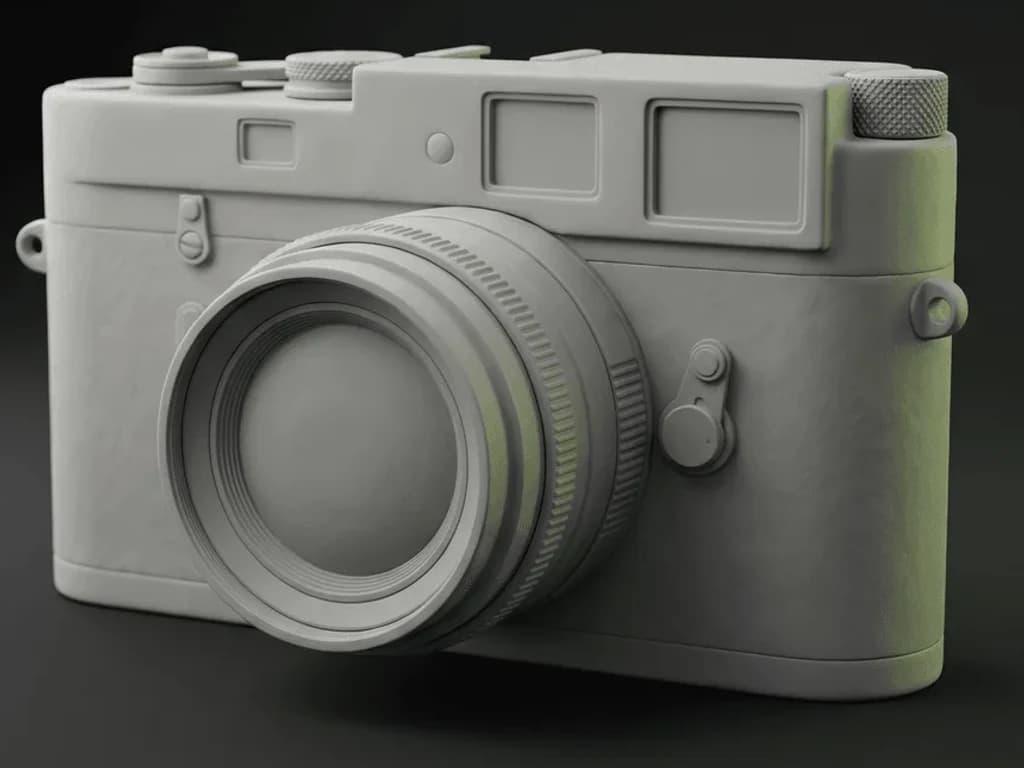
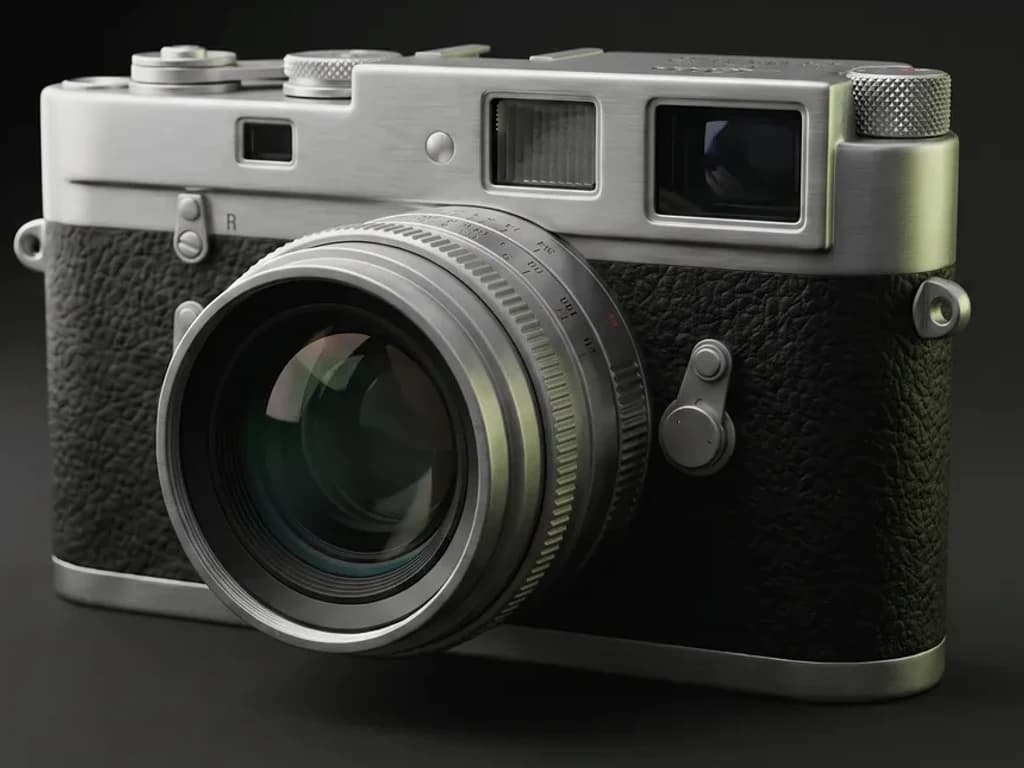
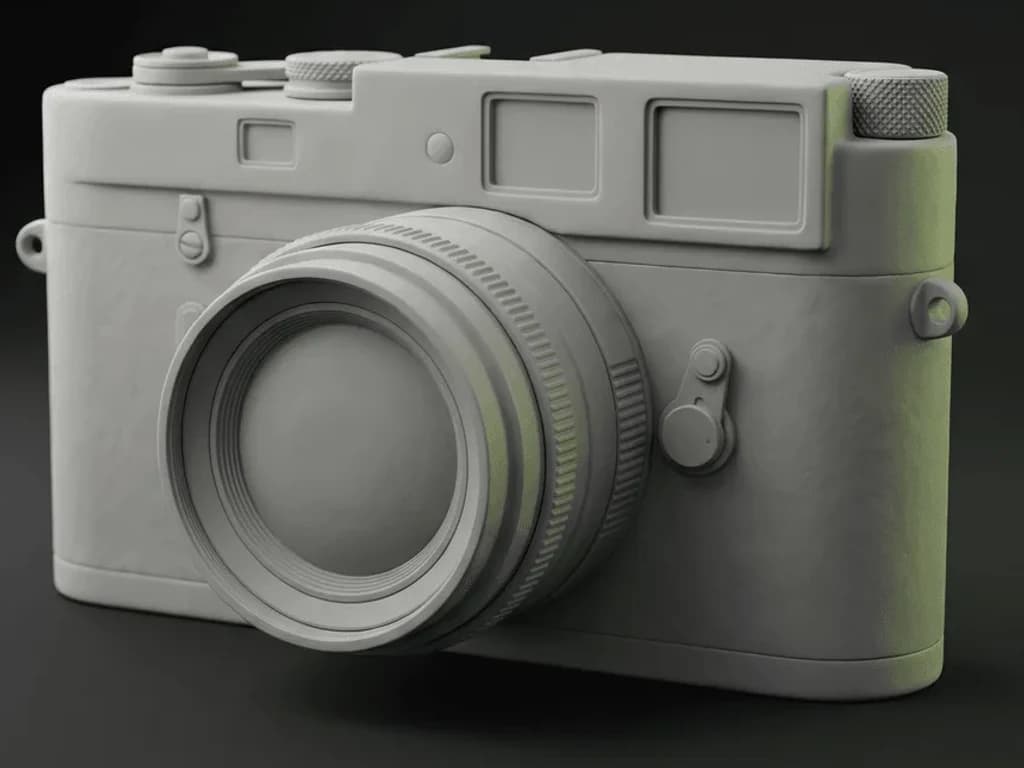
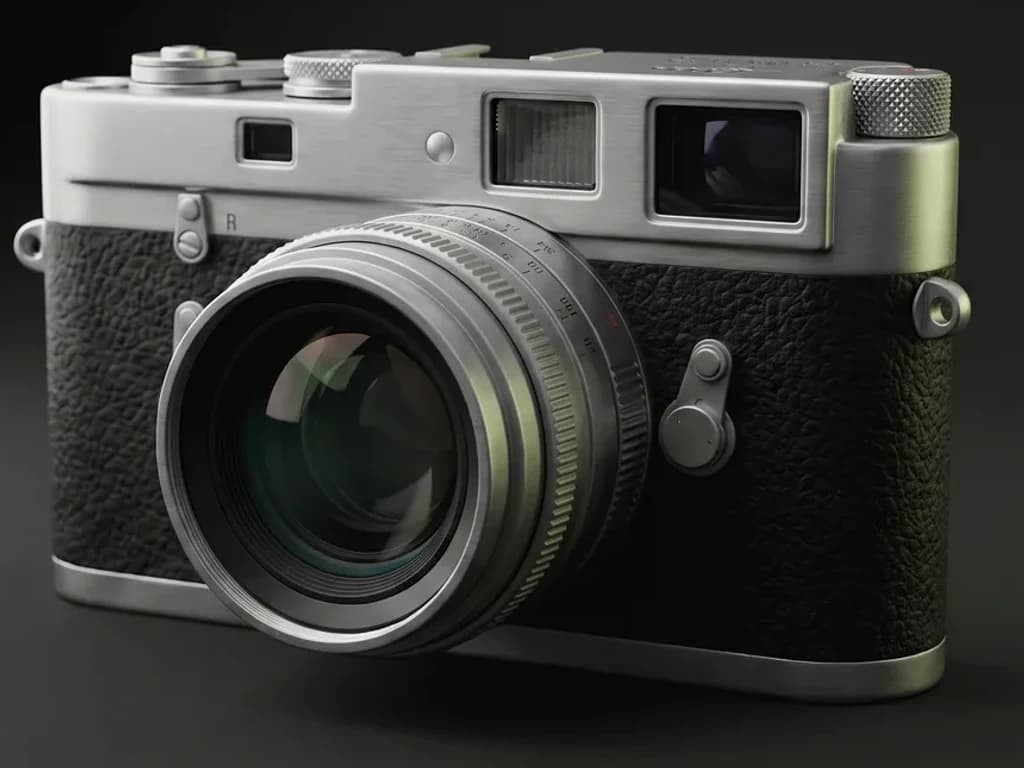
A texture covers a surface. Auto covers the whole model.
These concrete materials tile across a mesh you still have to map yourself. Auto works the other way round: upload the model, describe the finish once, and it textures every part of it — reading your geometry, unwrapping the UVs if there are none, and handing back a full PBR set you can still edit.
Free to run with a Mixos account's trial credits; downloading the maps is the paid step. Needs a desktop browser with WebGPU.
What to do with these textures
Texture a whole model in concrete
Upload a mesh, and Auto textures every part of it from one prompt.
Paint on top of it
Layer, mask and weather the material on your own mesh.
Texturing in Blender
Wire a downloaded PBR set into a Principled BSDF.
Textures for Unreal Engine
Channel-pack to ORM and build a material instance.
Textures for Unity
Set the maps up on a URP or HDRP Lit material.
Textures for Godot
Assign the set to a StandardMaterial3D.
Cinema 4D materials
Load the maps into a Redshift or Standard material.
Texturing in Maya
Hook the set into aiStandardSurface.
Texturing in Houdini
Drive a Principled Shader from the maps.

Make these your own.
Drop any of these materials onto your model in Mixos, then layer, mask, weather, and paint over them — and export render-ready maps. Free to author, in your browser.
Open Paint