Scale you can verify
AR places a model at its true size, so a chair saved at the wrong scale appears as a toy or a building. Read and correct the size in the scene before the file is written.
USDZ for Apple AR
Apple's AR Quick Look reads USDZ, and most models arrive as GLB. Open the GLB in Studio, check its real-world size and materials, and export a USDZ that opens straight from a web page or a message on an iPhone or iPad.
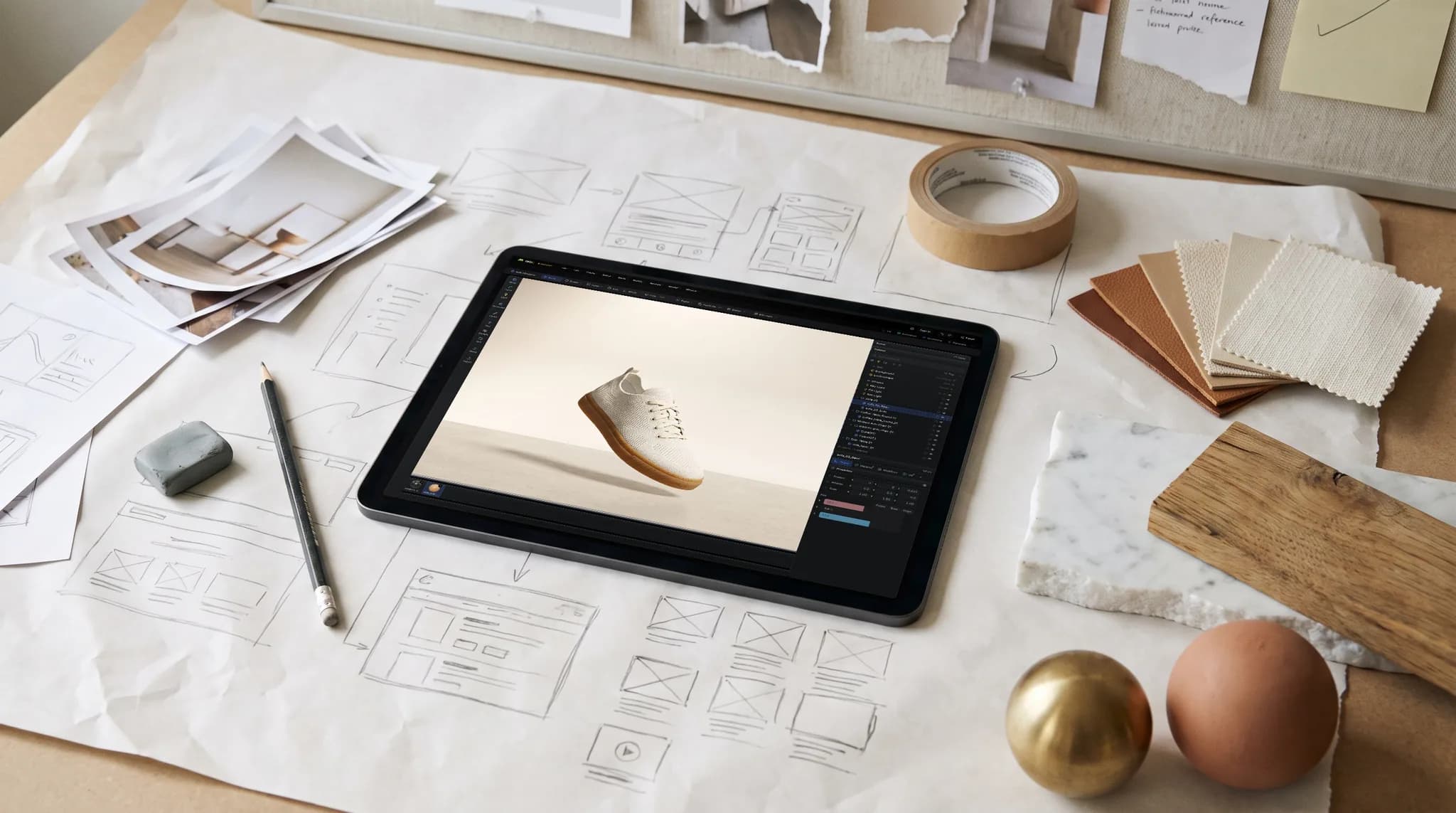
AR places a model at its true size, so a chair saved at the wrong scale appears as a toy or a building. Read and correct the size in the scene before the file is written.
The USDZ keeps the model's geometry, materials and texture maps. Cap the texture size on export to keep the file light enough to load quickly on a phone.
The same export works from FBX, OBJ, STL, or CAD such as STEP. Anything Studio opens can be saved as USDZ.
USDZ is what the AR button on a shop page needs on Apple devices. Fix the materials and framing once, then export GLB for Android and the web alongside it.
Why Mixos
A GLB to USDZ conversion is mostly faithful, with two differences worth knowing before you ship the file. The first is animation. The USDZ written here does not carry animation or shape keys, so an animated GLB becomes a static model in AR. If the motion matters, keep the GLB for the places that can play it.
The second is glass. USDZ has no true transmission, so a glass material is written as a mostly transparent surface: see-through in Quick Look, but without refraction. Studio tells you when it has done this, so a perfume bottle or a window does not surprise you on the device. Height maps are also left out, as the format has no height channel; the normal map still carries the surface detail.
Everything else comes down to checking the model as a customer will see it. Open it, confirm it sits on the ground at the right size, look at the materials under neutral light, and then export. Test the result on an actual iPhone or iPad, since Quick Look's own lighting is what your viewers will get.
Opening a file and checking how it will convert is free with a free account. Saving the converted file is part of Pro at $8.99 a month or the one-time $99 license.
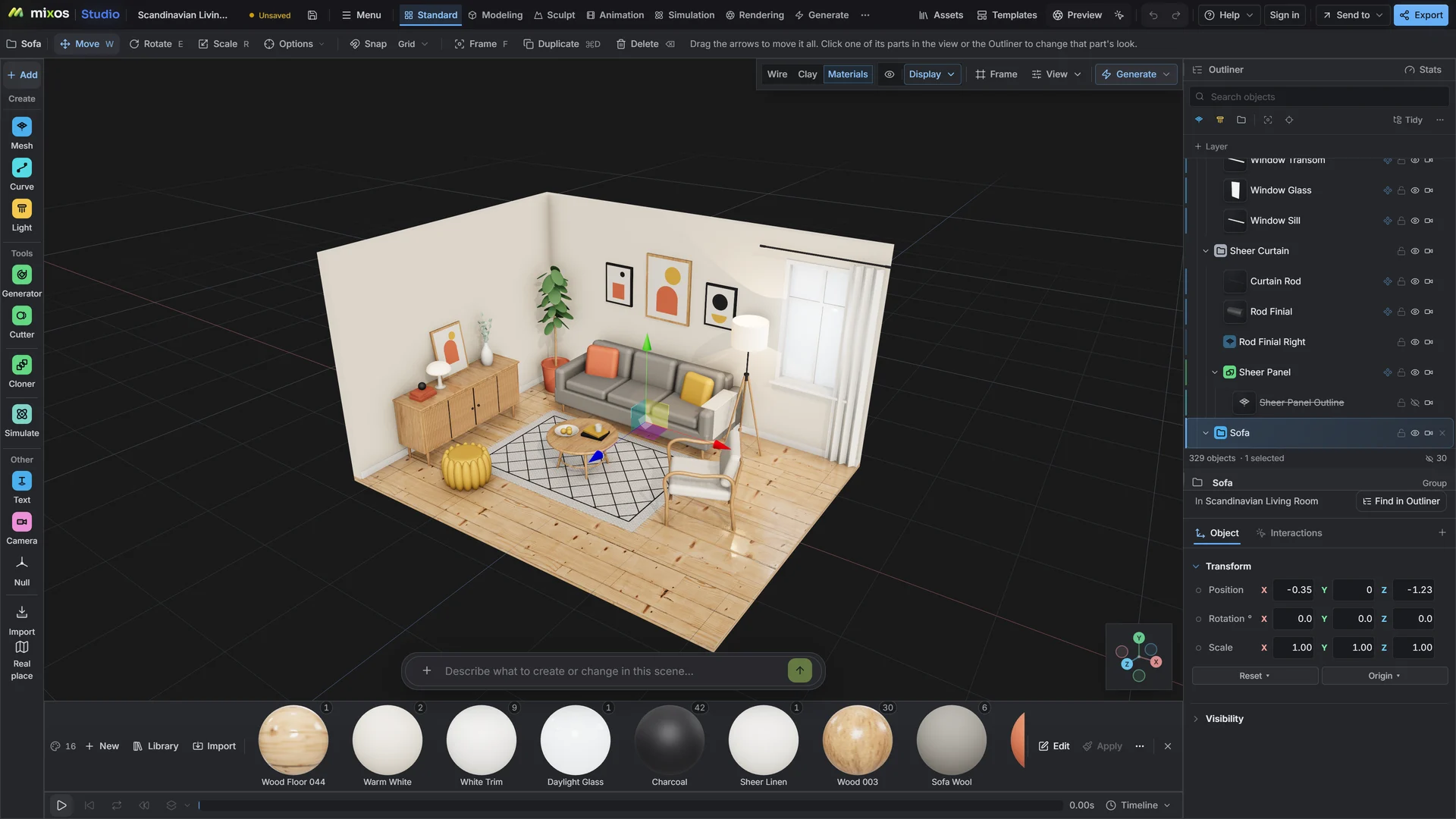
Open the GLB in Studio, check its size and materials, then choose USDZ in the export dialog. The file downloads ready for AR Quick Look.
No. Animation and shape keys are not carried into USDZ here, so the model is static in AR. Export a GLB as well if you need the motion elsewhere.
USDZ has no real glass. Glass materials are written as mostly transparent surfaces, which are see-through in Quick Look but do not refract. GLB keeps true glass.
Opening the GLB and checking it is free with a free account. Saving the USDZ file needs a paid plan.
A browser with WebGPU: current Chrome or Edge on Windows, macOS, Linux or ChromeOS, or Safari on iPadOS 26 and later. You need a free account to open Studio. A single model file can be up to 150 MB.
Read next
Vertices, edges and faces — the box-modelling fundamentals.
Which of the two approaches fits the thing you're making.
Which format keeps materials and which throws them away.
Why the same texture reads bigger on one model than another.
Keep exploring
More in Import & convert