Fewer triangles, same silhouette
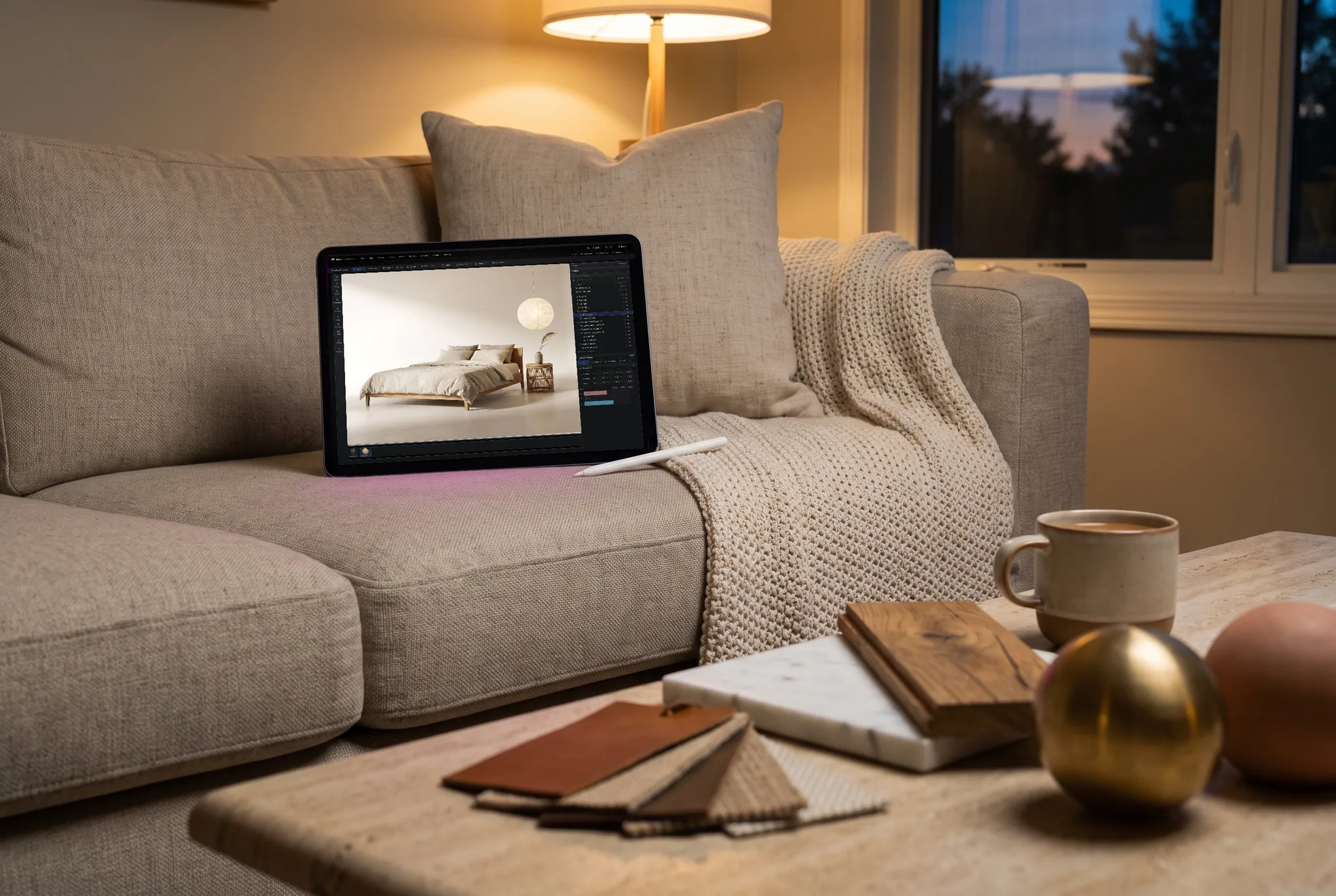
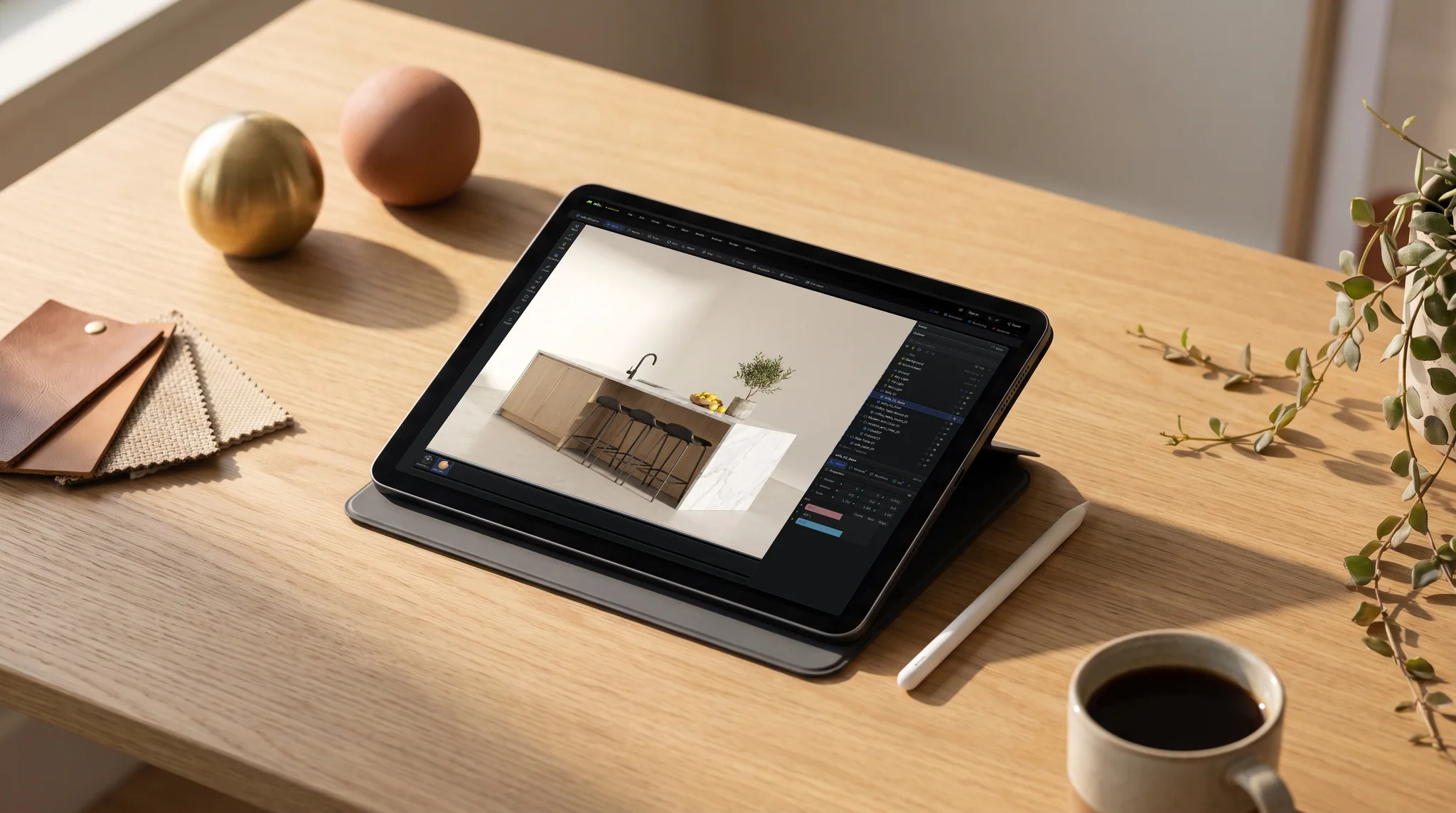
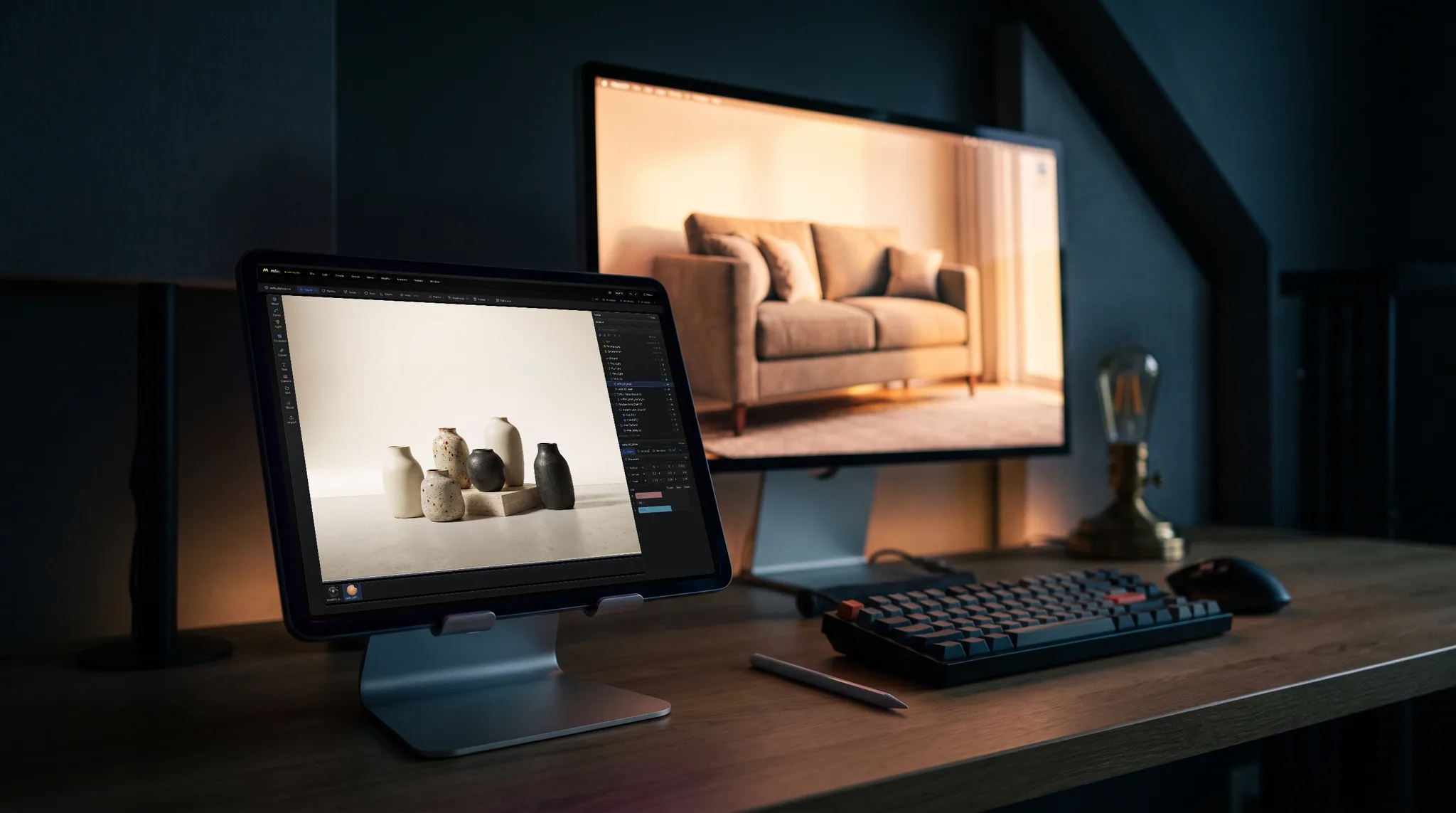
Reduce polygons collapses the mesh to the fraction you choose. Apply it as a modifier to compare levels side by side before committing to one.
Smaller GLB files
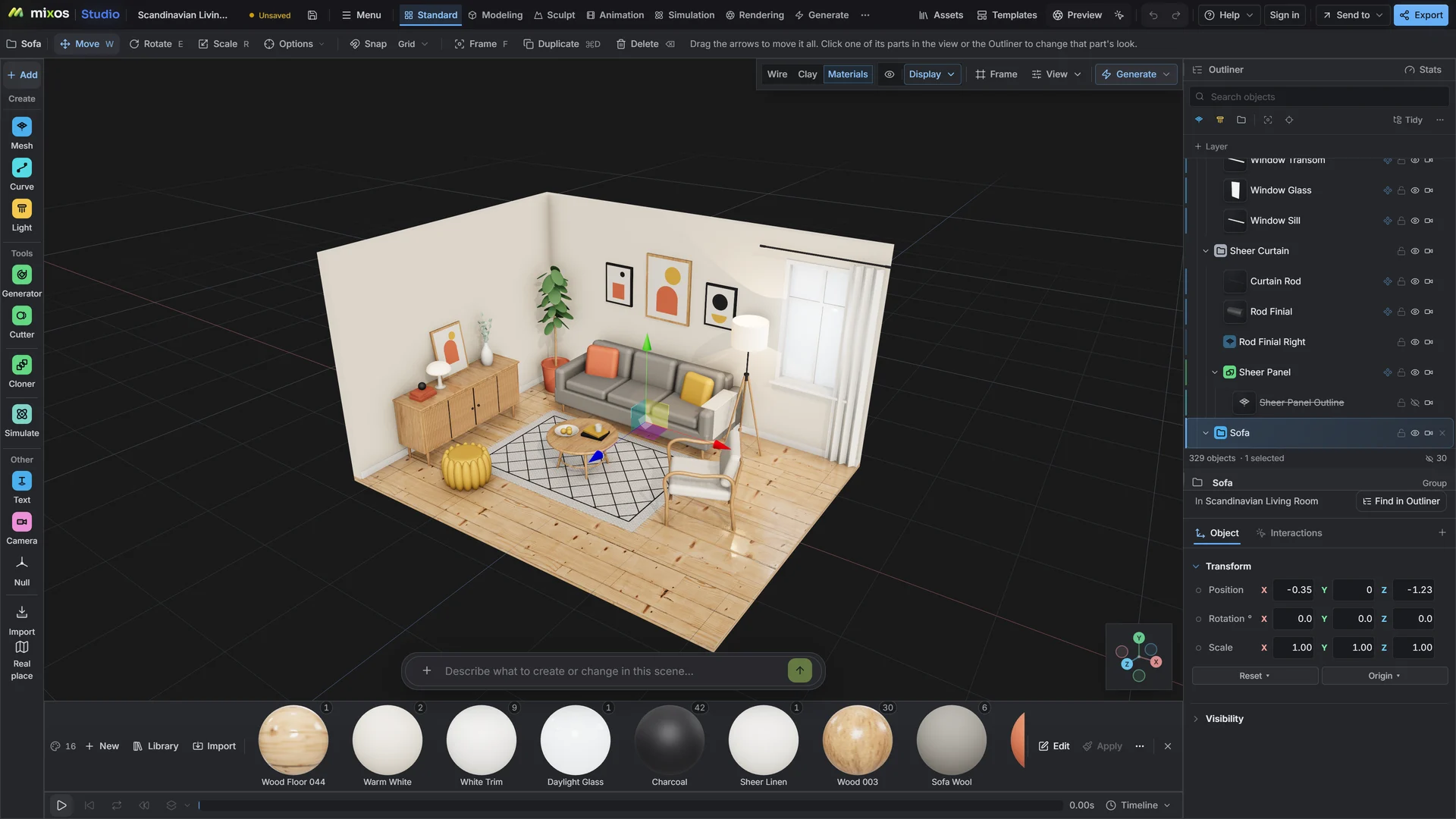
A GLB that is too heavy loads slowly on a web page and gets rejected by upload limits. Open it in Studio, reduce what is oversized, whether that is triangles, textures or both, and watch the model while you do, so the smaller file still looks like the original.
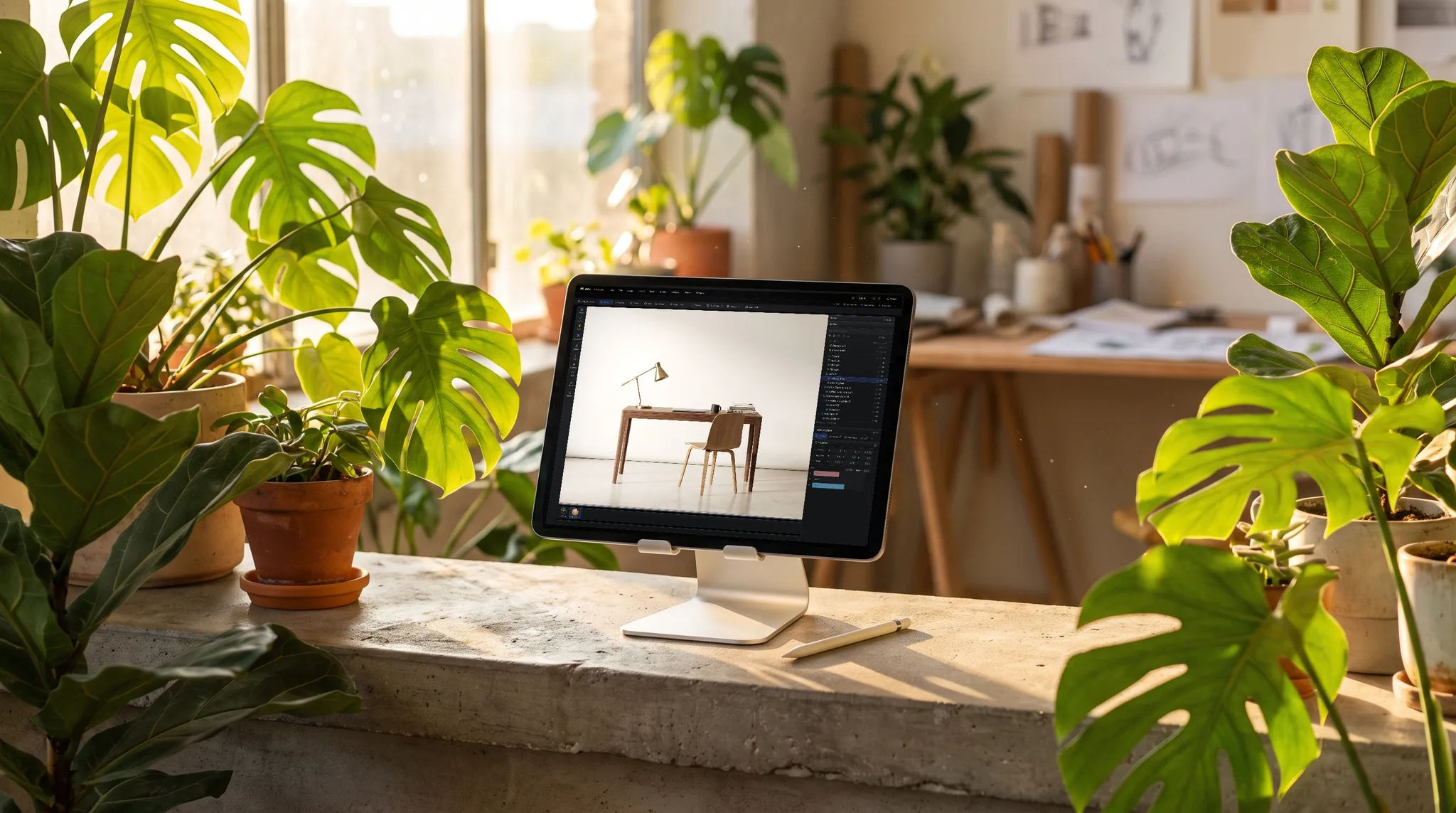
Reduce polygons collapses the mesh to the fraction you choose. Apply it as a modifier to compare levels side by side before committing to one.
Textures are usually most of a GLB's weight. On export, write them as JPEG at up to 4K, 2K or 1K, or cap the longest side at any size you set.
Quantized output is about a fifth smaller and opens in any glTF reader. Meshopt compression cuts geometry by roughly 70 to 80 percent for readers that decode it.
Only visible objects are exported. Hide interior parts nobody will see and they are simply not in the smaller file.
Why Mixos
Before compressing anything, find out what is heavy. In most GLB files it is the textures: a handful of 4K maps can outweigh a detailed mesh several times over. In scans and AI-generated models it is the geometry, with hundreds of thousands of triangles describing a shape that needs a tenth of them.
Each has its own fix, and they combine. Lowering texture quality on export changes only the file, not your scene, so you can try 2K and 1K and keep the one that still looks right. Reducing polygons changes the mesh itself and drops its UV layout, so use it on models you are prepared to retexture, or on untextured ones.
Geometry compression is the last step. Quantized output is safe everywhere. Meshopt is much smaller but needs a reader with a meshopt decoder, which three.js, Babylon.js and model-viewer have. It suits web delivery; do not use it for a file you will reopen in a tool that may not support it.
Opening a file and checking how it will convert is free with a free account. Saving the converted file is part of Pro at $8.99 a month or the one-time $99 license.
It depends on what is heavy. Dropping 4K textures to 1K JPEG often removes most of the file. Meshopt cuts geometry by roughly 70 to 80 percent, and quantized output by about 20 percent.
No. It opens in readers with a meshopt decoder, such as three.js, Babylon.js and model-viewer. For a file that must open in any tool, use quantized output instead.
Yes. It rebuilds the mesh and drops the UV layout, so an existing texture no longer fits. Resize textures and compress geometry first; reduce polygons when you can retexture.
Yes. Open a glTF, FBX, OBJ or any supported file and export GLB or glTF with the same texture and compression options.
Opening the GLB and trying the changes is free with a free account. Saving the smaller file needs a paid plan.
A browser with WebGPU: current Chrome or Edge on Windows, macOS, Linux or ChromeOS, or Safari on iPadOS 26 and later. You need a free account to open Studio. A single model file can be up to 150 MB.
Read next
Vertices, edges and faces — the box-modelling fundamentals.
Which of the two approaches fits the thing you're making.
Which format keeps materials and which throws them away.
Why the same texture reads bigger on one model than another.
Keep exploring
More in Import & convert