How to make seamless (tiling) textures
A seamless texture is one that can repeat across a large surface — a floor, a wall, terrain — without showing where one tile ends and the next begins. Getting there means removing edge seams and breaking up obvious repetition.
By Mixos
The short answer
There are two problems to solve: edges that don't match (visible seams) and patterns that repeat too obviously. Fix seams by making opposite edges line up — via offset-and-clone, AI generation, or procedural materials — then hide repetition with variation, masks, and triplanar projection on big surfaces.
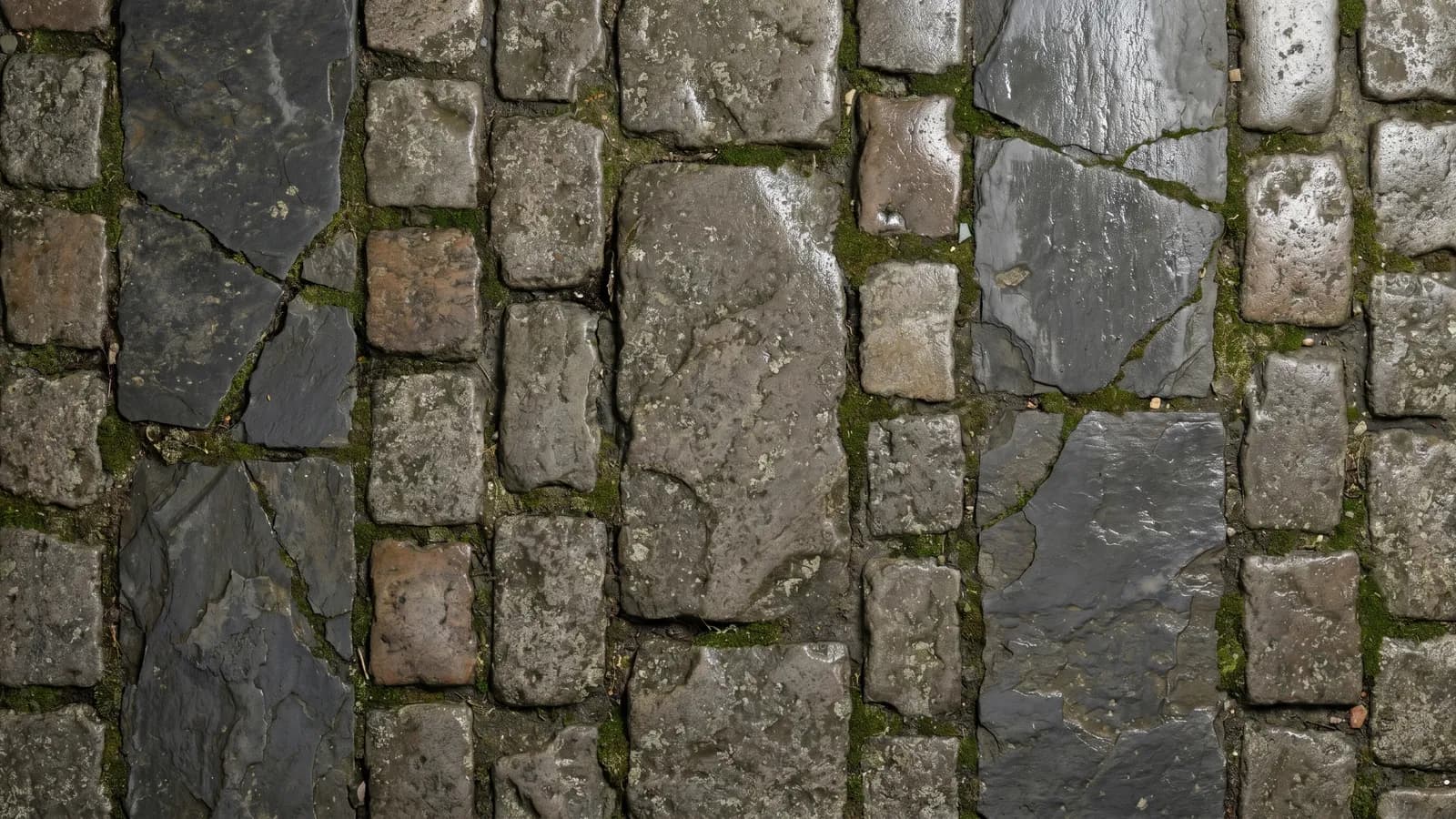
Step by step
- 1
Start from a tileable source
Generate a seamless material from a prompt, use a procedural one, or pick a library texture authored to tile. Starting seamless saves the most time.
- 2
Fix the seams (offset method)
If you're fixing a photo, offset the image by half so the former edges sit in the middle, then clone or heal across the now-visible seams until they disappear. Mixos's free Make a Texture Seamless tool automates exactly this — it routes the seam through the least-visible path instead of blurring, and can make a whole PBR set (color, normal, roughness, AO, height) seamless on one shared seam.
- 3
Even out lighting and color
Remove gradients and hotspots so no corner is brighter than another — uneven lighting reads as a repeating blob once the texture tiles.
- 4
Break up repetition
Even a seamless tile looks fake if its standout features repeat on a grid. Blend a second variation with a mask, add large-scale color variation, or scatter unique detail.
- 5
Test the tile
Preview the texture repeated several times — ideally on the actual surface in 3D — and hunt for seams and recurring landmarks. Iterate until nothing jumps out.
- 6
Apply with triplanar if needed
On meshes without clean UVs, use triplanar projection to lay the seamless material across the surface and tune the tiling scale.
Why AI and procedural beat manual fixing
Hand-fixing photo seams is slow and error-prone. Generating a material that's seamless from the start — or using a procedural one — skips the cloning entirely.
It also gives you the full PBR channel set already tiling, instead of just a flat color image you'd still have to turn into a material.
When you do need to tile an existing image, the free Make a Texture Seamless tool handles the offset-and-heal automatically and in the browser — and it can fix a whole PBR map set at once, keeping every channel aligned, rather than just the color.
Tiling without perfect UVs
Triplanar projection blends the texture from three directions, so it tiles cleanly on any mesh without UV seams.
It's ideal for terrain, rocks, and architecture, where unwrapping clean UVs would be impractical or not worth the effort.
Frequently asked questions
What makes a texture seamless?
Its opposite edges match, so it can repeat without a visible seam, and it has no strong lighting gradients or standout features that betray the repeat.
What's the fastest way to make a seamless texture?
Generate one that's seamless from the start (AI or procedural) rather than fixing a photo by hand — Mixos generates seamless PBR materials from a prompt. To tile an image you already have, the free Make a Texture Seamless tool does the offset-and-heal automatically, with no blur and across the whole PBR set.
How do I tile a texture without good UVs?
Use triplanar projection, which projects the texture from three axes and tiles cleanly on any mesh, with an adjustable scale.

Generate seamless, tiling PBR materials from a prompt and apply them with triplanar — free in Mixos.