
The whole model, not a swatch
One prompt covers every part of the mesh at once, so the finish reads consistently across the asset instead of tile-by-tile.
Auto-texture a 3D model
Drop in a .glb, .obj or .fbx, type what the surface should be, and Auto textures every part of the model in one pass — base color, normal, roughness, metallic and height, all editable afterwards.
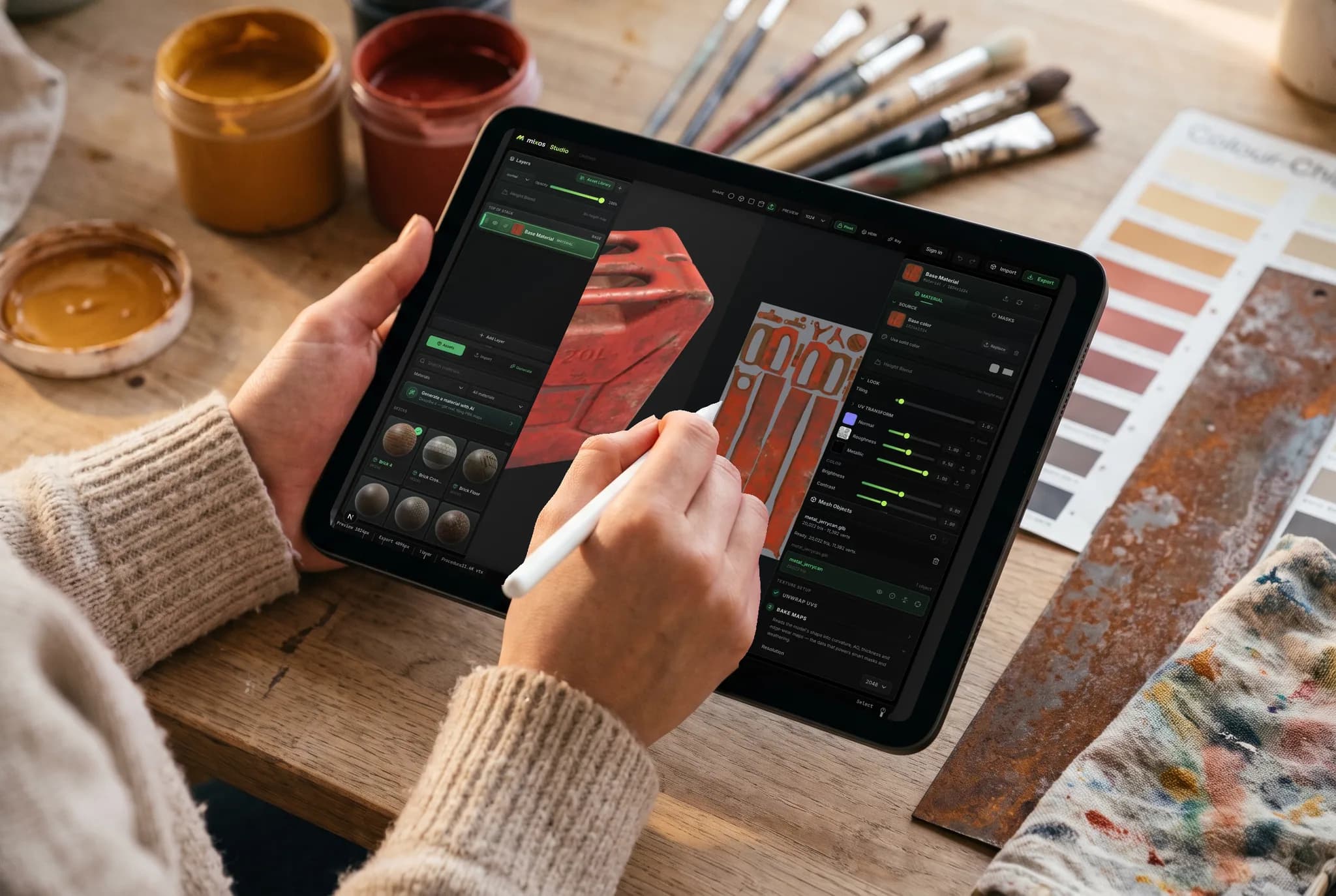
One prompt covers every part of the mesh at once, so the finish reads consistently across the asset instead of tile-by-tile.
A mesh with no UVs gets unwrapped for you before texturing. Nothing to lay out, nothing to pack.
Five channels come back as editable layers, plus a textured GLB you can open anywhere.
The result lands in the editor as ordinary layers — mask it, weather it, repaint the parts that missed.
Why Mixos
Auto-texturing is not the same job as generating a material. A material is a tiling square you apply and repeat; auto-texturing looks at your specific geometry and paints a texture that fits it — so the seams, edges and separate parts of one model end up belonging to each other rather than each carrying its own repeat.
The pass runs entirely in the browser tab. The mesh is combined, unwrapped if it needs it, and rendered from several angles; those views are painted from your prompt and reprojected back through the UVs into a single atlas, from which the remaining PBR channels are derived. What you get back is a layer in the editor, not a locked result — every channel stays editable, so the fast pass is a starting point rather than a take-it-or-leave-it.
It is honest about what it is good at. Hard-surface props, terrain, furniture, weapons, architectural pieces and anything read mostly by its material come back strong. Characters are the weak case: because the prompt describes a look rather than pointing at a place, facial features are positioned by inference and can land on the wrong part of the head. Generating and saving are free with the trial credits a new account gets; downloading the maps is the paid step.
GLB, glTF, OBJ, FBX and PLY. Multi-part models are combined into one surface first so the look carries across the whole asset, which does mean per-part layer work from an earlier session is not preserved.
No. A mesh arriving without UVs is unwrapped automatically before texturing, and very dense meshes are decimated for the pass. You do not lay anything out by hand.
It runs, but this is its weakest case and worth saying plainly. A text prompt describes a look without saying where anything goes, so eyes, mouths and other facial features are placed by inference and sometimes land wrong. Hard-surface and environment assets are where it is reliable today.
Not yet — the prompt is text only. Several tools in this space take a reference image and it is a genuine advantage of theirs; if placing a specific design on a specific spot is the job, paint or project it in the editor instead.
A desktop browser with WebGPU — Chrome or Edge on macOS, Windows, Linux or ChromeOS. It is not available on phones or tablets, or inside the iOS app.
A free account gets trial credits that cover a first run, and every paid plan carries a monthly pool. Texturing and saving are free; downloading the map set and the textured GLB is the paid step.
Read next
Vertices, edges and faces — the box-modelling fundamentals.
Which of the two approaches fits the thing you're making.
Which format keeps materials and which throws them away.
Why the same texture reads bigger on one model than another.

Upload it, describe the finish, and watch the whole model come back textured — no unwrap, no install, no plugin.