
Two ways in
Auto textures the entire mesh from a prompt; the painter gives you layers, masks and 2,600+ CC0 materials to work by hand.
Texture a 3D model online
Open a tab, drop in your mesh, and texture it — either by describing the look and letting Auto do the whole model, or by painting and layering PBR materials yourself. No download, no licence, no workstation.
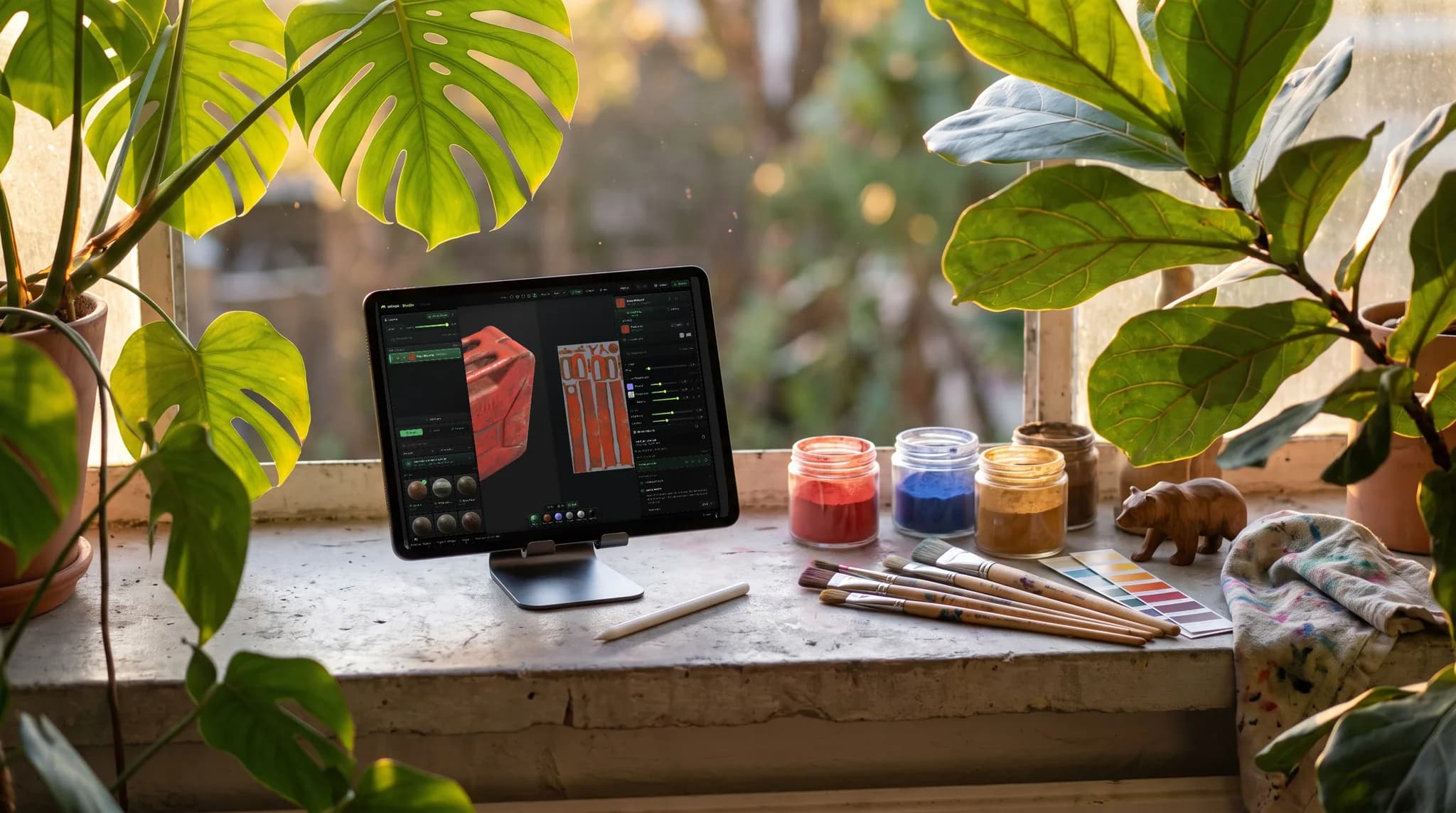
Auto textures the entire mesh from a prompt; the painter gives you layers, masks and 2,600+ CC0 materials to work by hand.
macOS, Windows, Linux and ChromeOS, on WebGPU. A Chromebook textures the same model a workstation does.
GLB, glTF, OBJ, FBX and PLY go in; PBR map sets and a textured GLB come out.
Importing, texturing, layering and saving cost nothing. Export is the paid line.
Why Mixos
Most 3D texturing still assumes a desktop install and a licence, which is a strange requirement for a job that is mostly looking at a model and deciding what it is made of. Mixos runs that job in a browser tab on WebGPU — the same GPU pipeline a native app would use, reached through a URL instead of an installer.
There are two honest routes and they suit different work. If you want the model finished fast, Auto takes a text prompt and textures the whole mesh in one pass, then hands you the result as editable layers. If you want control, the painter gives you a layer stack, masks, smart materials and a CC0 library to build the look deliberately. Most people use both: auto-texture for the base, then paint over the parts that matter.
What comes out is a normal PBR map set — base color, normal, roughness, metallic, height — plus a textured GLB, so the result opens in Blender, Unreal, Unity, Godot, Cinema 4D or a web viewer without a conversion step. Authoring is free; exporting the maps is the paid step, and the AI pass needs a desktop browser with WebGPU rather than a phone.
Importing a model, texturing it, layering and saving your project are free. Downloading the finished map set is the paid step, and a free account gets trial AI credits that cover a first auto-texture run.
No install and no plugin. An account is needed to run the AI passes, because those spend credits, and to keep projects between sessions.
Yes, on a Chromebook with WebGPU in Chrome. That is one of the reasons the whole thing is in a browser rather than an installer.
You can paint and sculpt on iPad and iPhone through the app, but the AI auto-texture pass is desktop-only — it needs more GPU than a phone reliably has, and it is switched off inside the iOS app.
The PBR map set — base color, normal, roughness, metallic, height, ambient occlusion — and a textured GLB, at up to 4K on a paid plan.
Read next
Vertices, edges and faces — the box-modelling fundamentals.
Which of the two approaches fits the thing you're making.
Which format keeps materials and which throws them away.
Why the same texture reads bigger on one model than another.
Drop a model in and texture it — by prompt or by hand — on whatever machine you happen to be sitting at.